
Profile UI examples: real profile and account editing flows
Profile flows captured from shipped products, every step in order: viewing, editing photos and details, and saving changes.
Search these flows in RefcatFree plan, no credit card. Describe what you are designing in plain English.
- Peloton: Completing profile setupiOS · 18 screens

- Shopify: Editing store profileWeb · 4 screens

- Clerk: User profileWeb · 4 screens

- Peerlist: Completing profileWeb · 12 screens

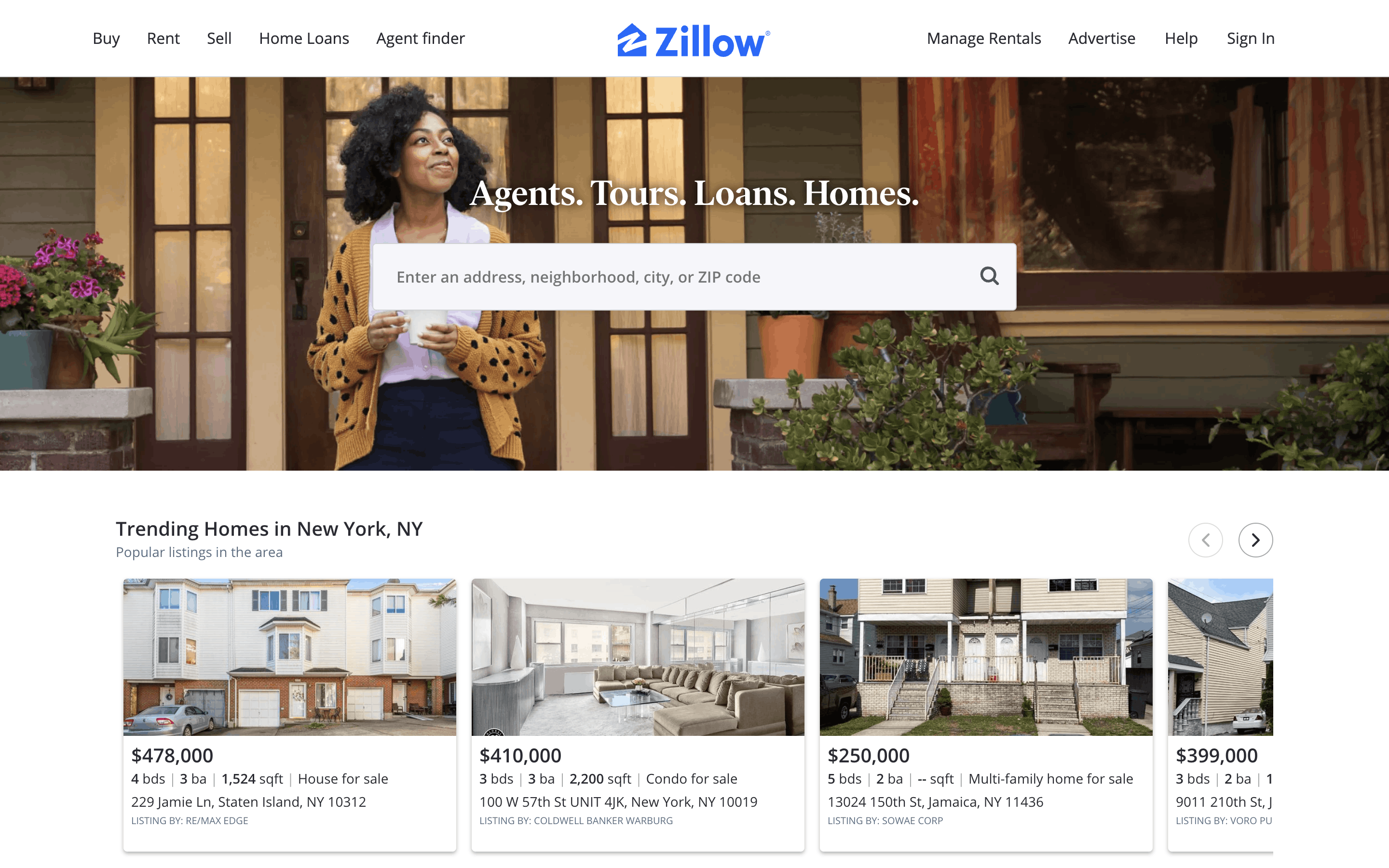
- Zillow: Uploading profile photoWeb · 7 screens
- Noom: Setting up a demographic profileiOS · 12 screens
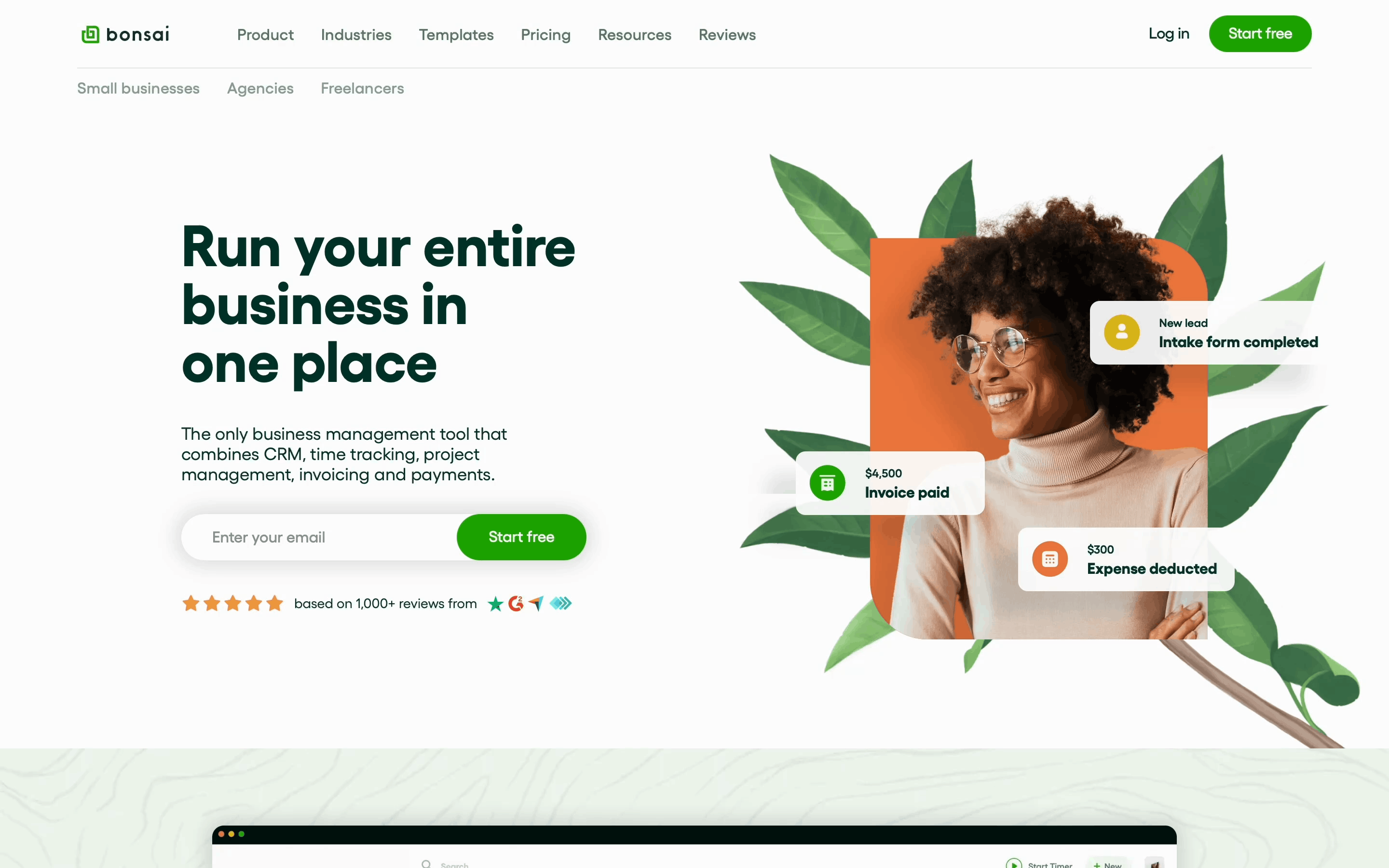
- Bonsai: Uploading profile pictureWeb · 5 screens
- IKEA: My profileWeb · 9 screens

- Revolut: Uploading a profile pictureiOS · 3 screens

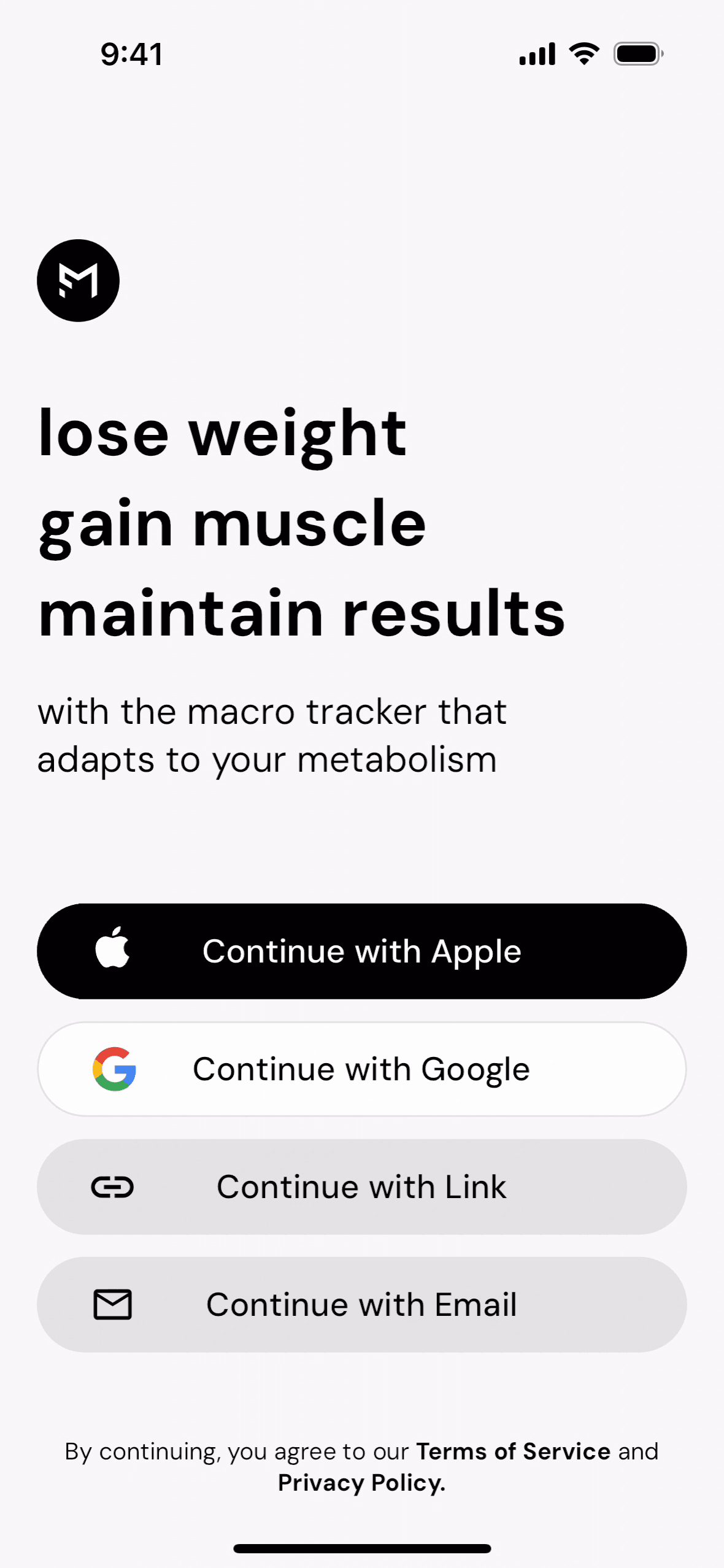
- MacroFactor: Editing profileiOS · 6 screens
- Bumble: Editing my profileiOS · 14 screens
- adidas: Completing profileiOS · 18 screens

- Gas: Adding profile photo & inviting friendsiOS · 10 screens

- KAYAK: Editing profileAndroid · 5 screens

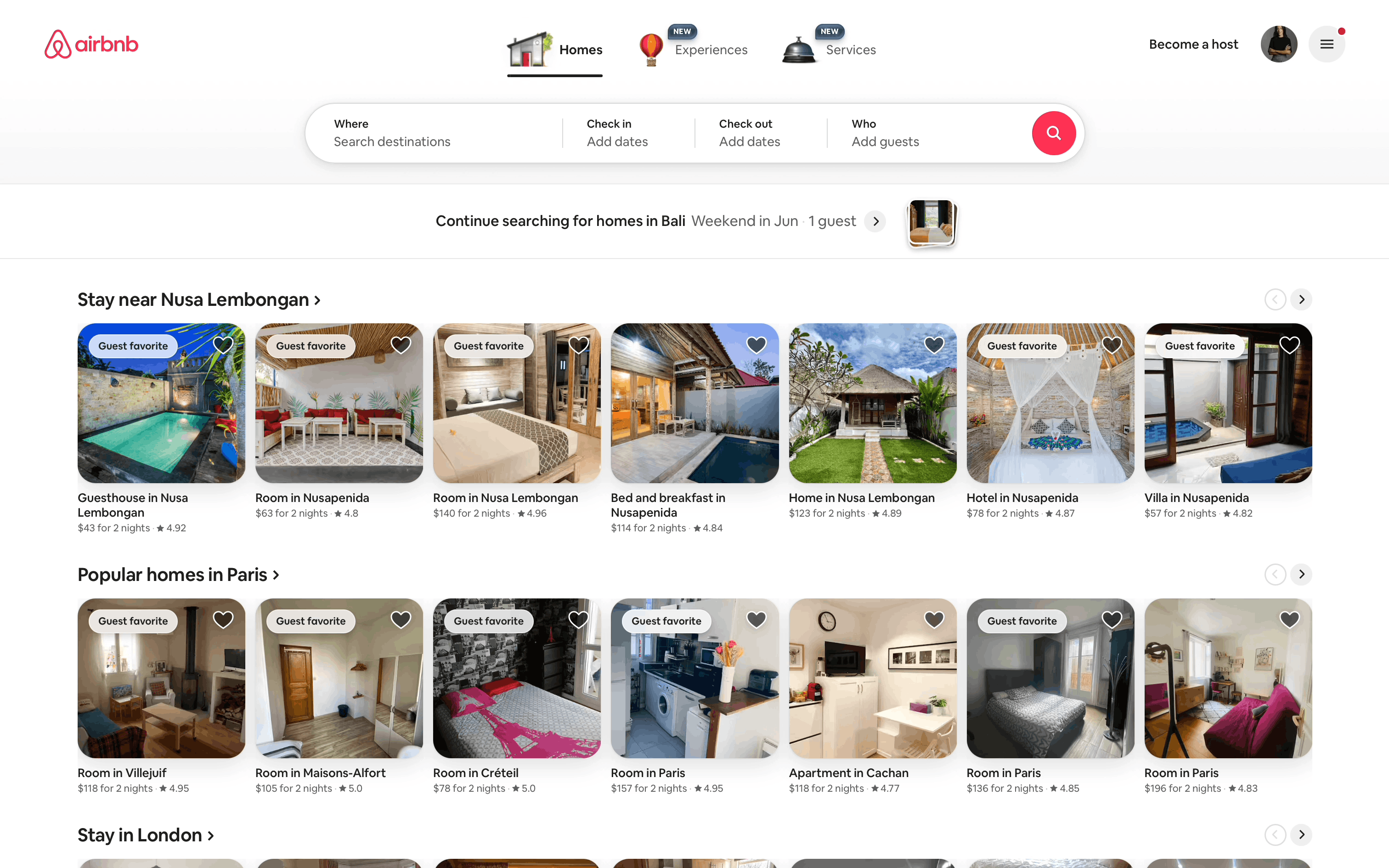
- Airbnb: Creating profileWeb · 5 screens
- Hinge: User profileiOS · 10 screens

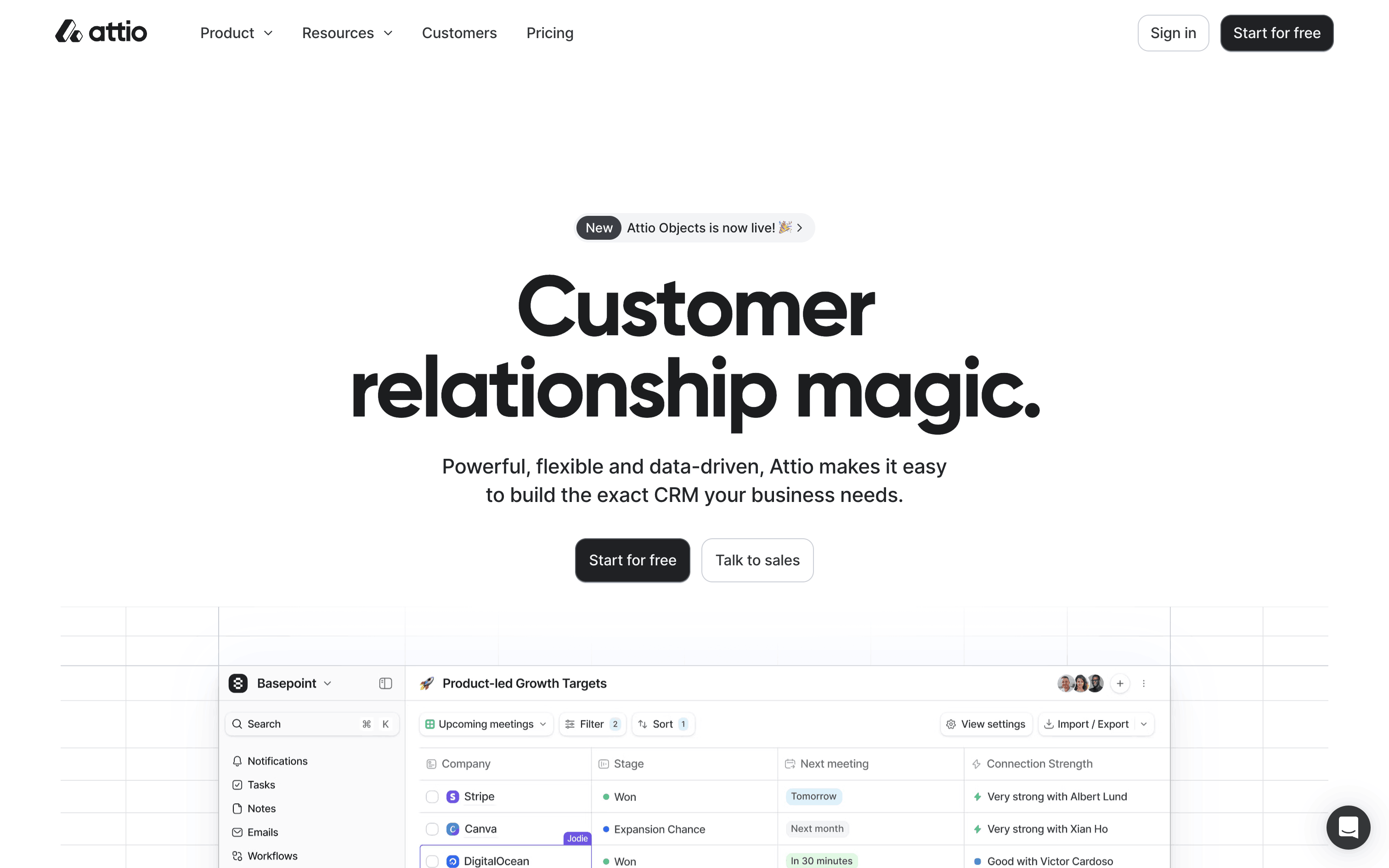
- Attio: Uploading a profile pictureWeb · 3 screens
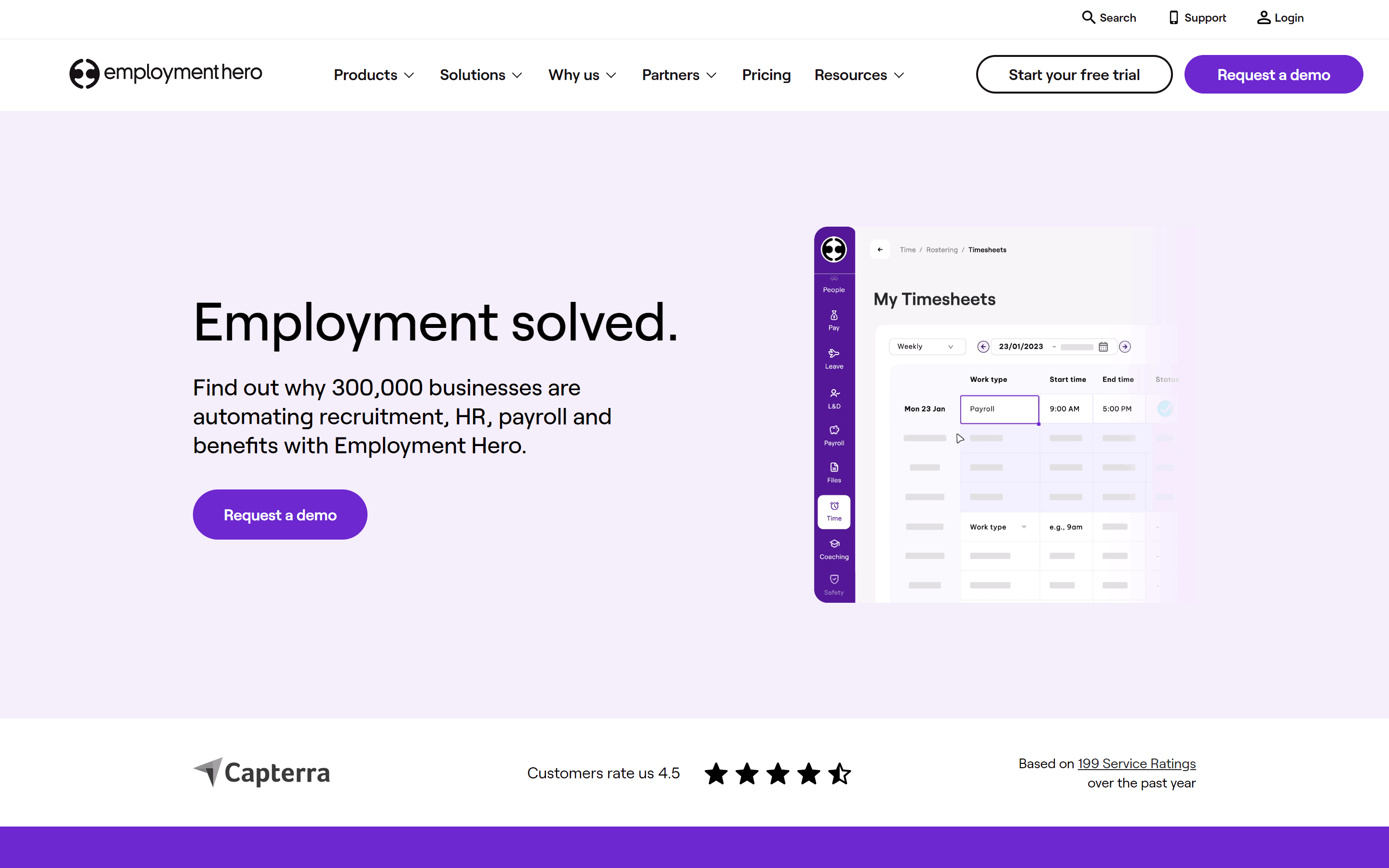
- Employment Hero: Candidate profileWeb · 6 screens
- Clay: Editing a profileWeb · 4 screens
- Airbnb: ProfileiOS · 3 screens

- OpenPhone: ProfileWeb · 5 screens
- Zocdoc: Doctor profileiOS · 12 screens

- Twist: Uploading profile pictureWeb · 4 screens
- Braintrust: Completing profileWeb · 15 screens

Picked from the Refcat catalog by flow intent and flow name, most popular first, one flow per product. Every card opens the full flow.