
Checkout UI examples: real checkout and ordering flows
Checkout, cart and ordering flows captured from shipped products, every screen in order: from adding to cart to confirming payment.
Search these flows in RefcatFree plan, no credit card. Describe what you are designing in plain English.
- Shopify: Creating an orderWeb · 10 screens

- foodpanda: Placing a food delivery orderiOS · 39 screens
- Uber Eats: Placing an orderiOS · 18 screens
- Natural AI: Order food deliveryiOS · 17 screens
- Coinbase: Buying cryptoiOS · 8 screens
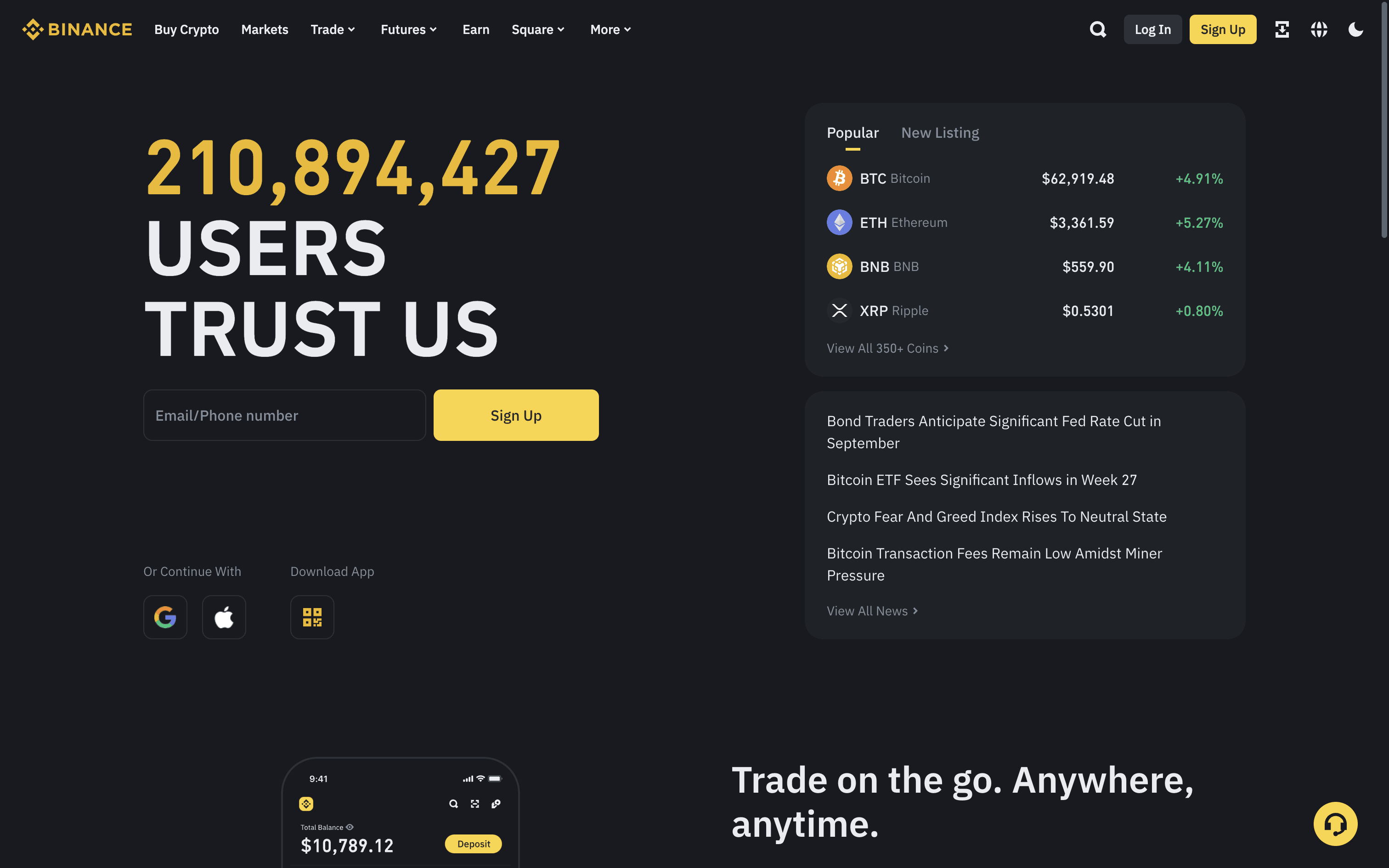
- Binance: Buying cryptoWeb · 18 screens
- McDonald's: Ordering food deliveryiOS · 35 screens

- DoorDash: Placing an orderiOS · 10 screens

- Glovo: Ordering a food deliveryiOS · 32 screens
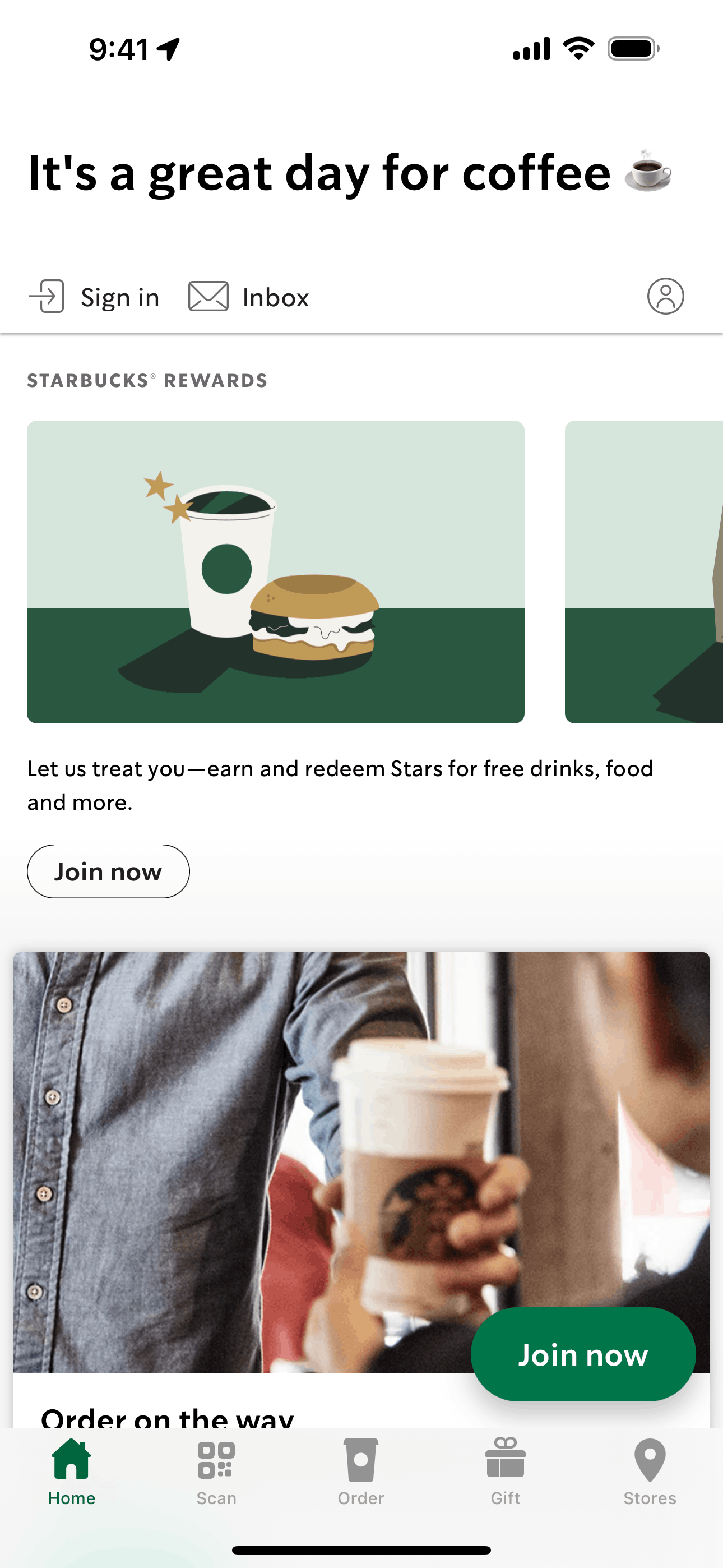
- Starbucks: Placing an orderiOS · 11 screens
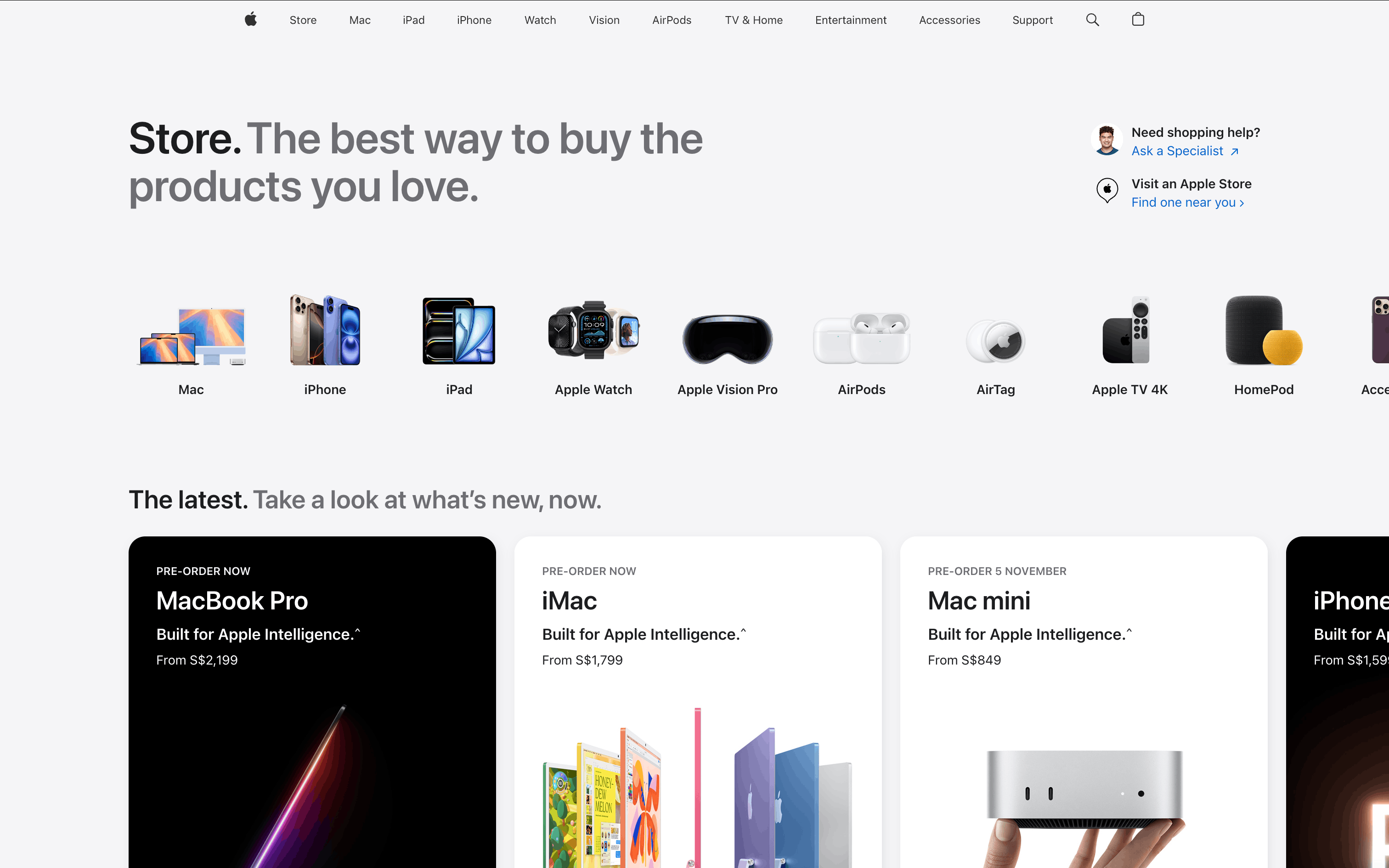
- Apple: Purchasing an itemWeb · 17 screens
- SeatGeek: Purchasing ticketsWeb · 14 screens
- Klarna: Purchasing a productiOS · 27 screens
- Snoonu: Placing an orderiOS · 16 screens
- Revolut: Buying a shareiOS · 6 screens
- Fiverr: Ordering a gigWeb · 10 screens
- Afterpay: Purchasing an itemiOS · 13 screens
- Uvodo: Order detailWeb · 3 screens
- Udemy: Completing checkoutWeb · 7 screens

- Gojek: Placing an orderiOS · 24 screens
- DICE: Buying a ticketiOS · 6 screens
- Coinbase: Buying crypto (ETH)Web · 8 screens
- Deliveroo: Editing and checking out cartiOS · 34 screens

- Gemini: Buying cryptoiOS · 15 screens
Picked from the Refcat catalog by flow intent and flow name, most popular first, one flow per product. Every card opens the full flow.