Refcat
UI reference · Web

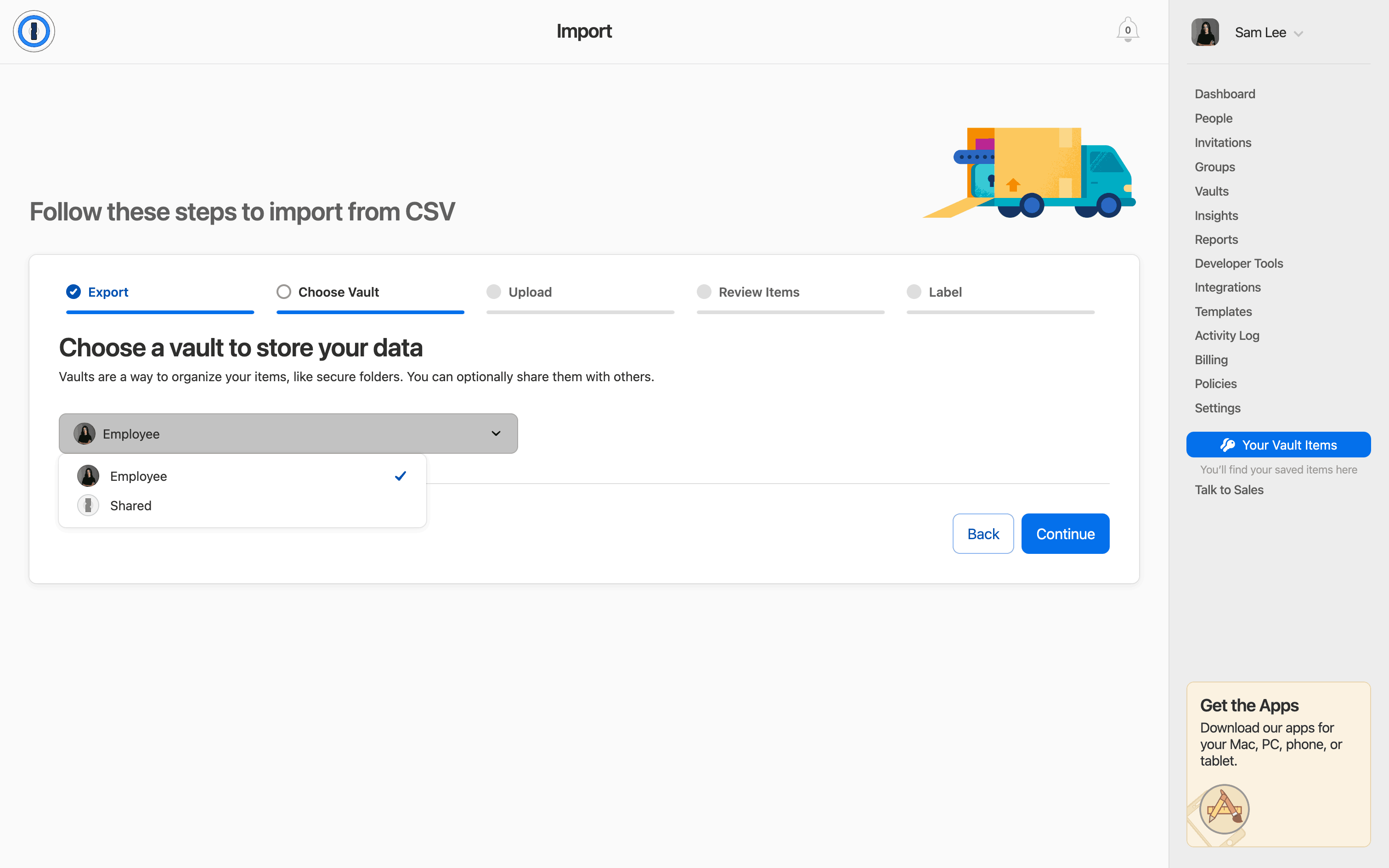
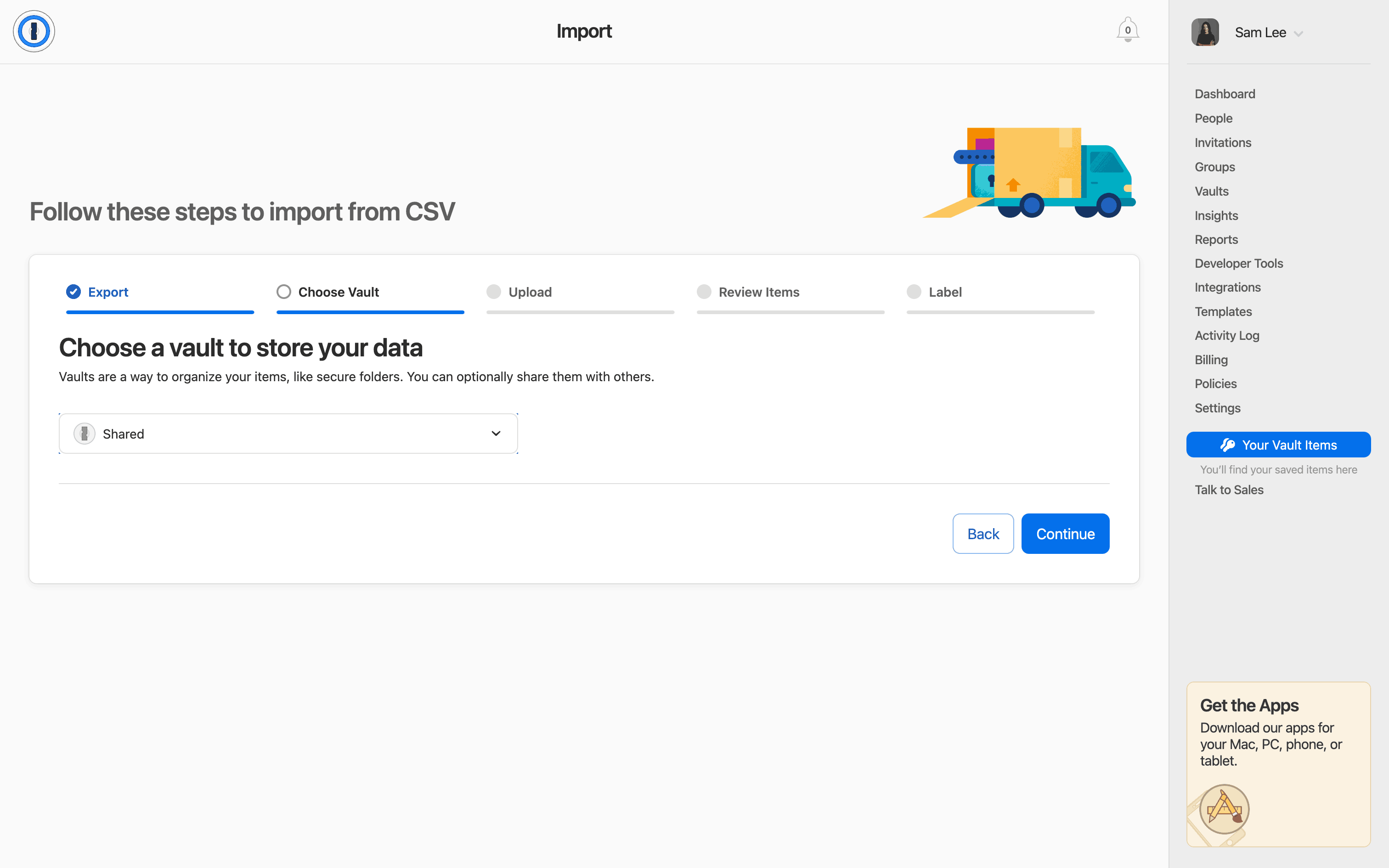
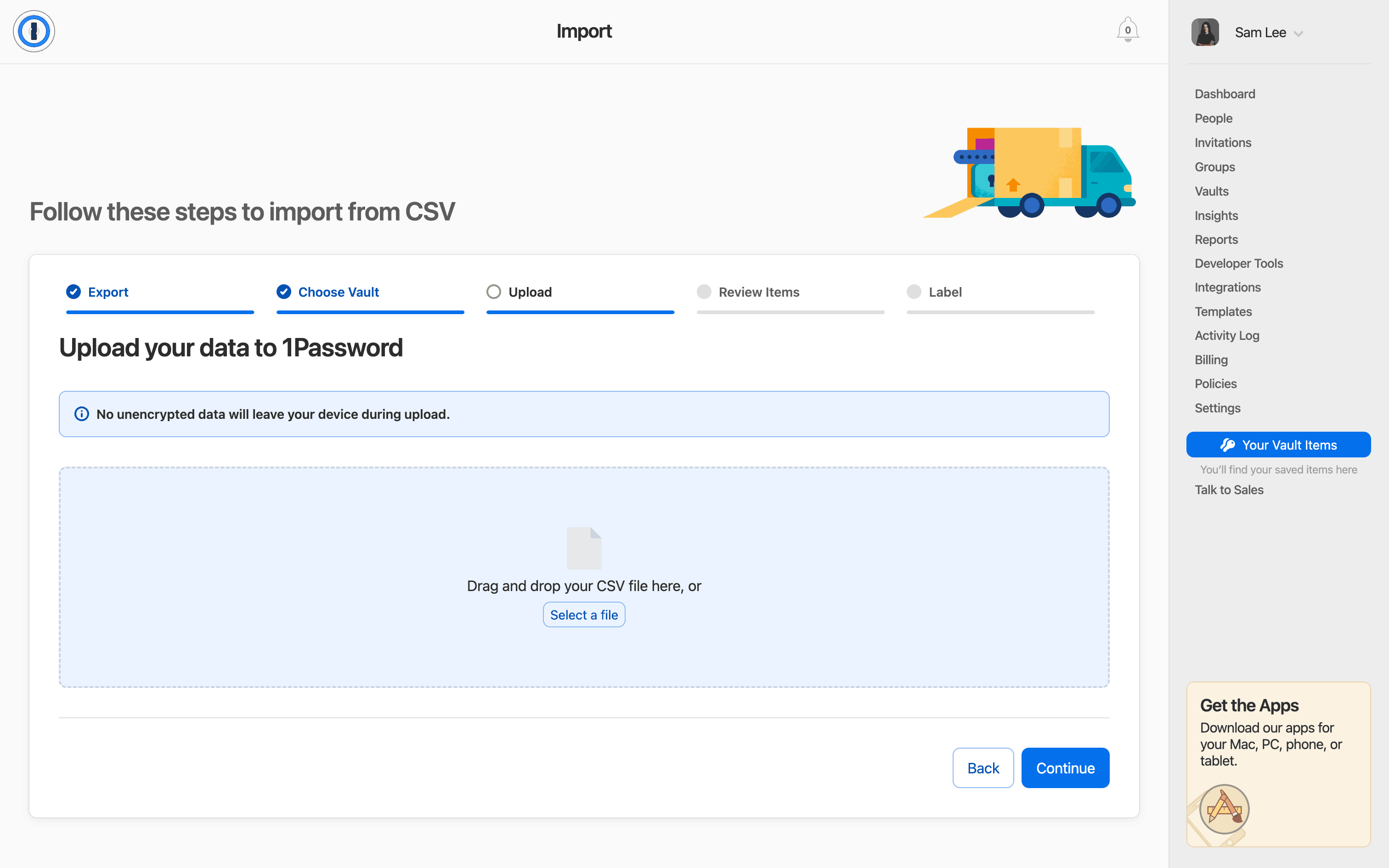
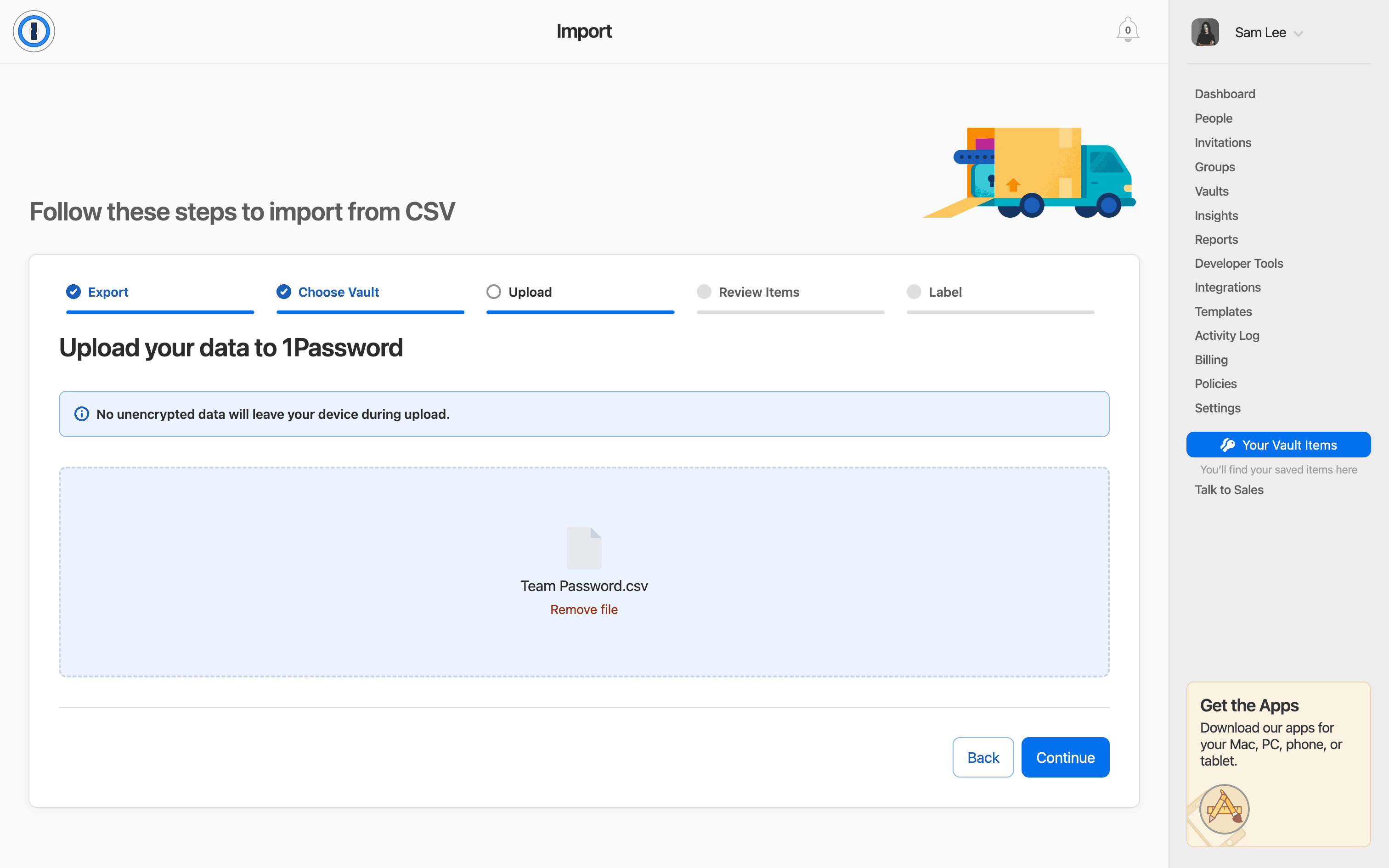
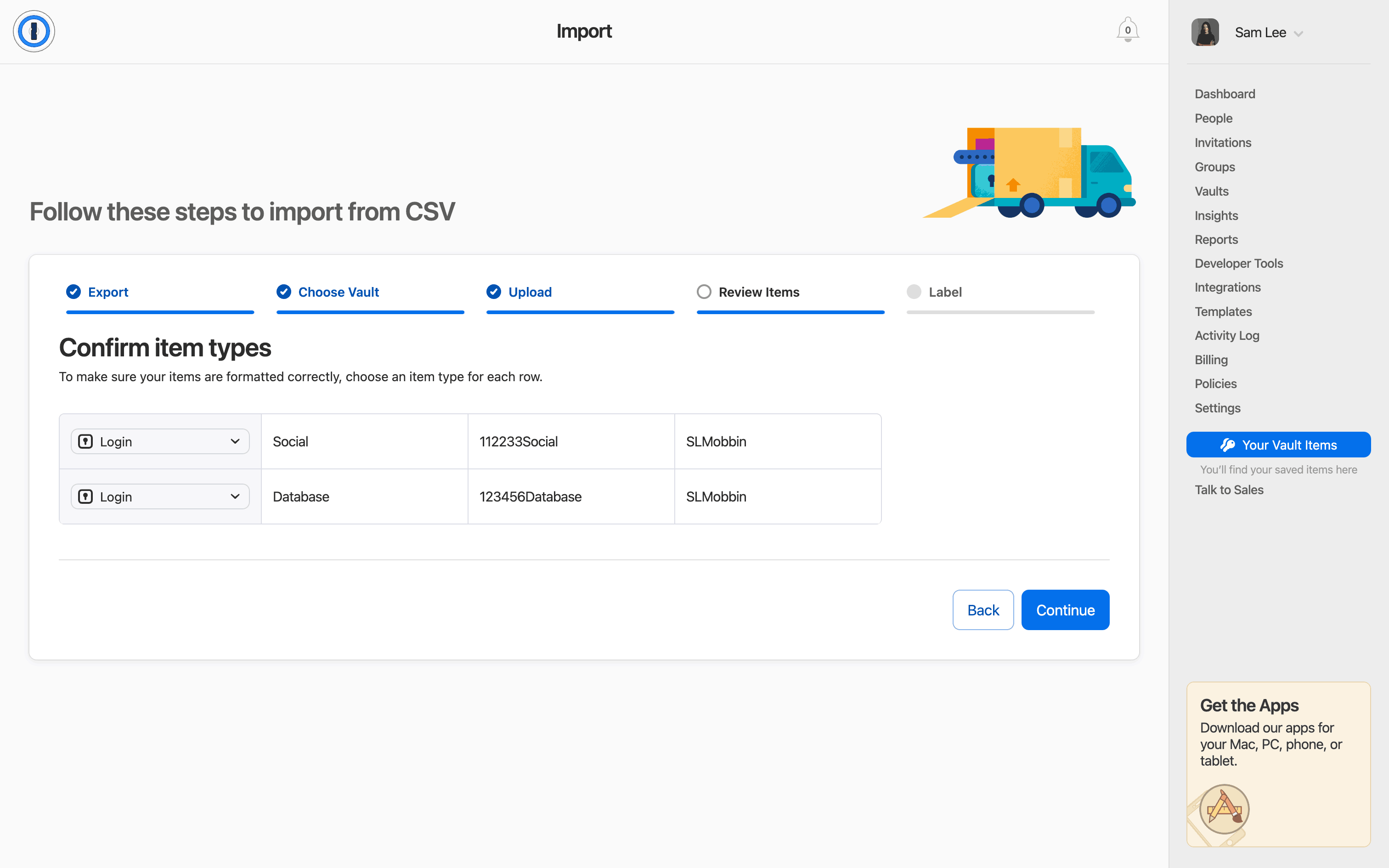
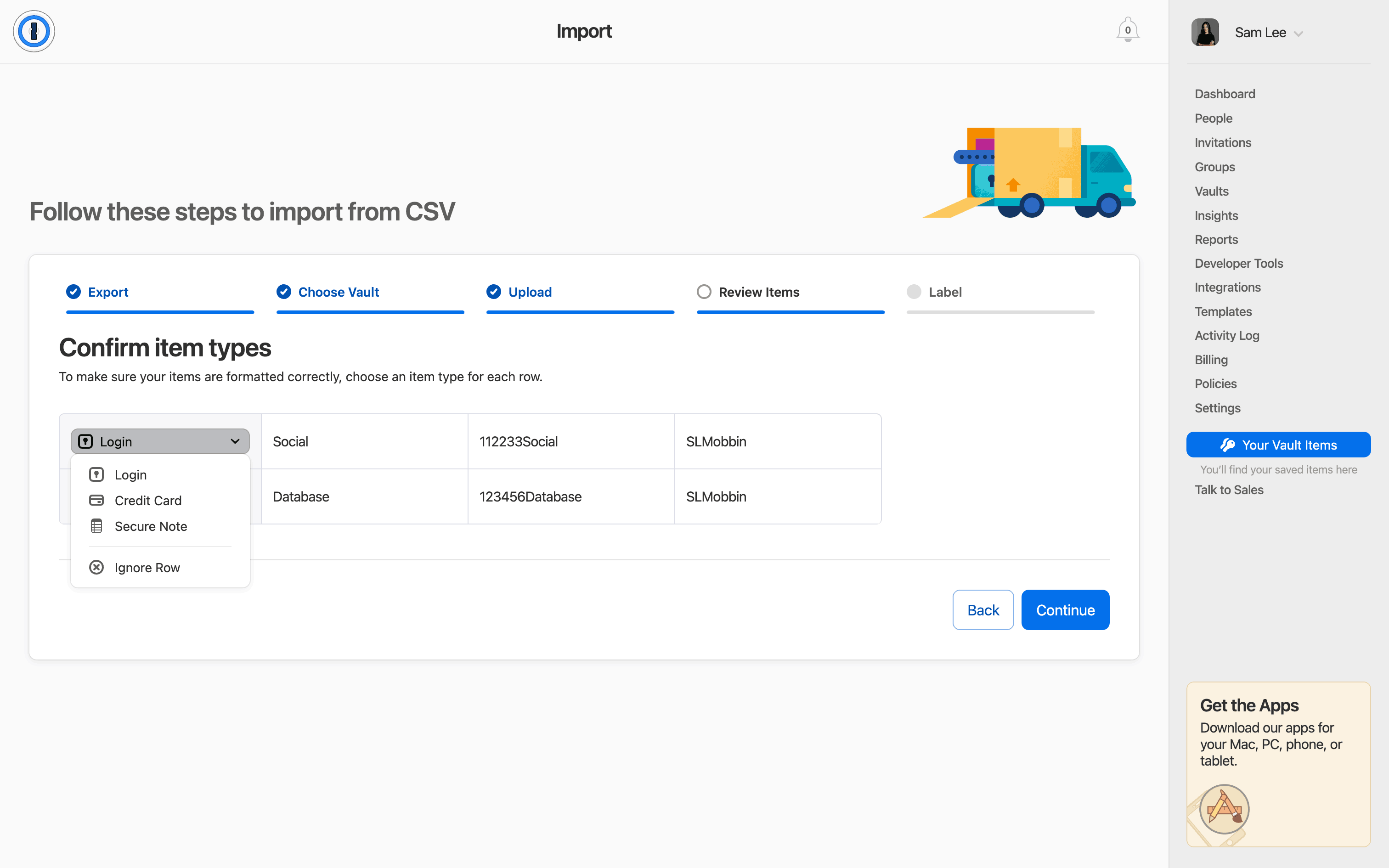
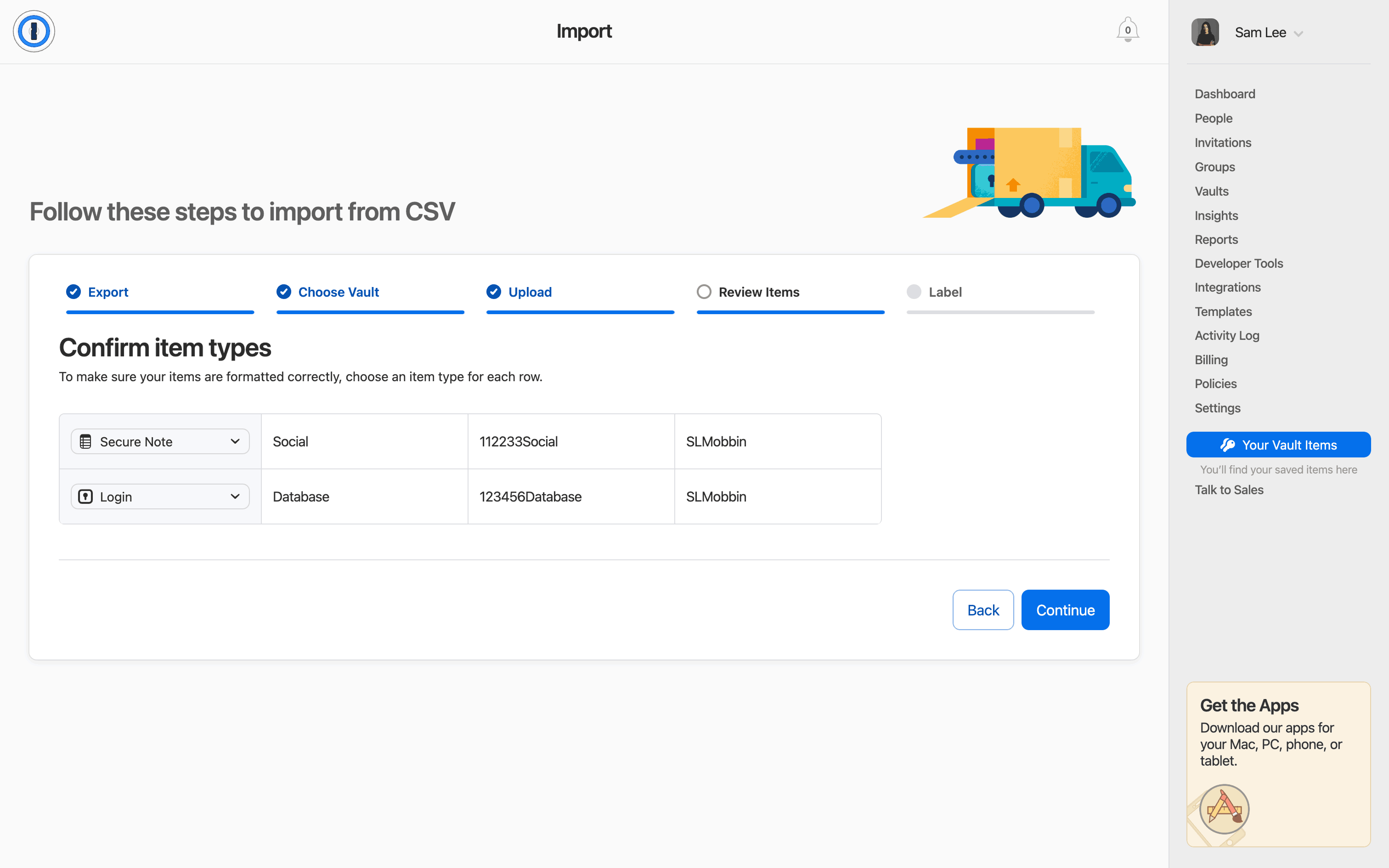
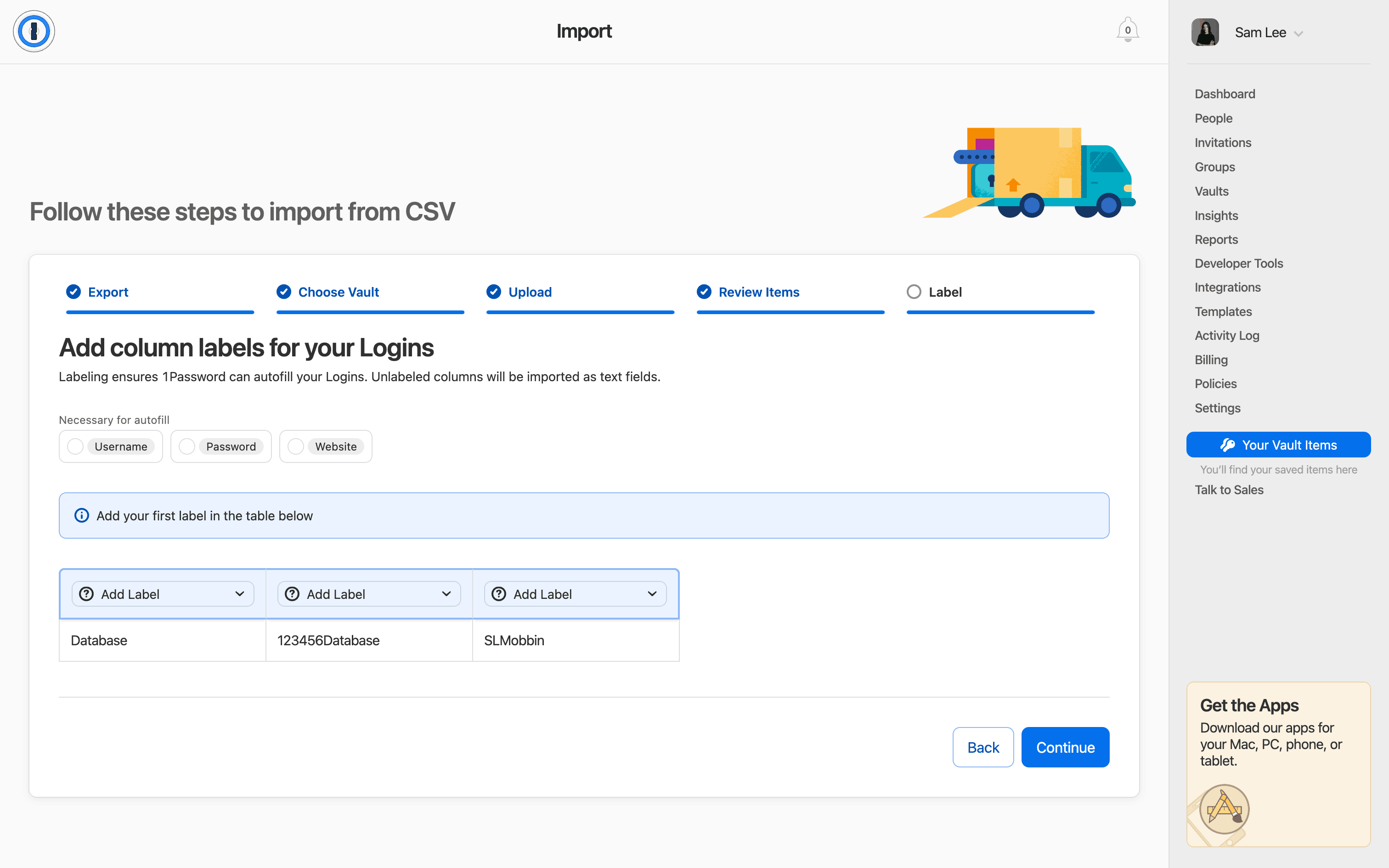
Importing a password in 1Password

20 screens · 1Password

Added to Refcat
Every screen in order

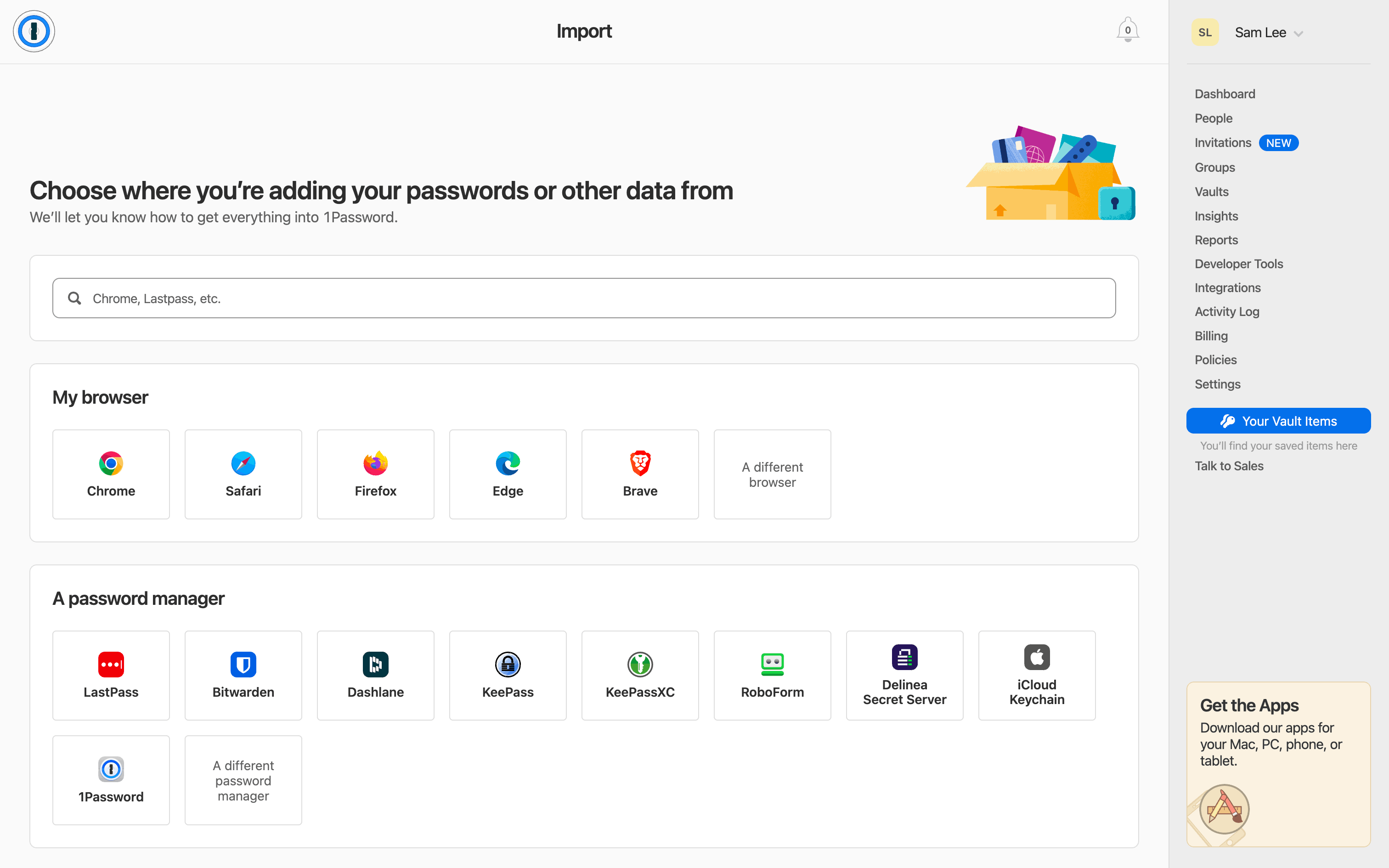
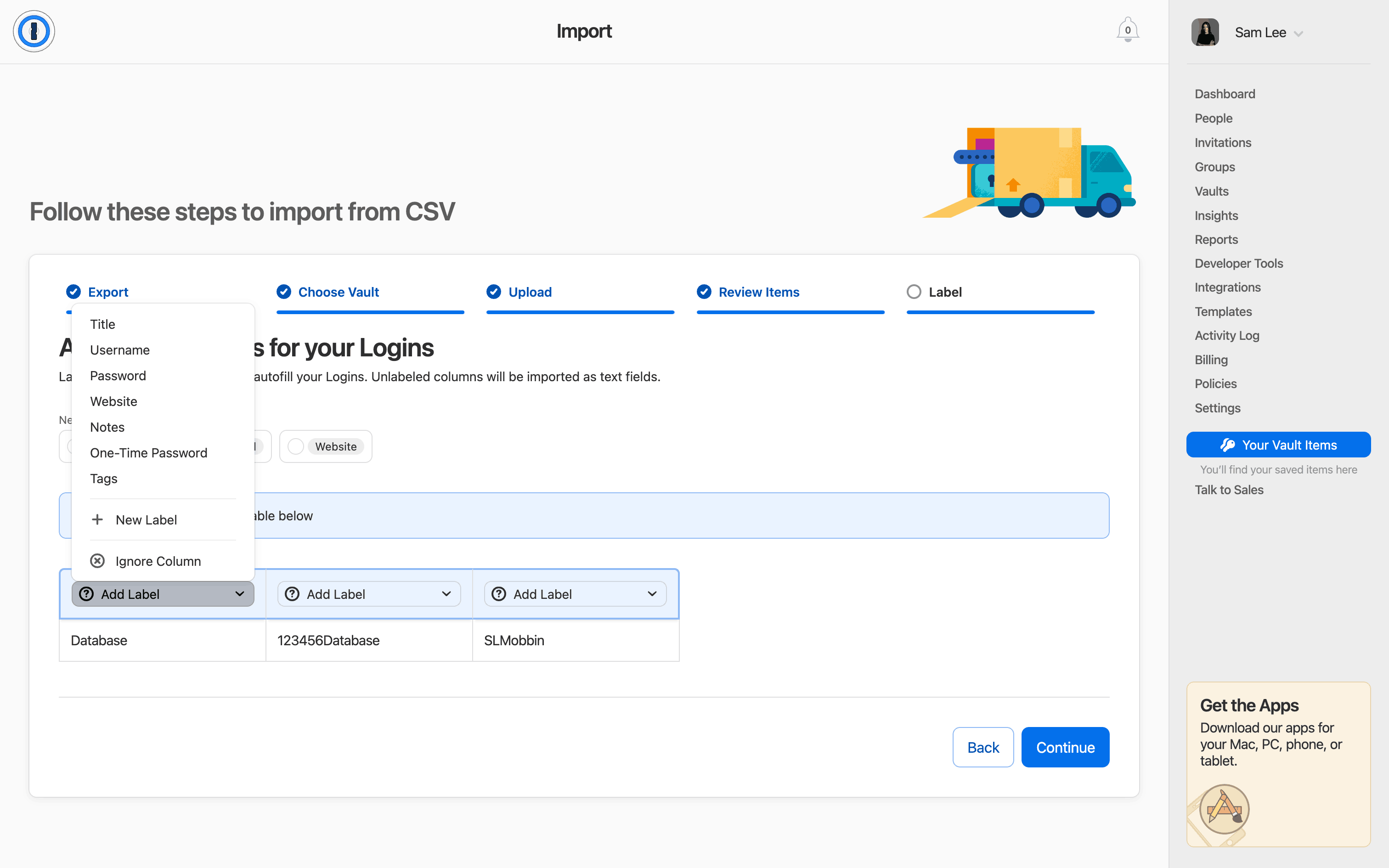
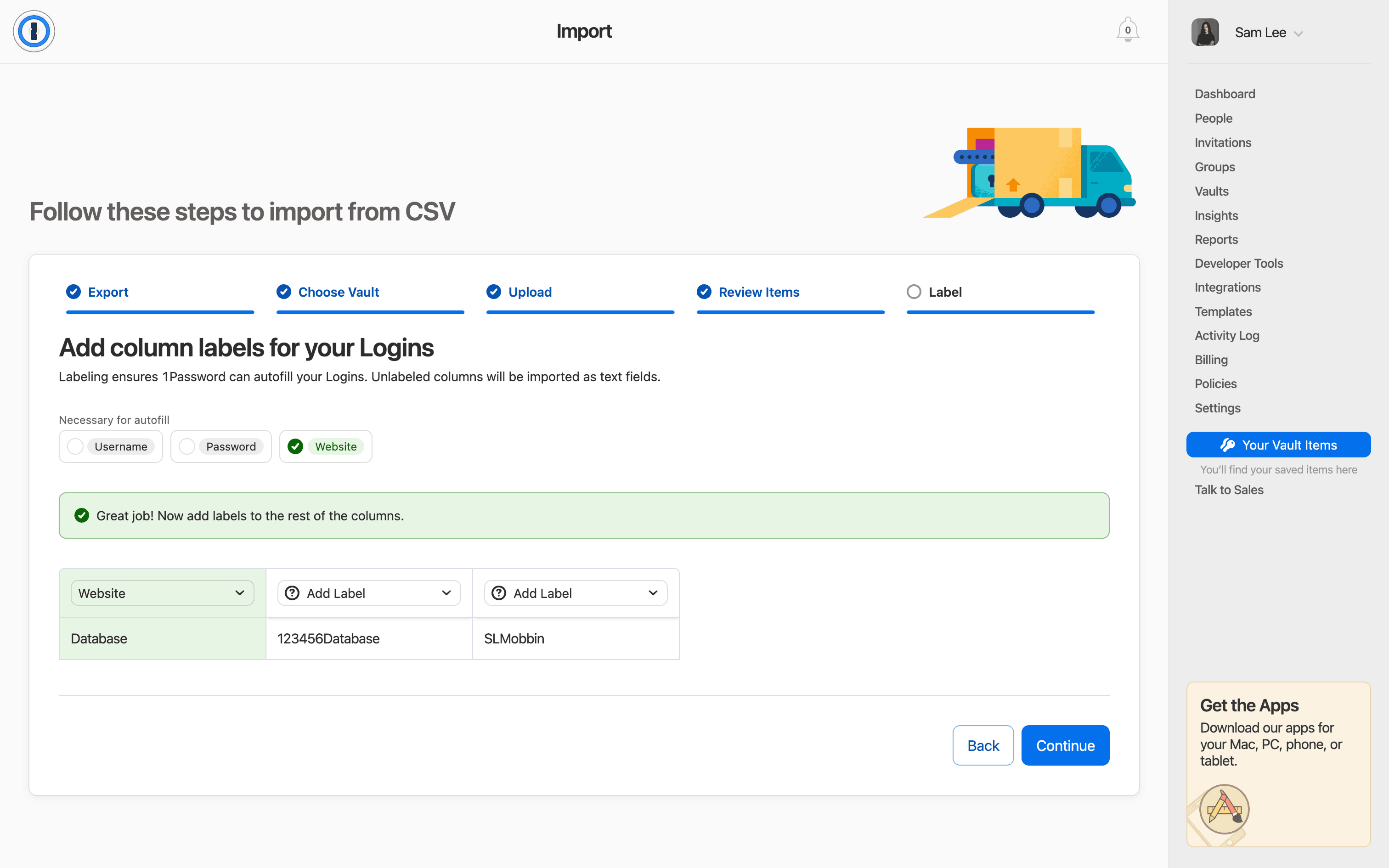
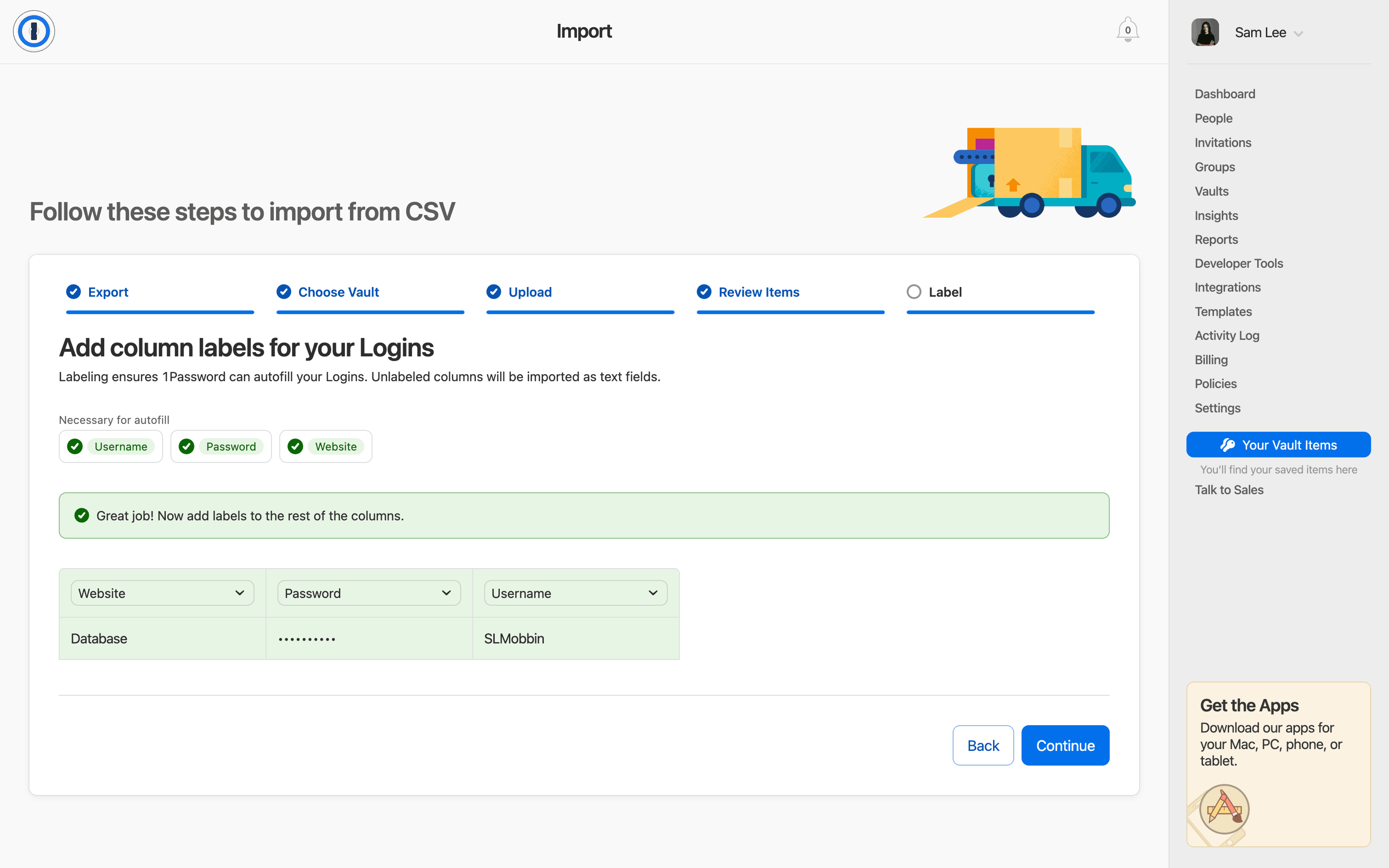
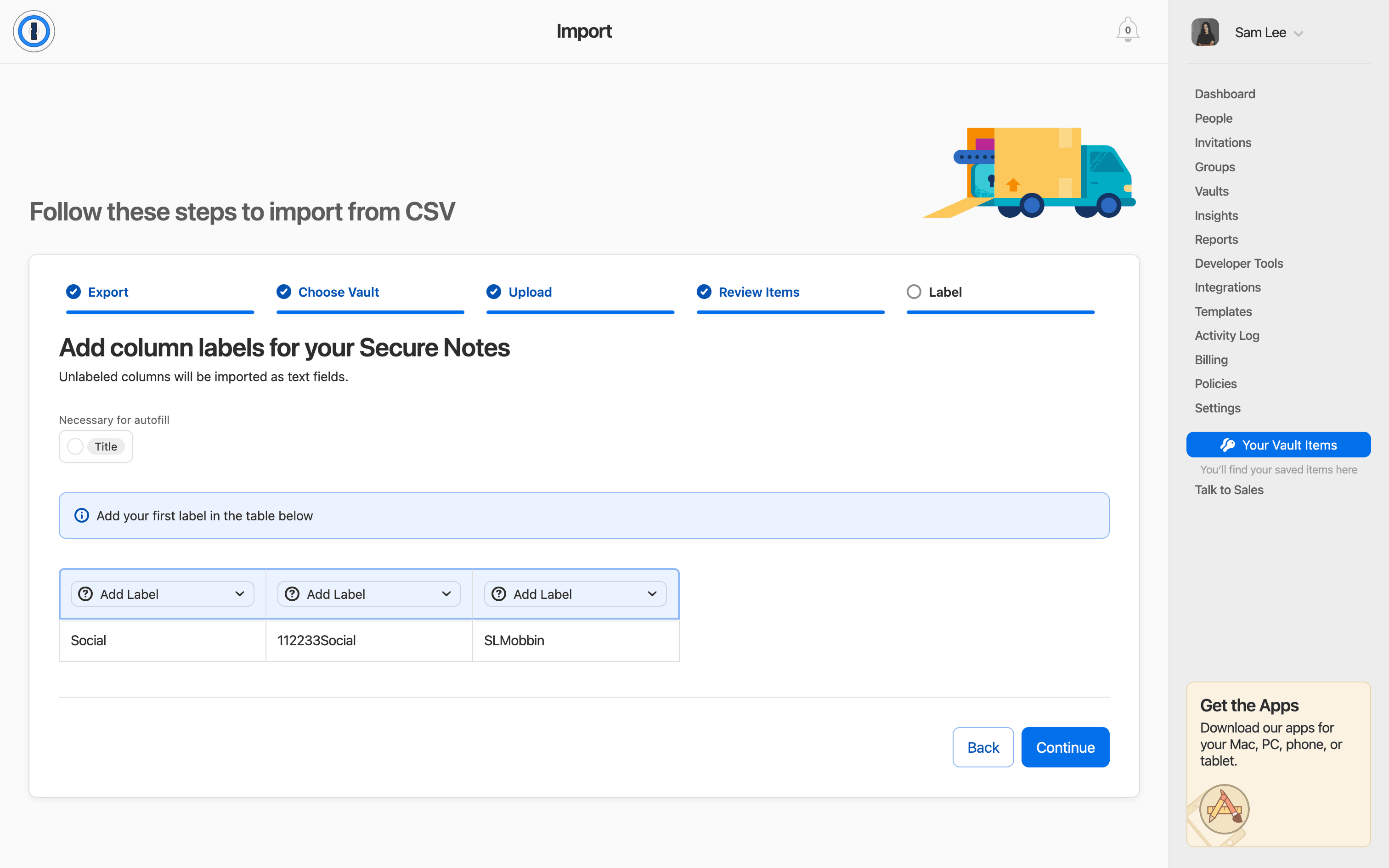
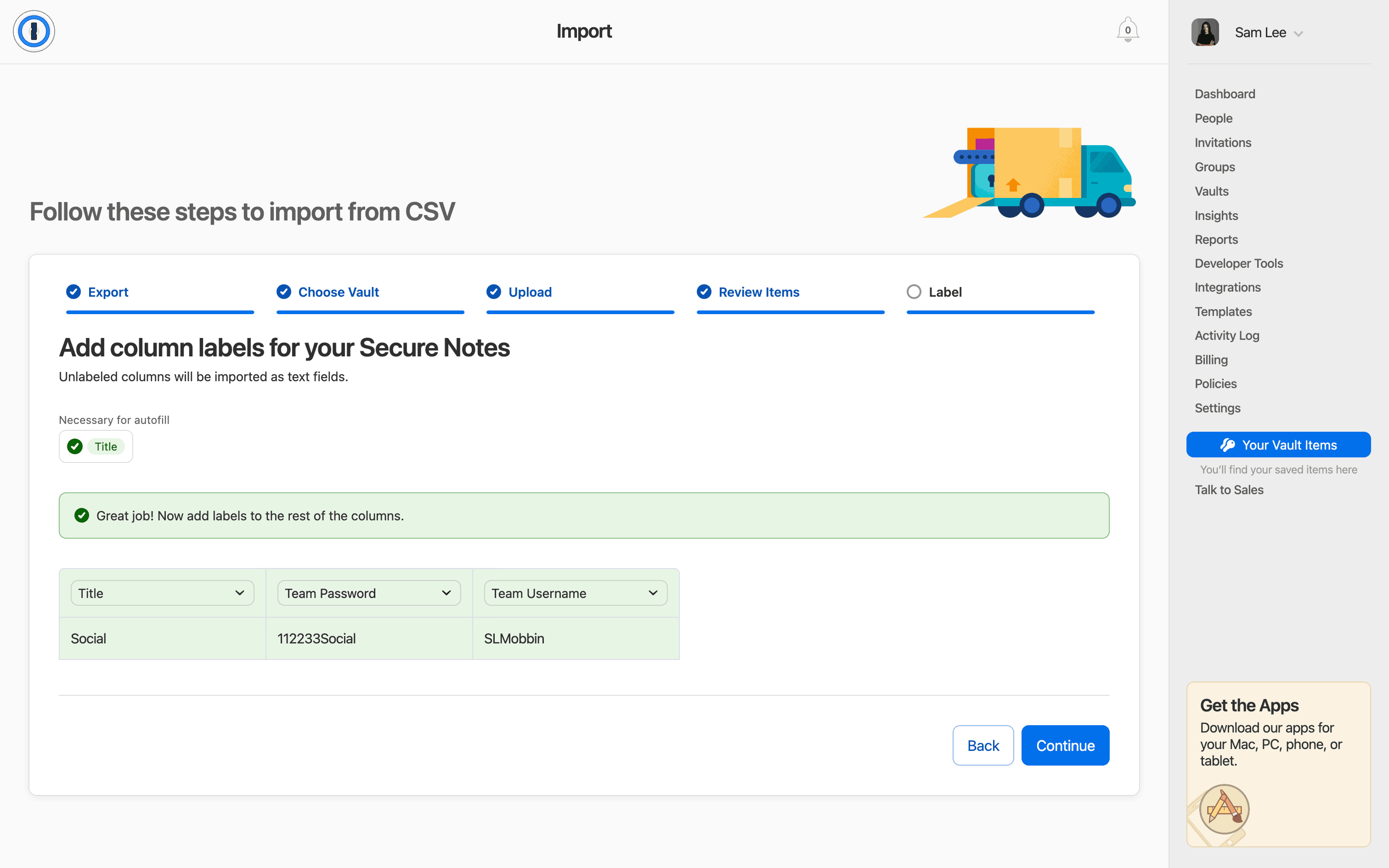
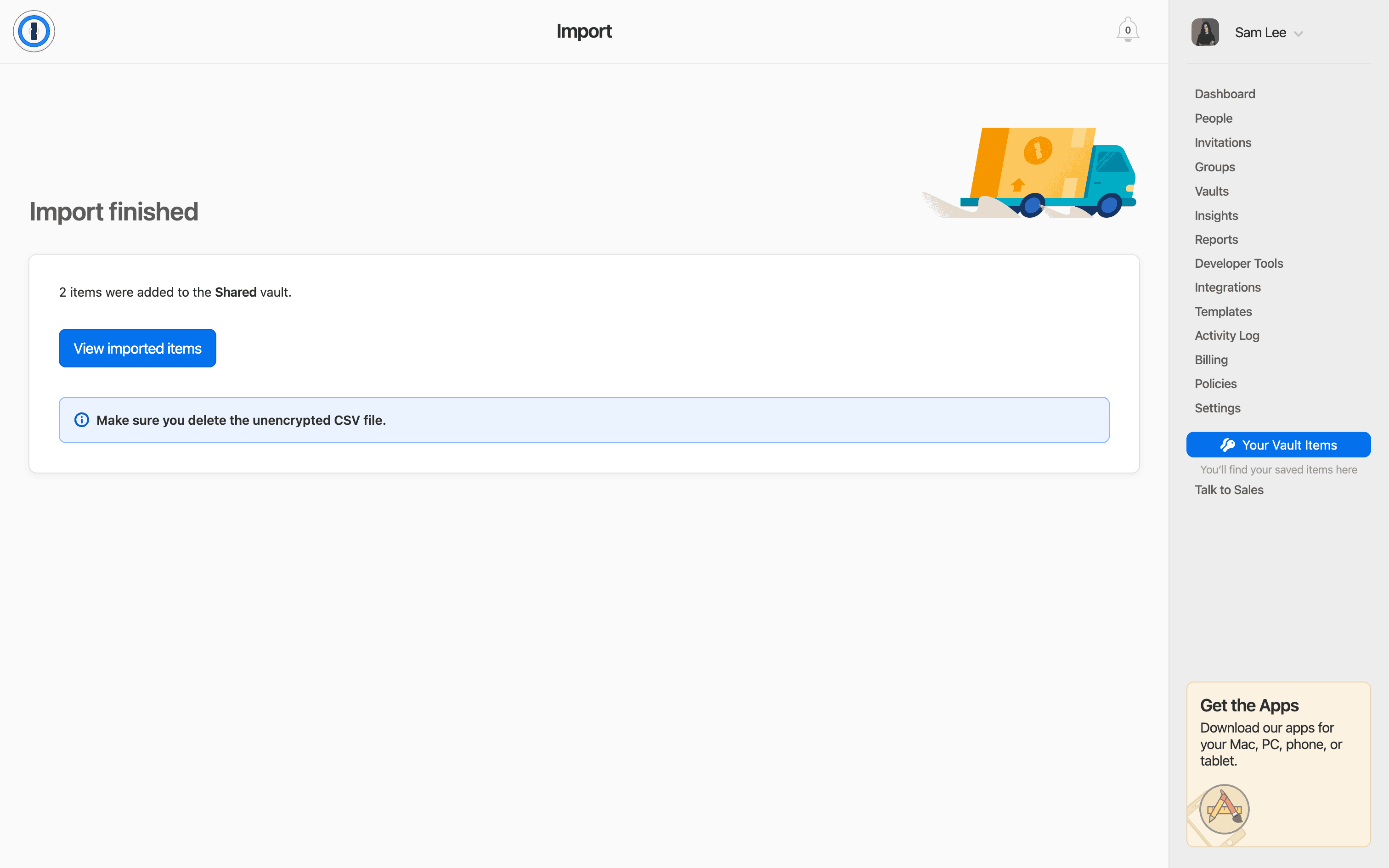
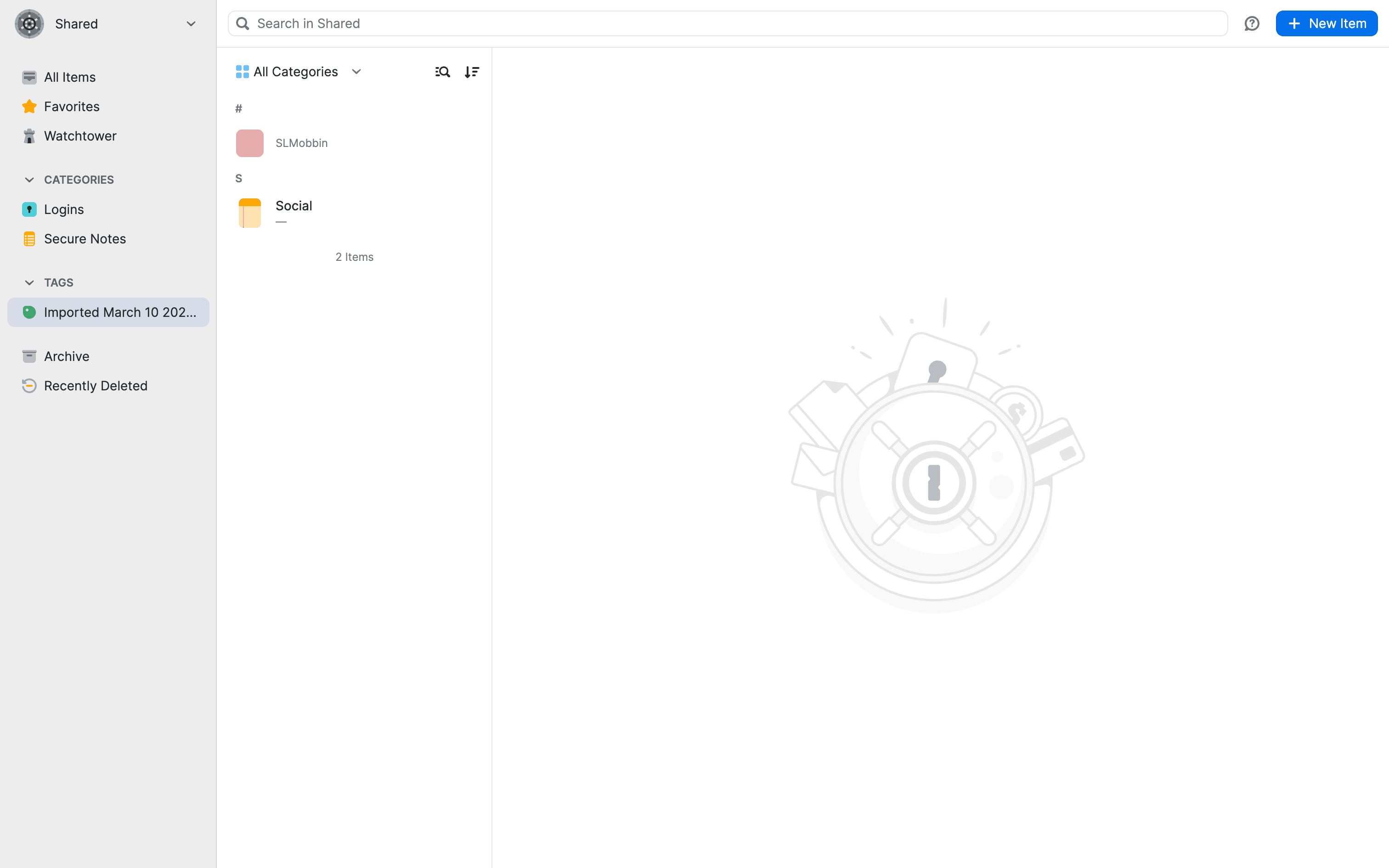
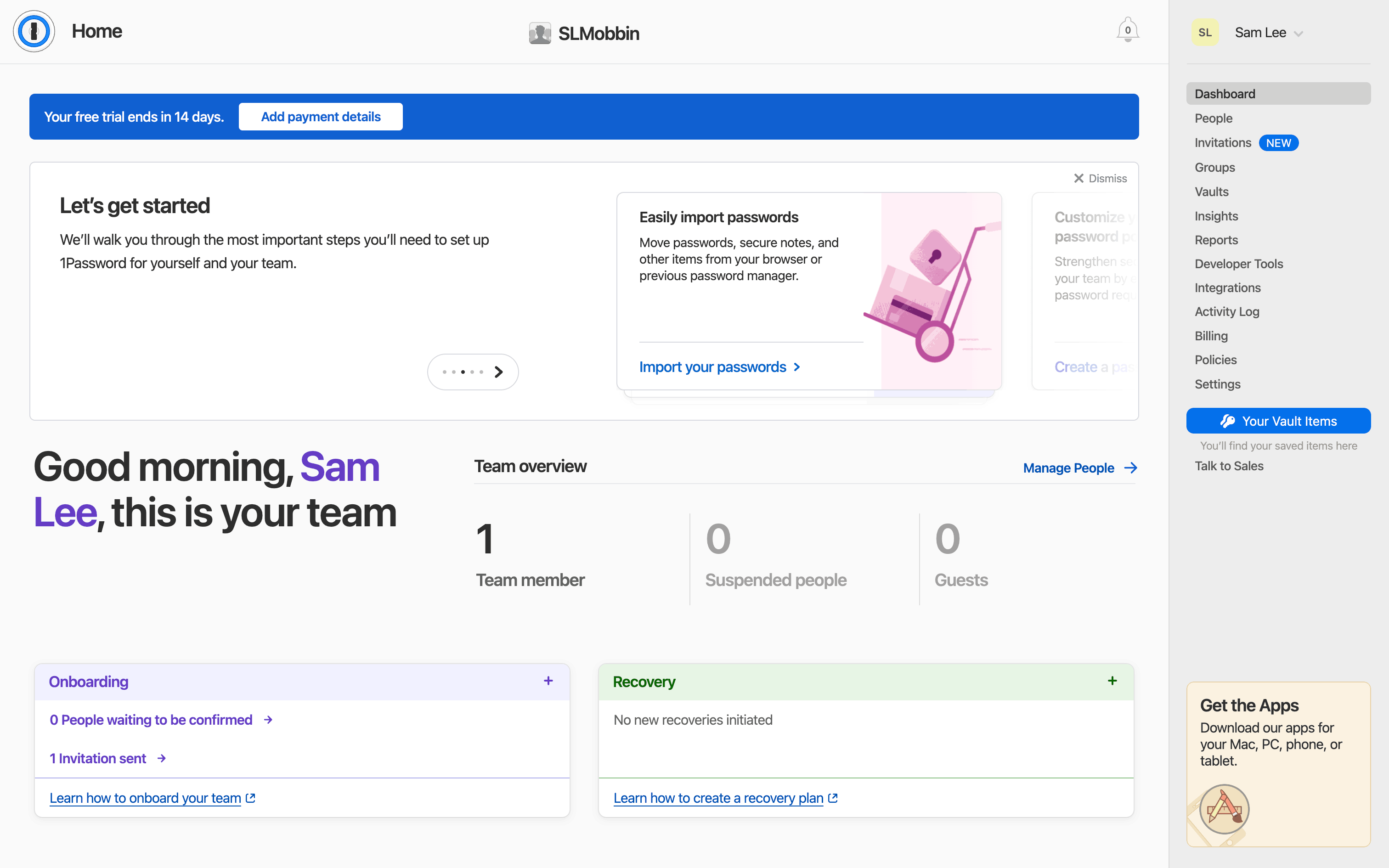
  1. 1Password Importing a password screen 1 of 20 (Web): Application
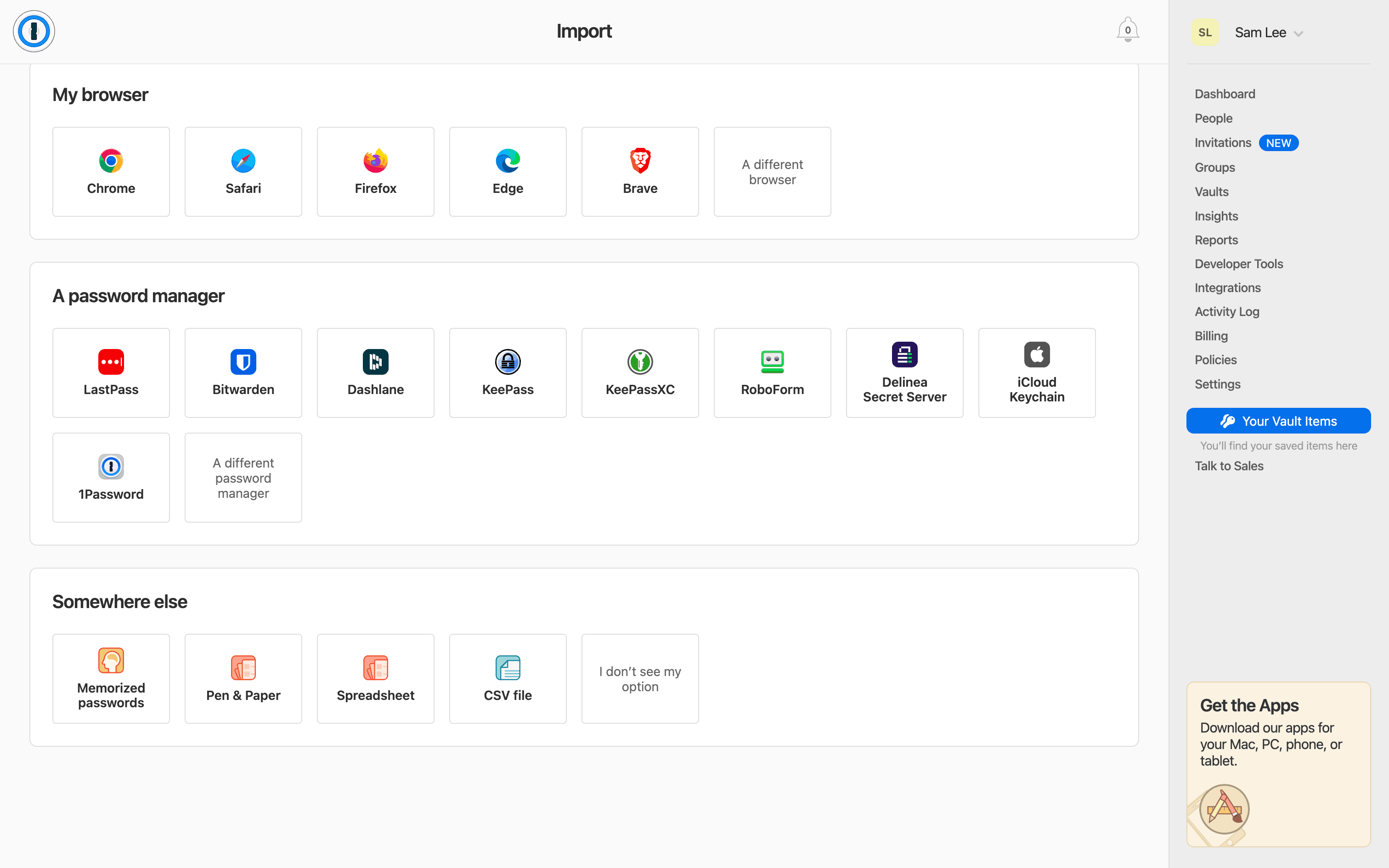
  2. 1Password Importing a password screen 2 of 20 (Web): Application
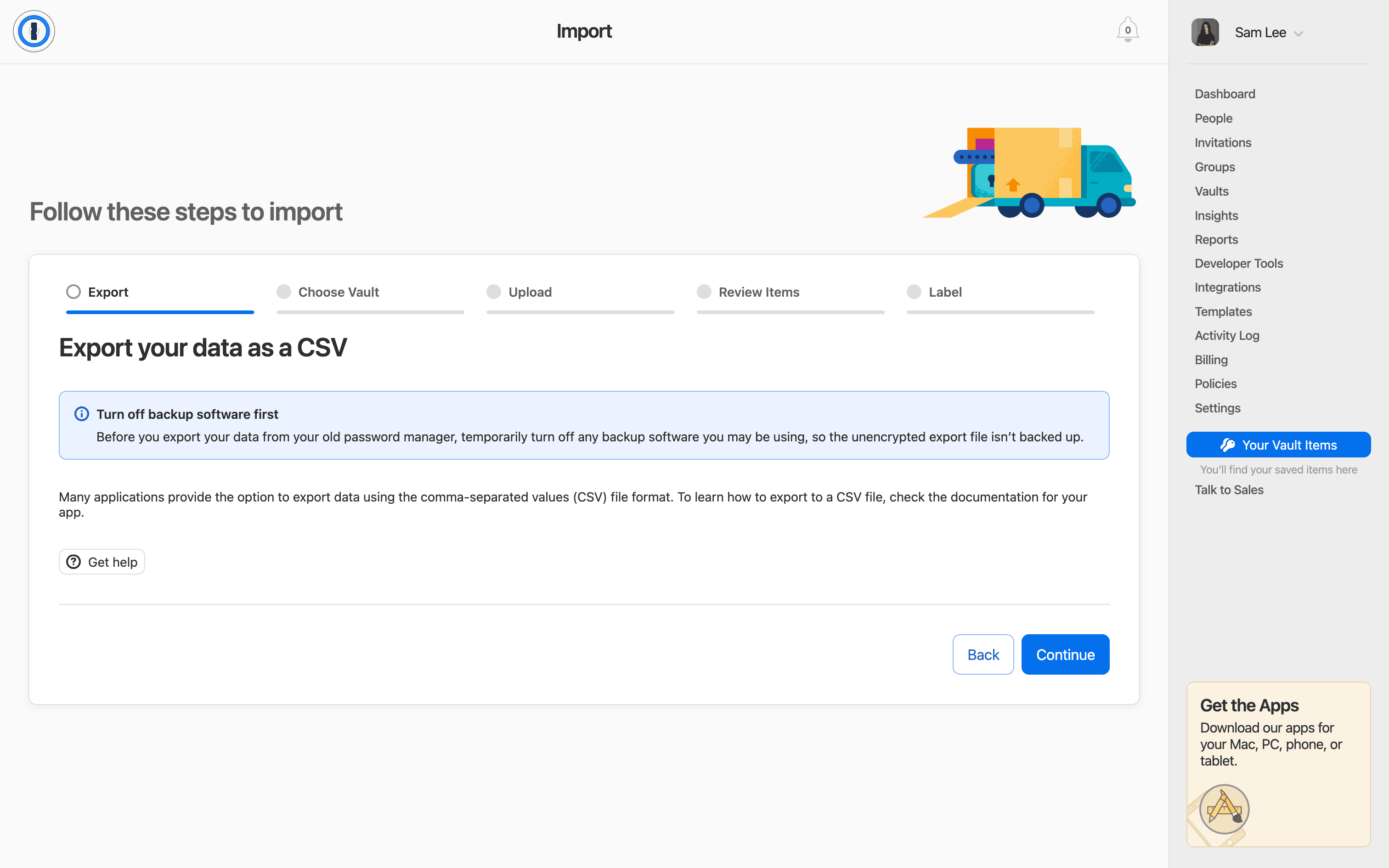
  3. 1Password Importing a password screen 3 of 20 (Web): Application
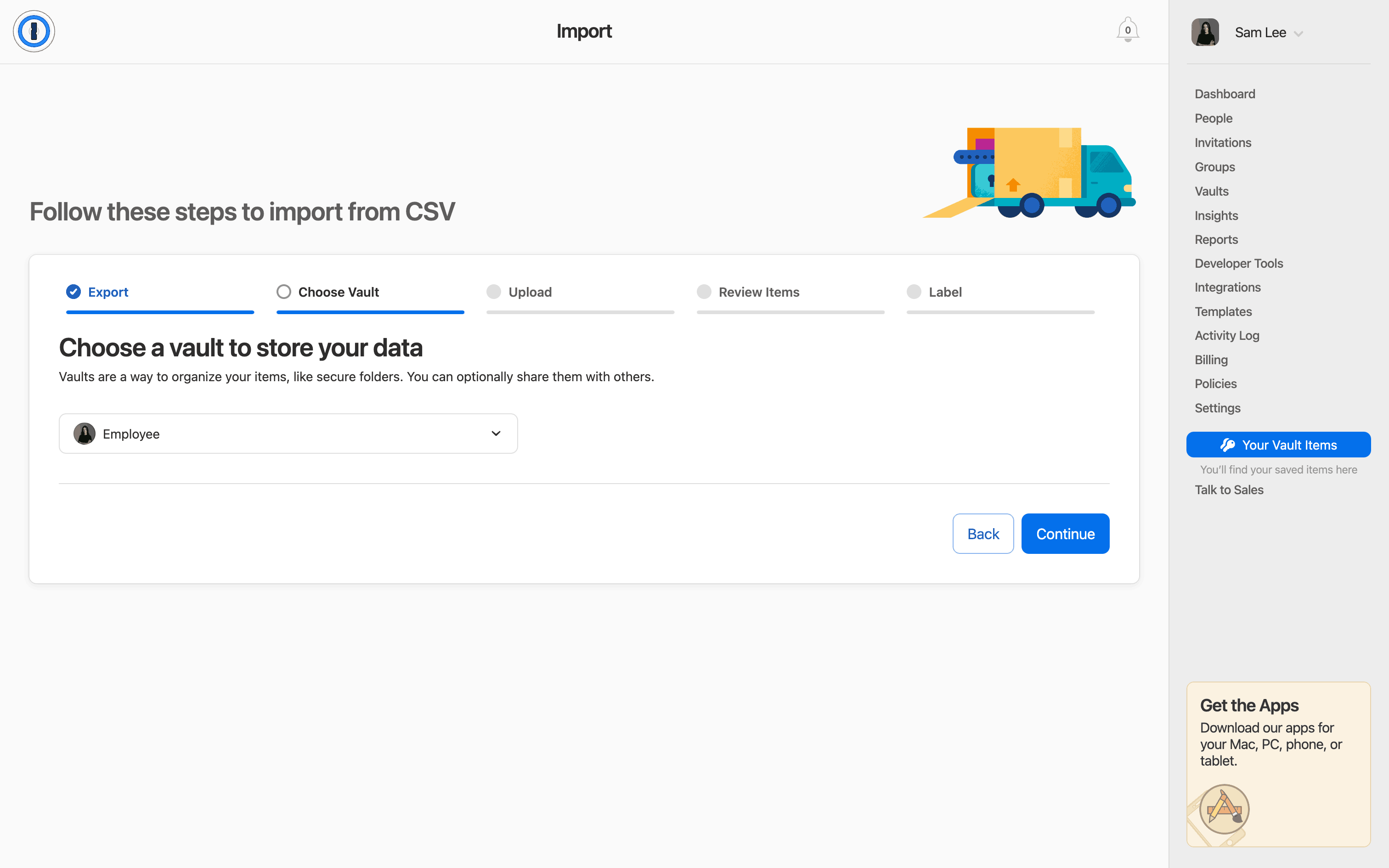
  4. 1Password Importing a password screen 4 of 20 (Web): Application
  5. 1Password Importing a password screen 5 of 20 (Web): Application
  6. 1Password Importing a password screen 6 of 20 (Web): Application
  7. 1Password Importing a password screen 7 of 20 (Web): Application
  8. 1Password Importing a password screen 8 of 20 (Web): Application
  9. 1Password Importing a password screen 9 of 20 (Web): Application
  10. 1Password Importing a password screen 10 of 20 (Web): Application
  11. 1Password Importing a password screen 11 of 20 (Web): Application
  12. 1Password Importing a password screen 12 of 20 (Web): Application
  13. 1Password Importing a password screen 13 of 20 (Web): Application
  14. 1Password Importing a password screen 14 of 20 (Web): Application
  15. 1Password Importing a password screen 15 of 20 (Web): Application
  16. 1Password Importing a password screen 16 of 20 (Web): Application
  17. 1Password Importing a password screen 17 of 20 (Web): Application
  18. 1Password Importing a password screen 18 of 20 (Web): Application
  19. 1Password Importing a password screen 19 of 20 (Web): Application
  20. 1Password Importing a password screen 20 of 20 (Web): Application

Patterns

SelectImport & ExportProgressUpload & DownloadAdd & CreateEmpty State

Components

inputpassword inputdropdowncardlistprogress indicatorsearch bar

Explore real product flows

More UI examples

Explore the full catalog