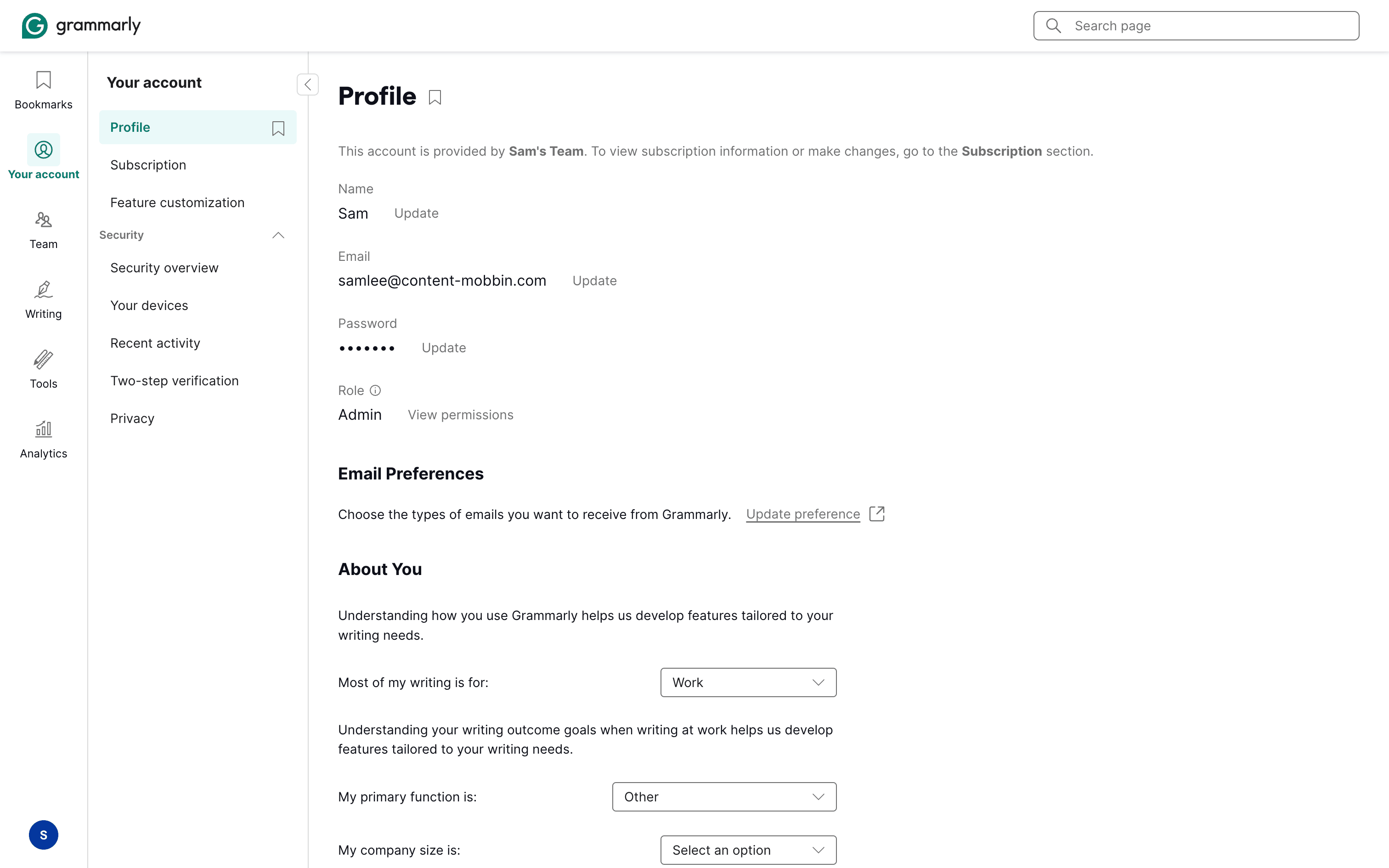
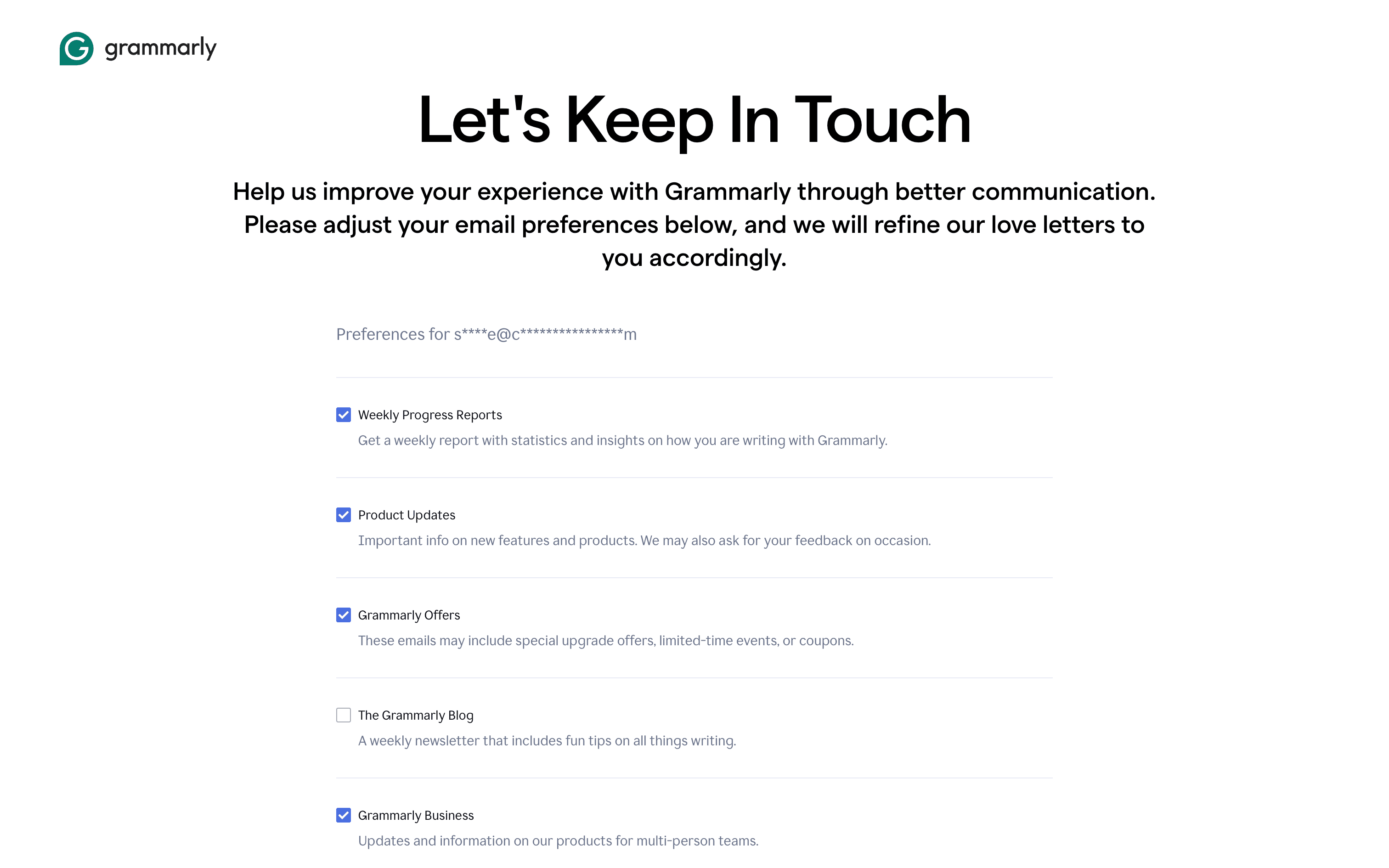
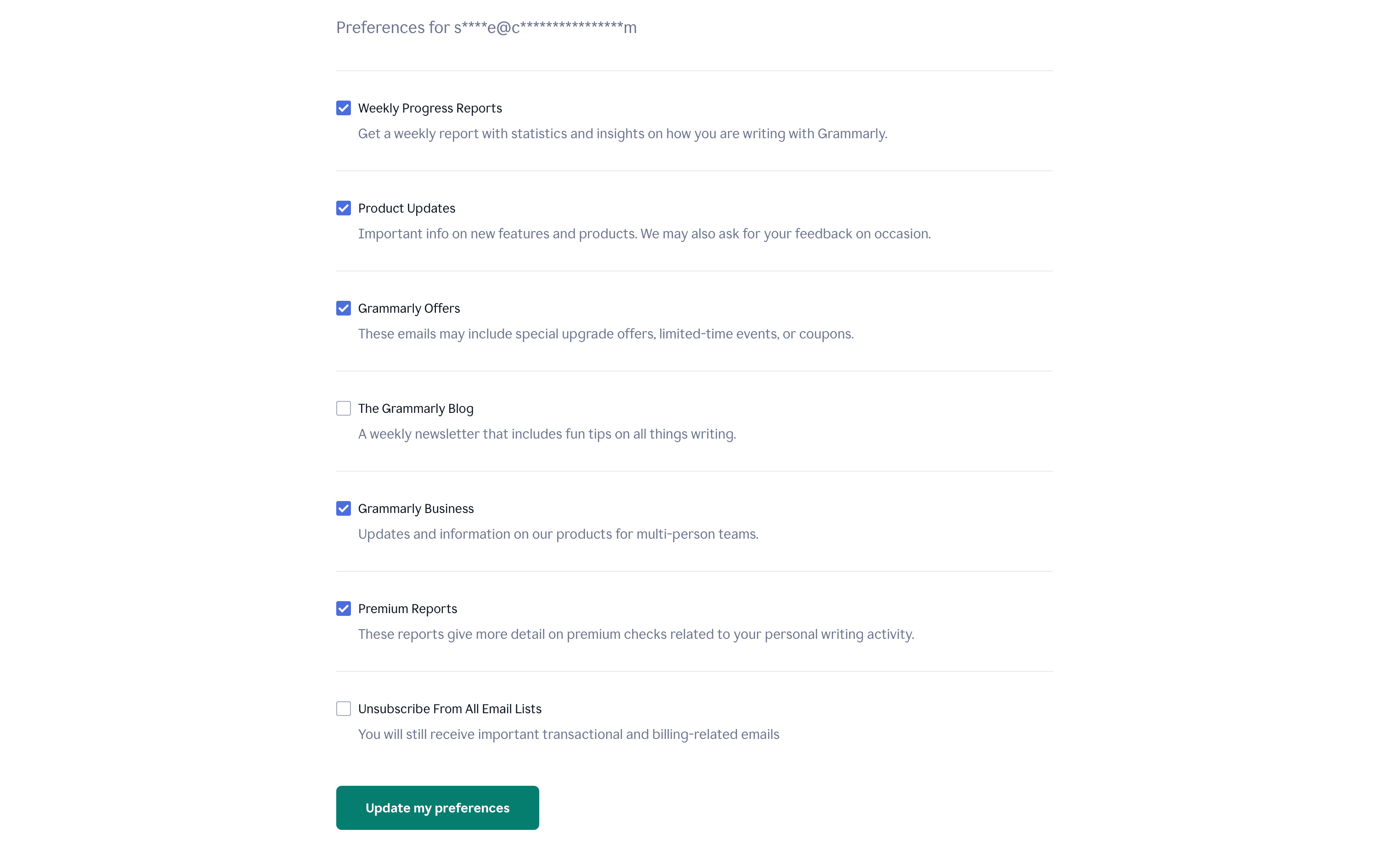
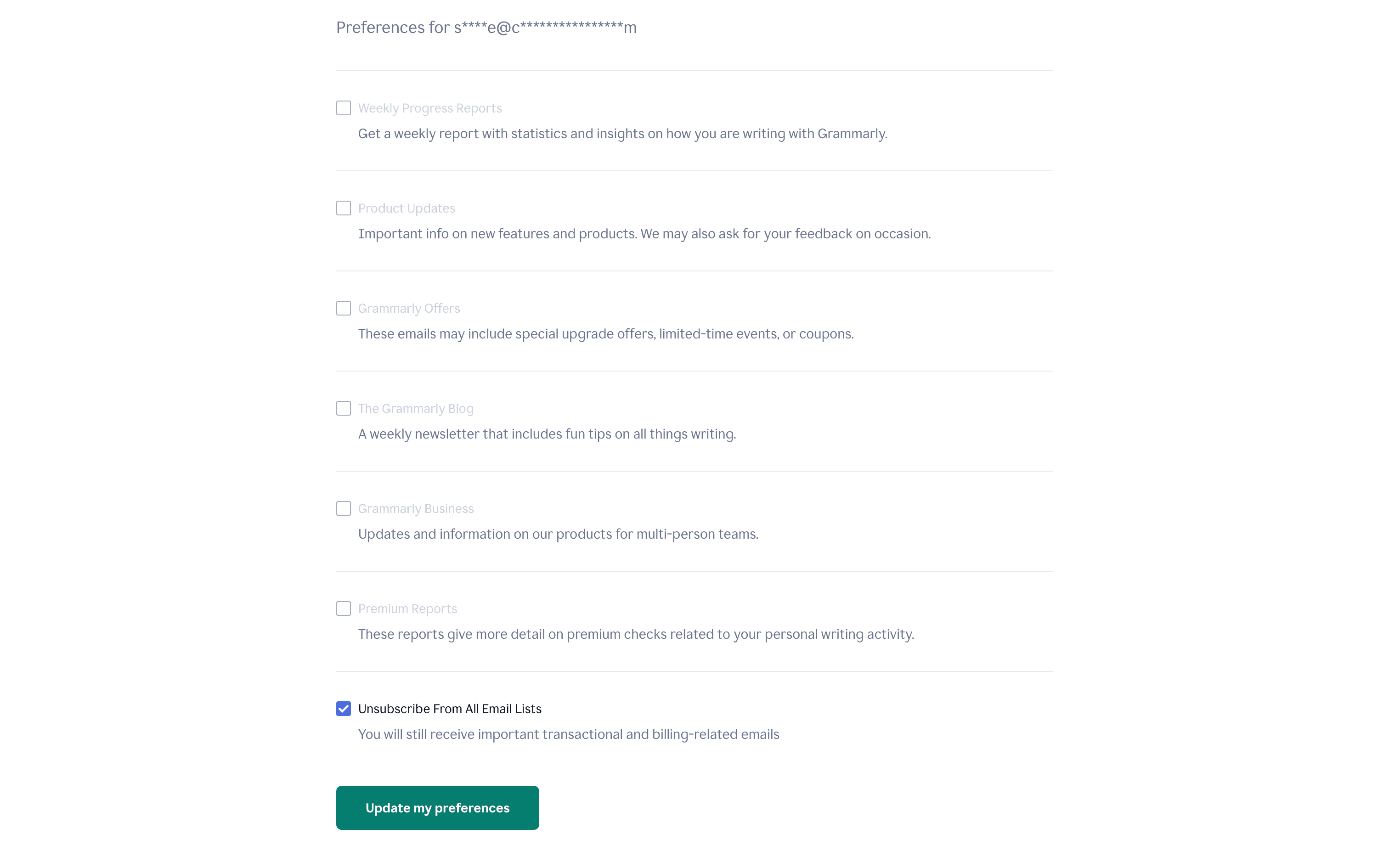
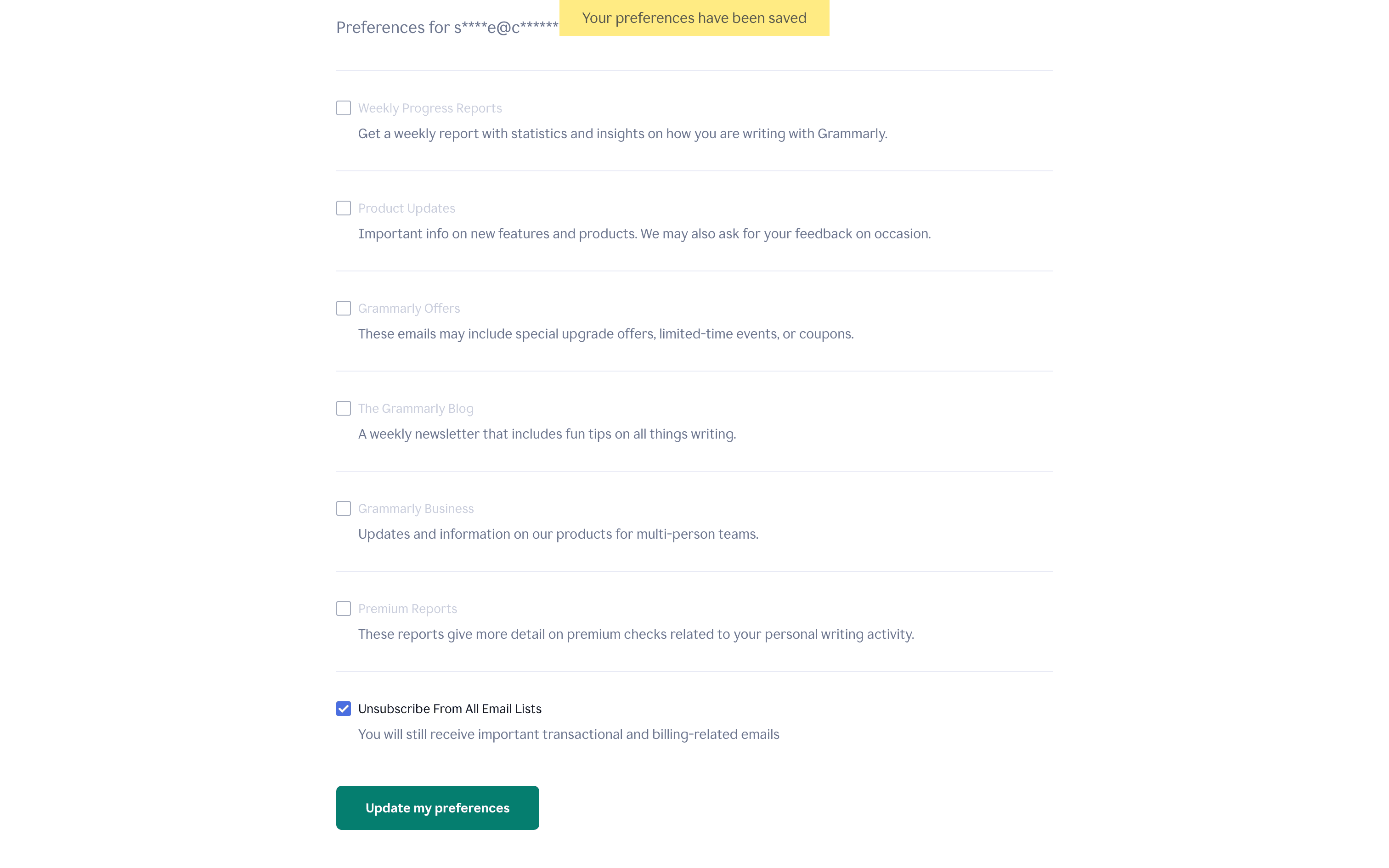
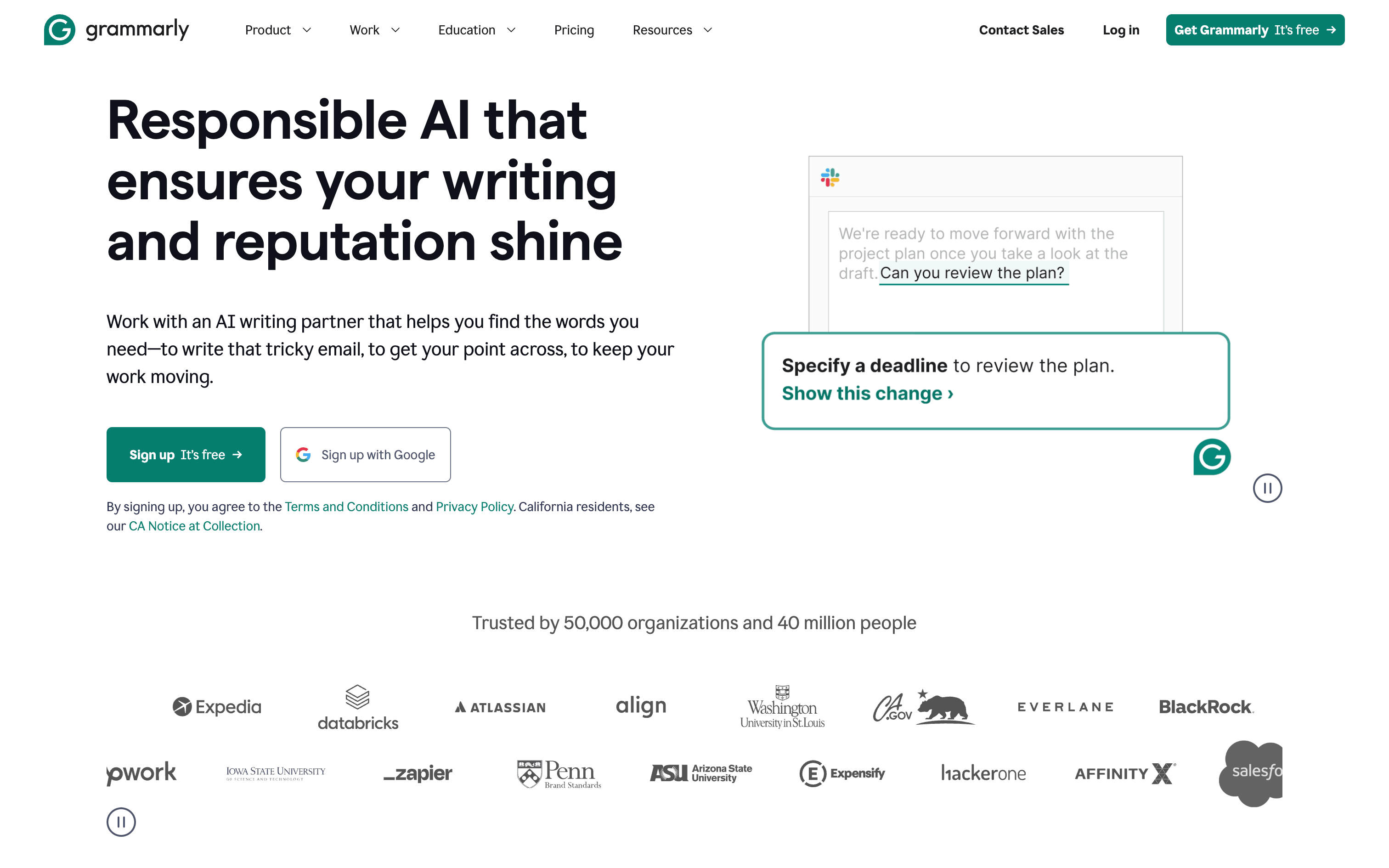
Refcat/GrammarlyUI reference · WebUpdating email preferences in Grammarly5 screens · GrammarlyAdded to Refcat Oct 11, 2026Every screen in orderPatternsSettings & PreferencesComponentssearch barinputemail inputprogress indicatorbuttontoastExplore real product flowsOnboardingCreating a documentWriting with generative AICanceling subscriptionSubscribing to a planSetting voiceReporting a suggestionAdding a style ruleSetting goalsUpdating an emailCreating a groupResetting passwordMore UI examplespaywall UI examplesdashboard UI examplessettings UI examplessearch UI examplesprofile UI examplesExplore the full catalog