Refcat
UI reference · iOS

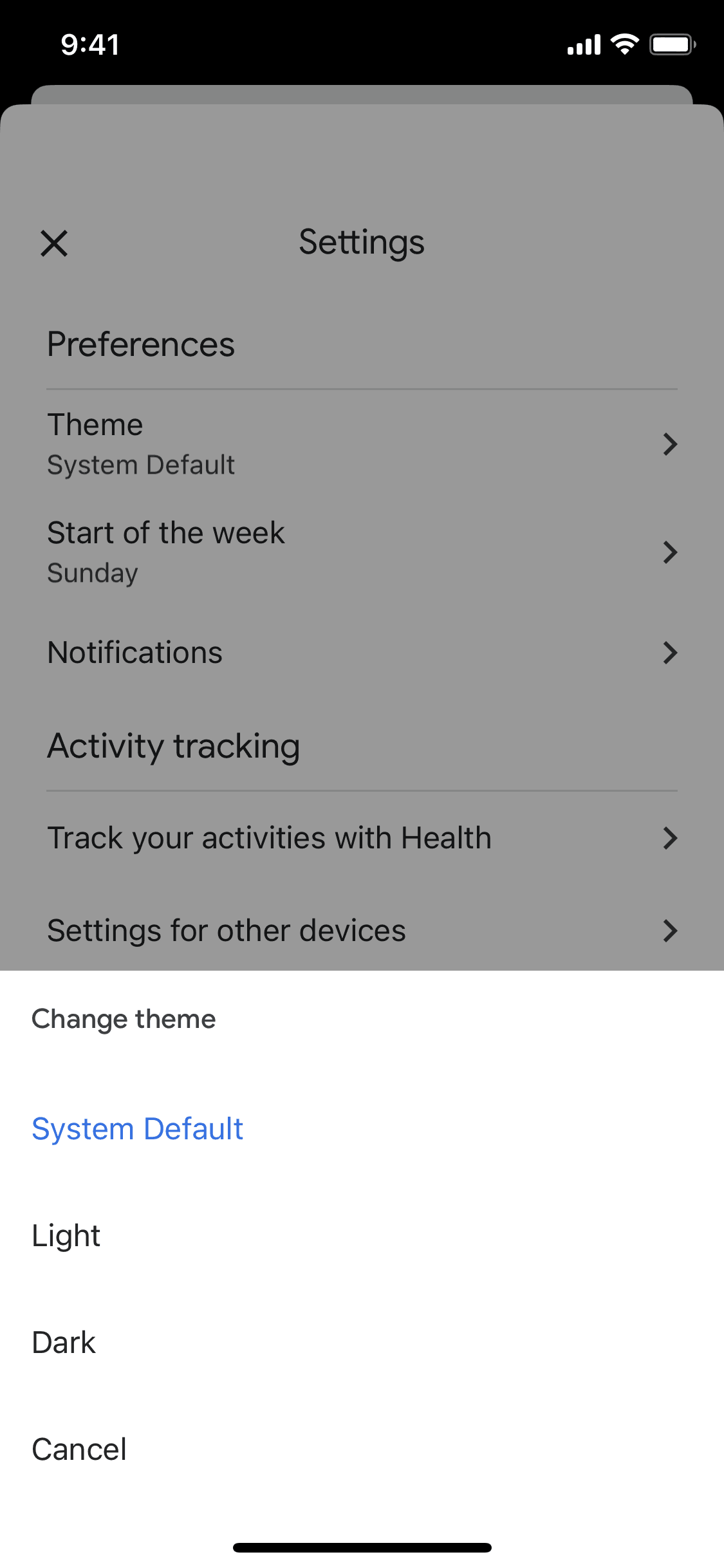
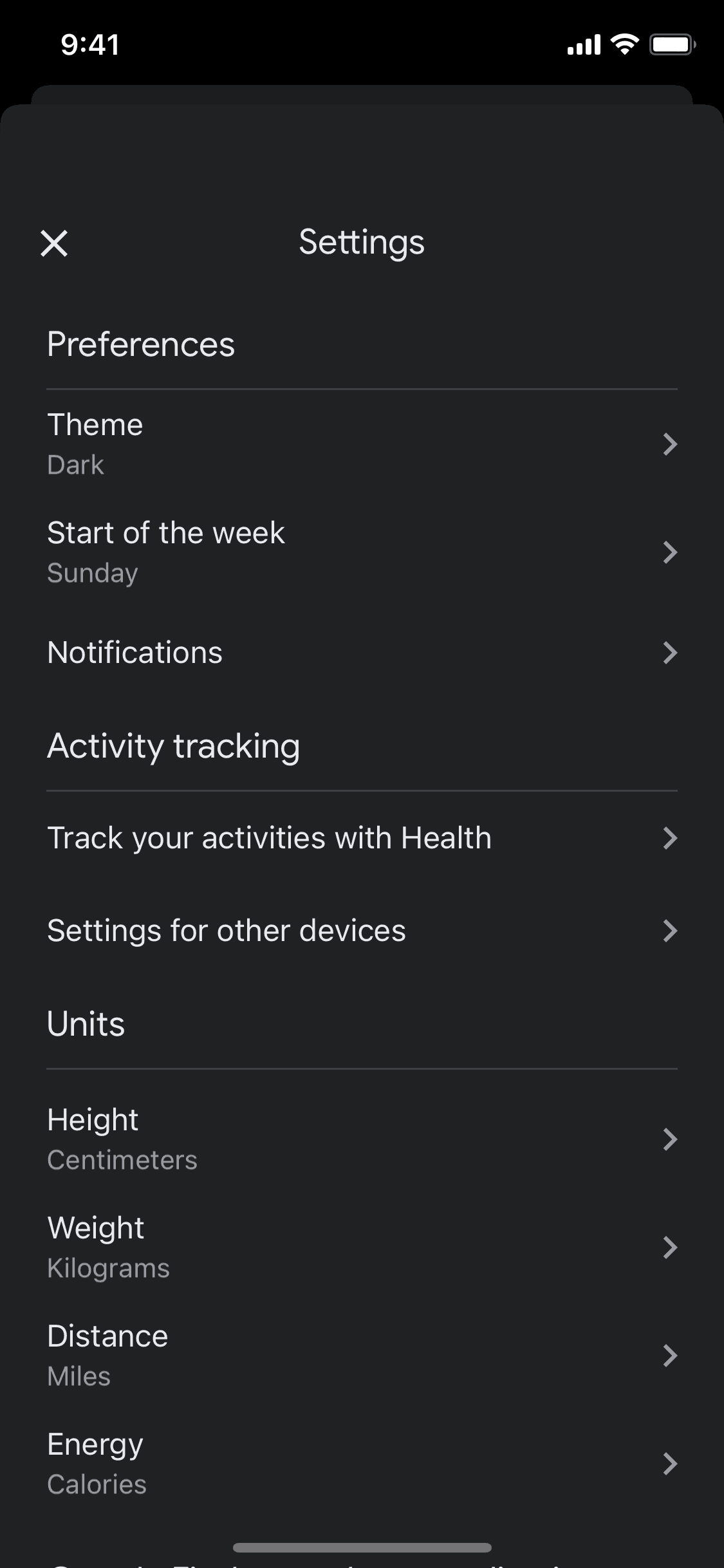
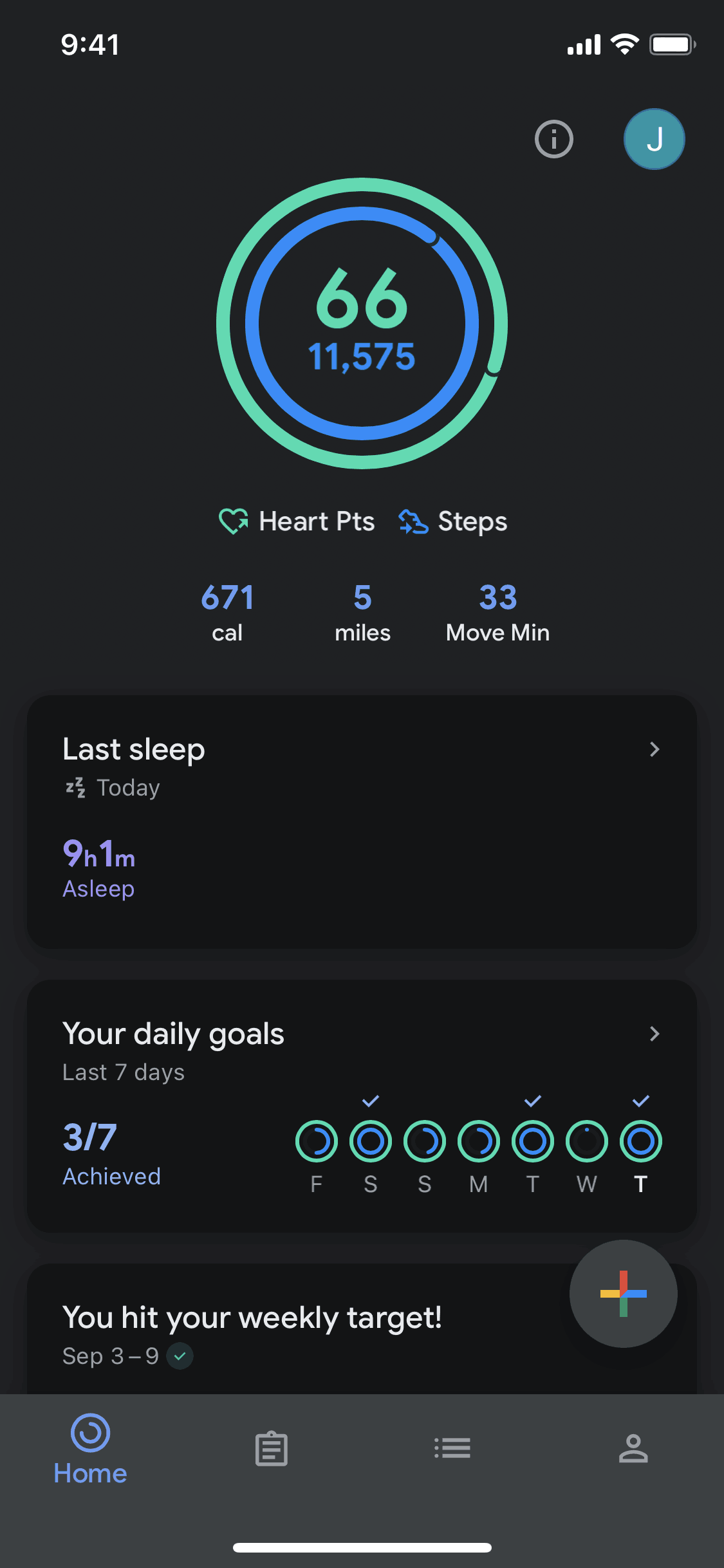
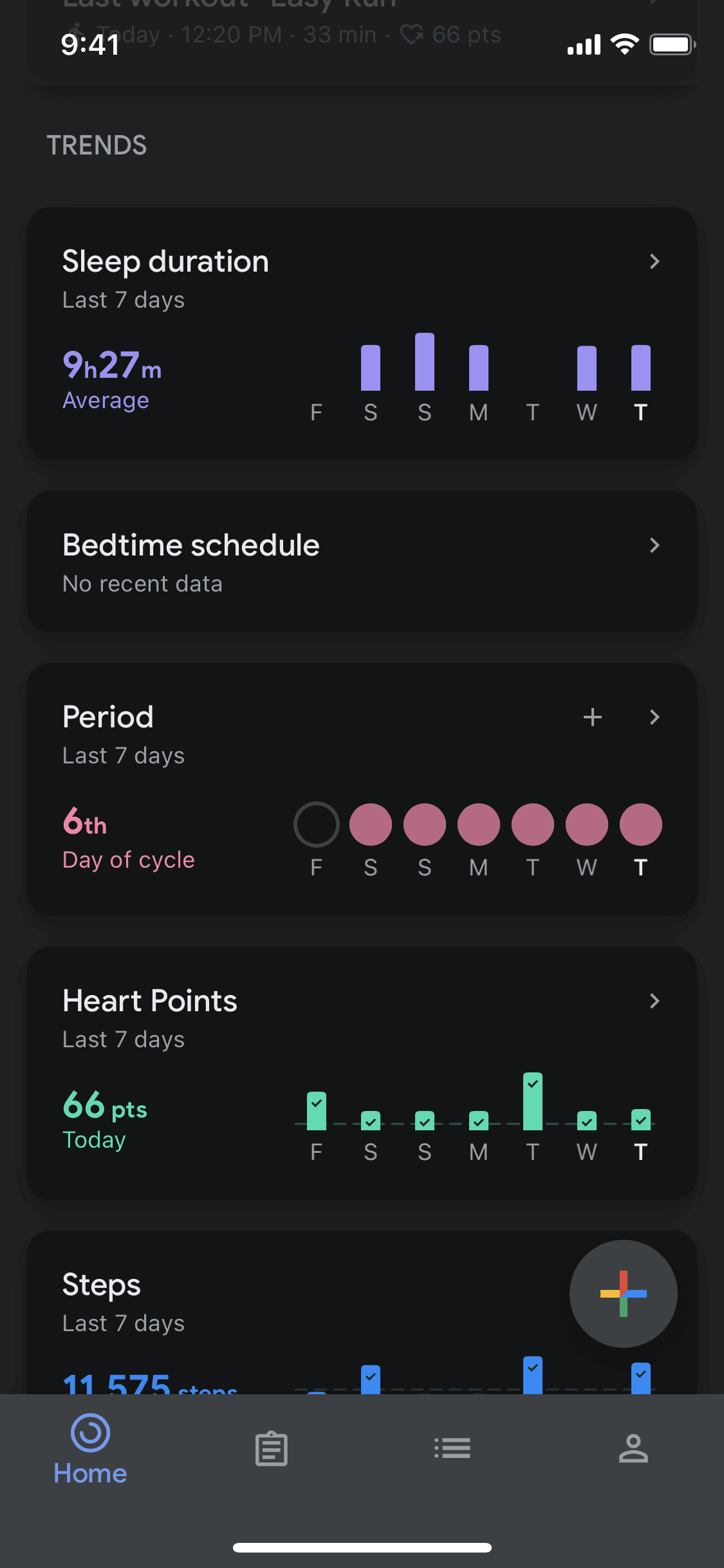
Switching to dark mode in Google Fit

16 screens · Google Fit

Added to Refcat

Every screen in order
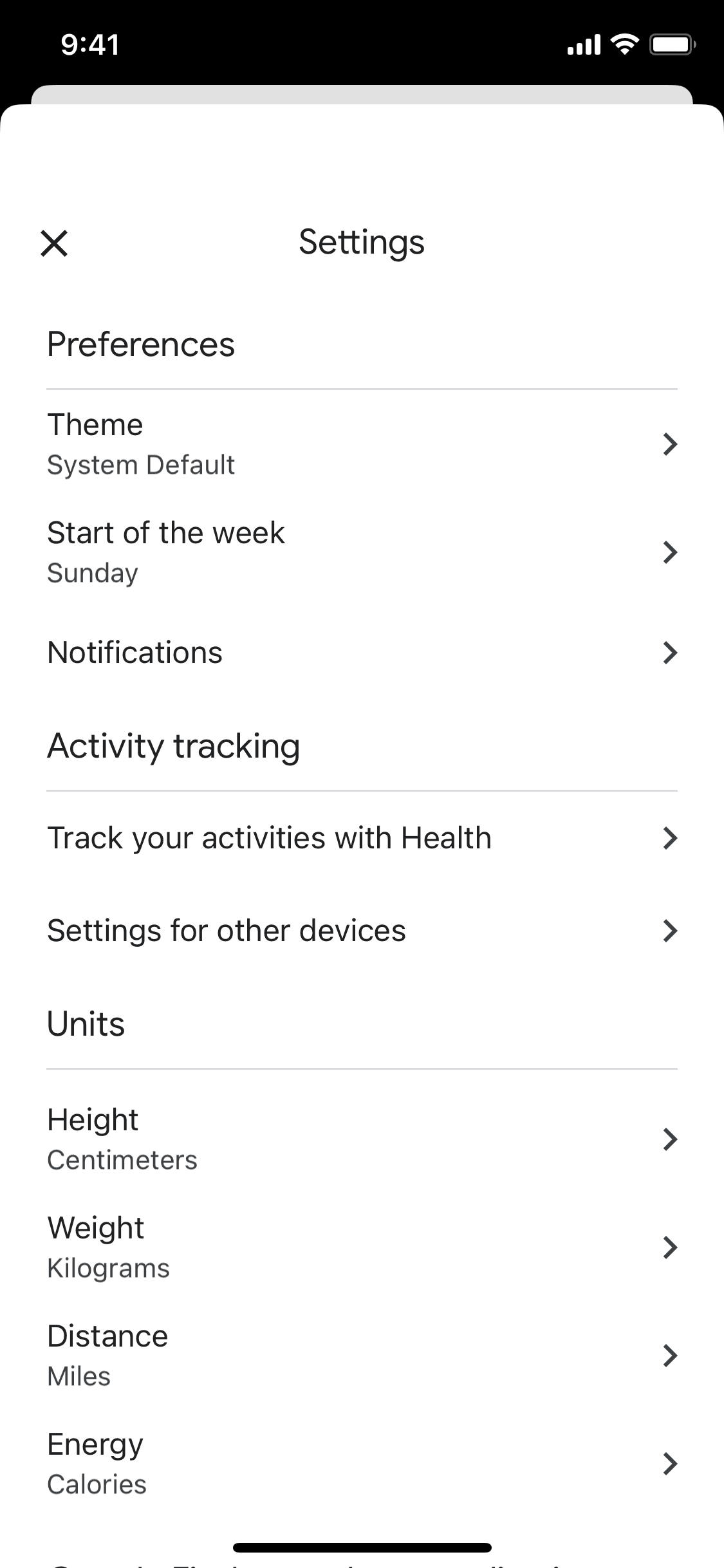
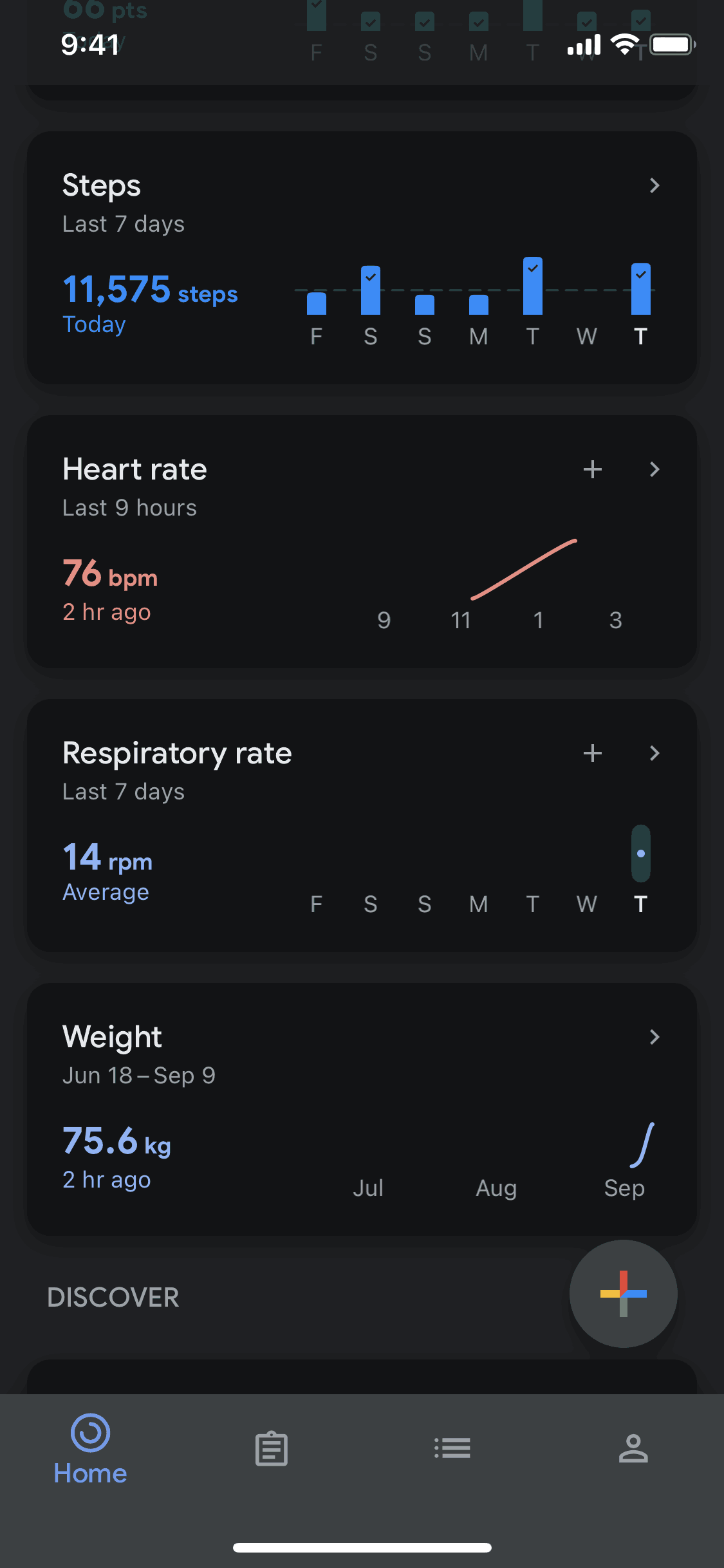
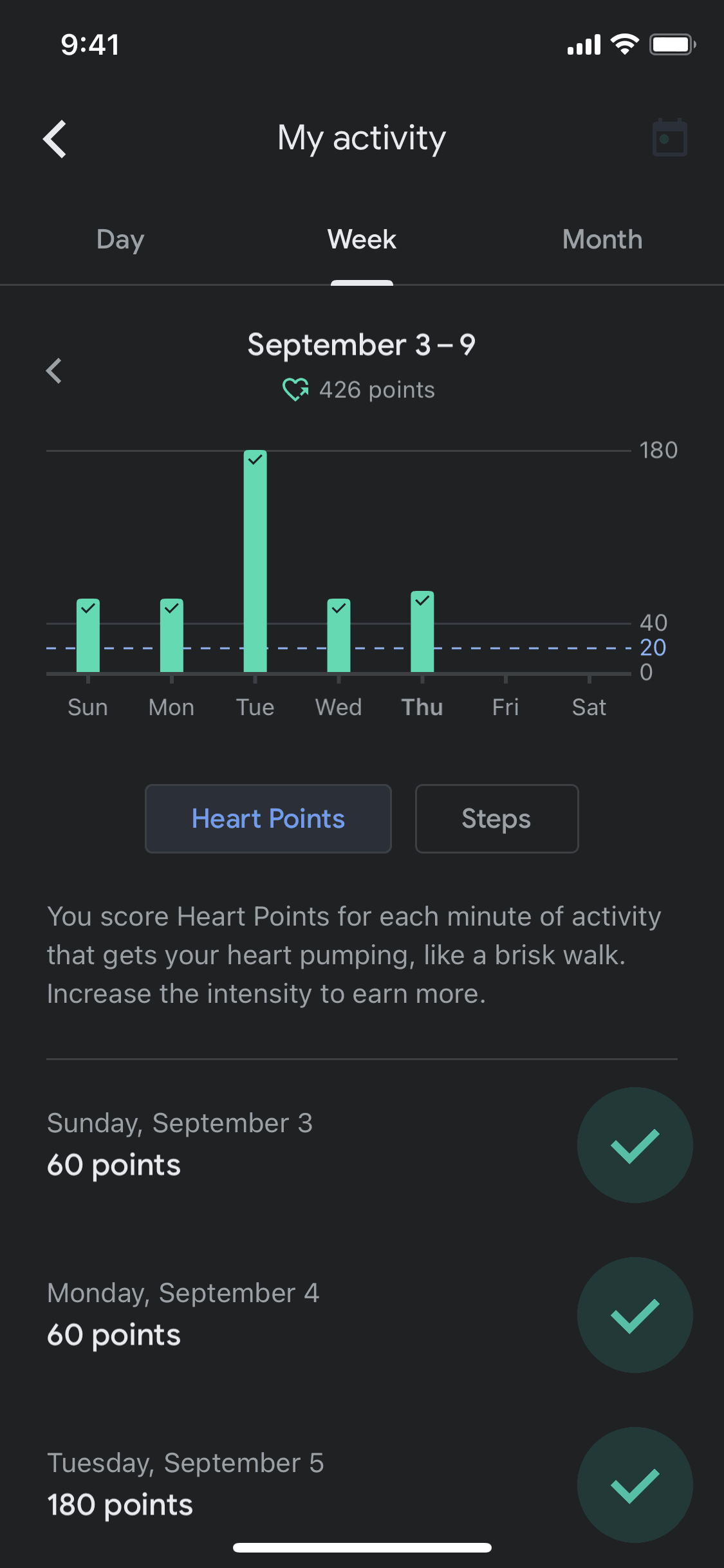
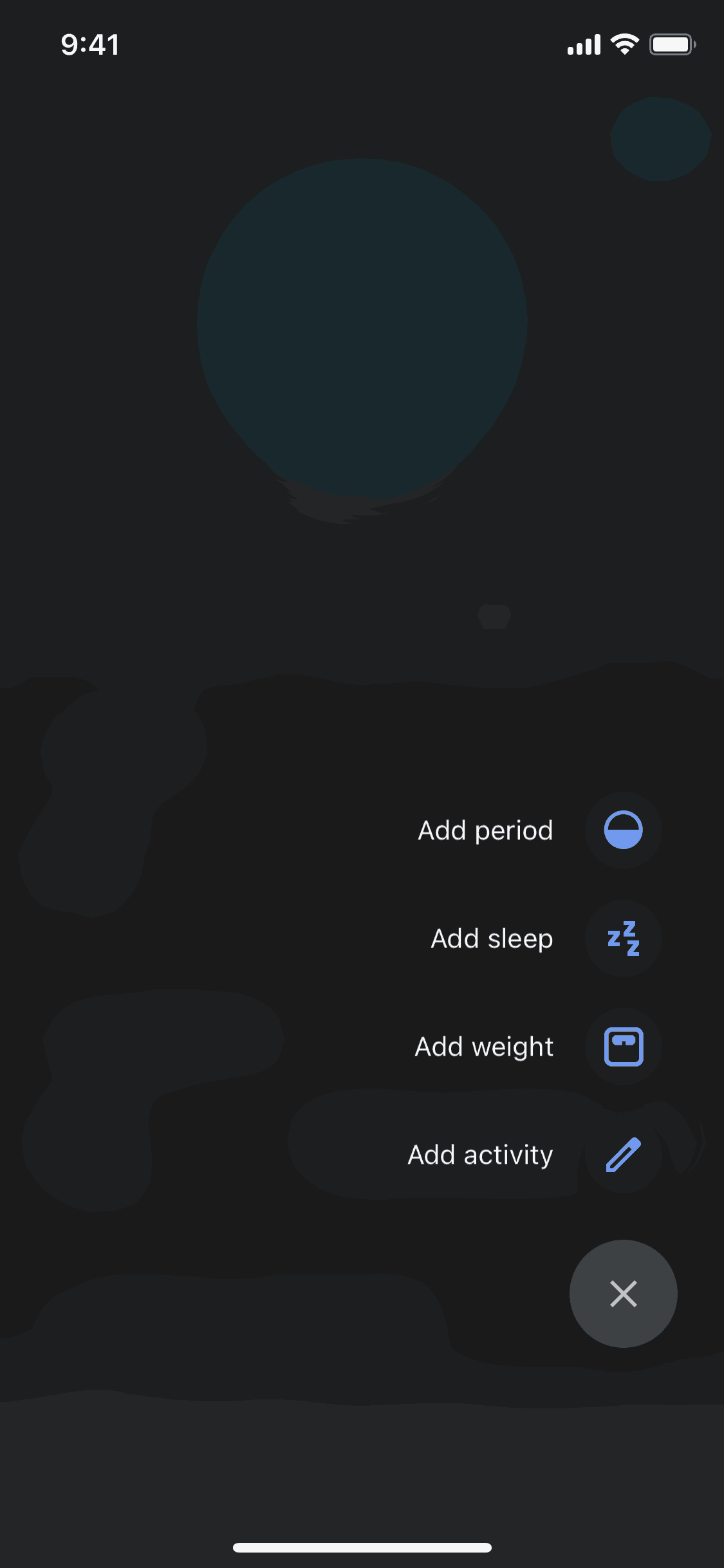
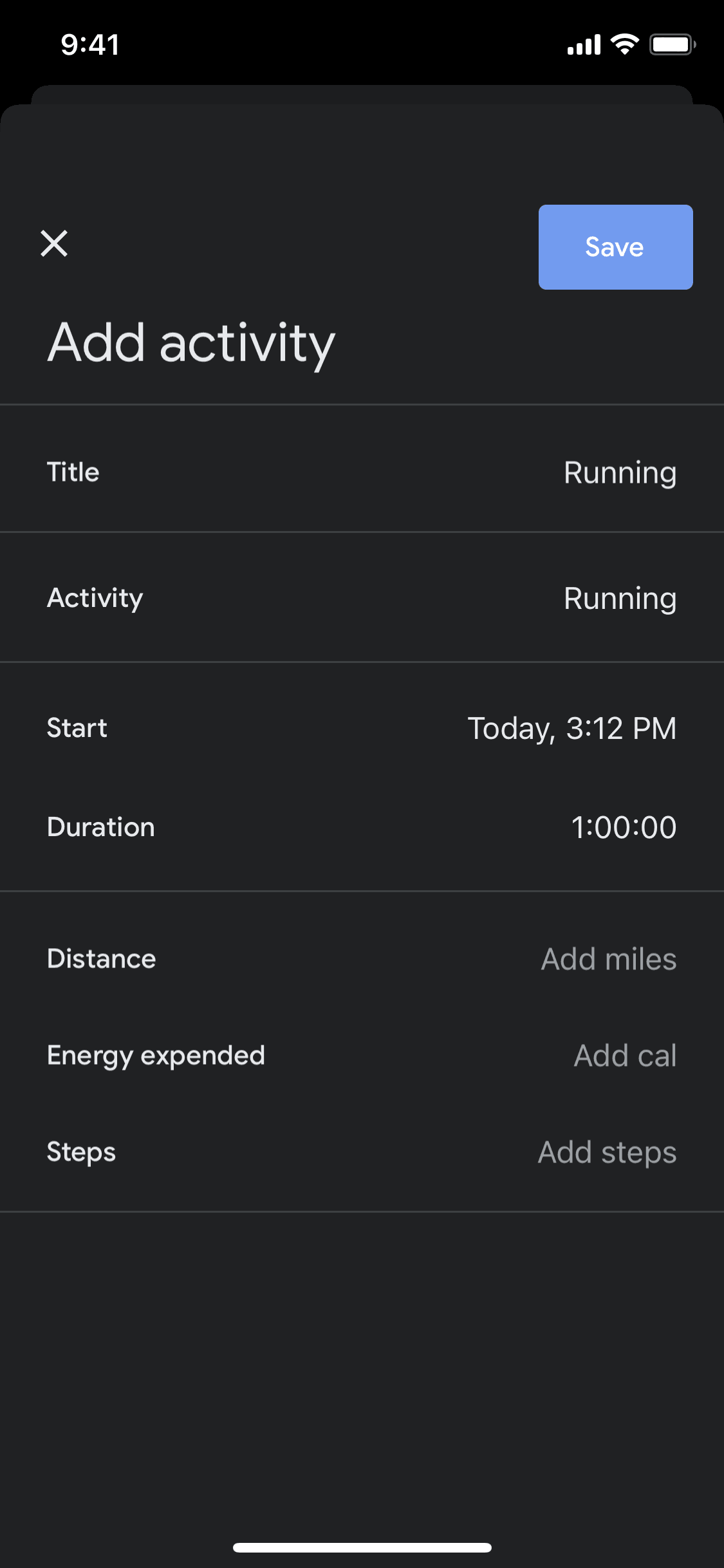
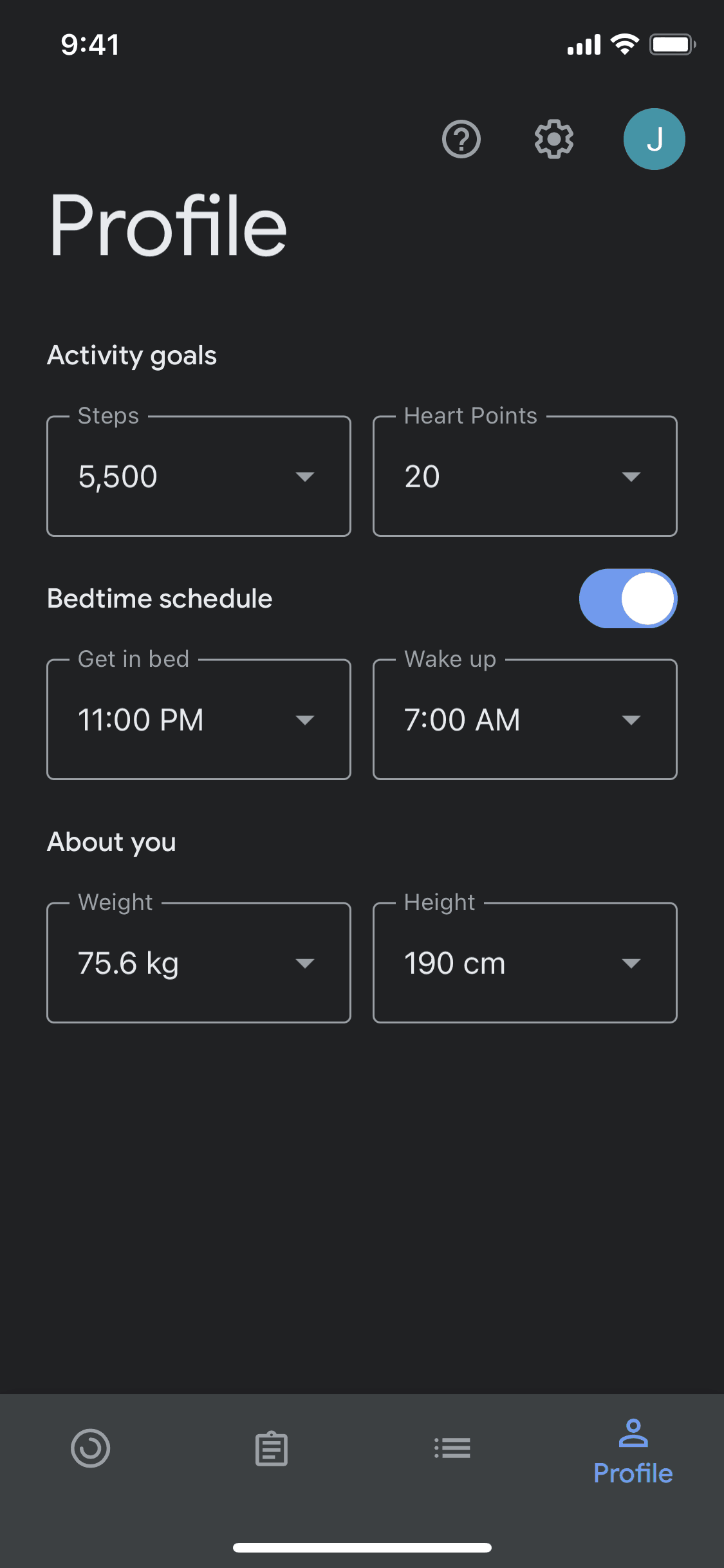
  1. Google Fit Switching to dark mode screen 1 of 16 (iOS)
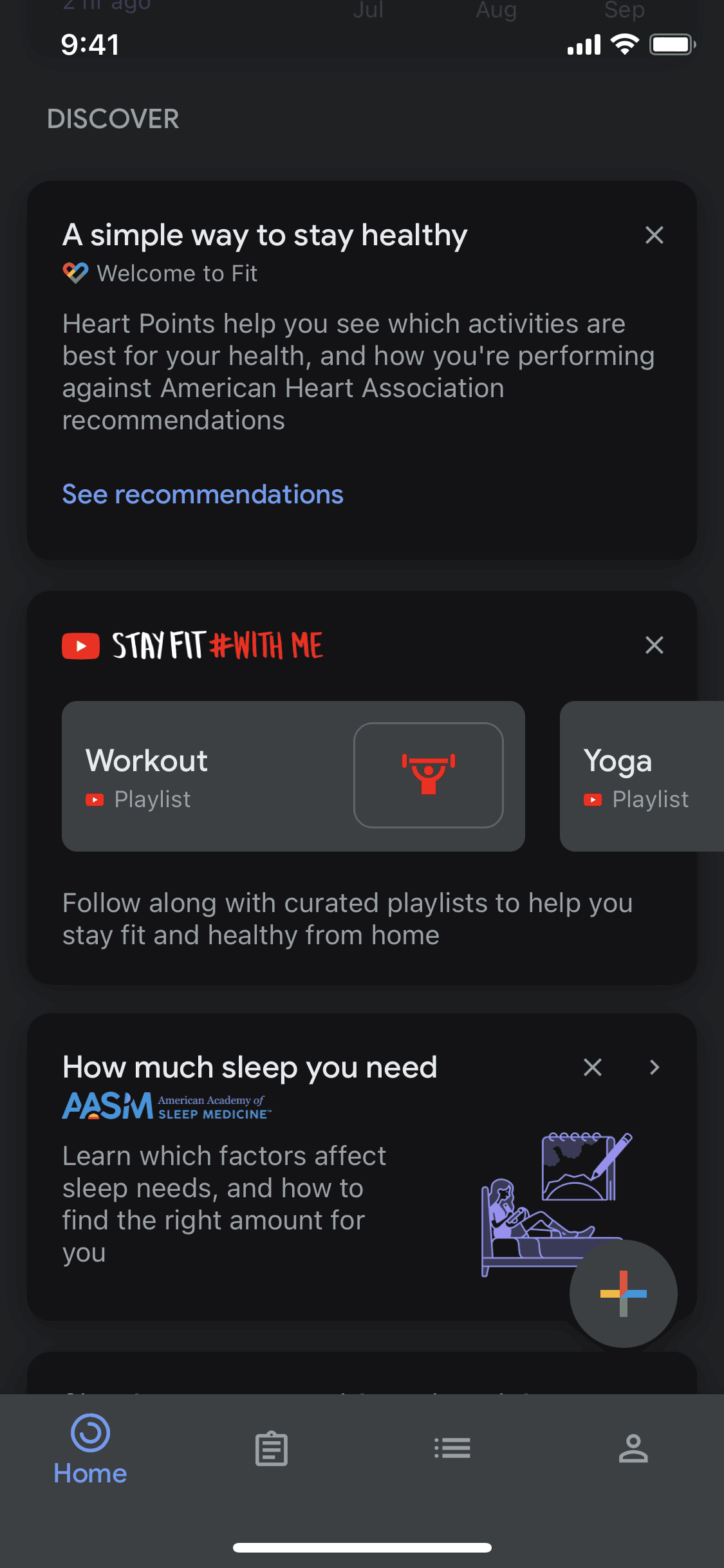
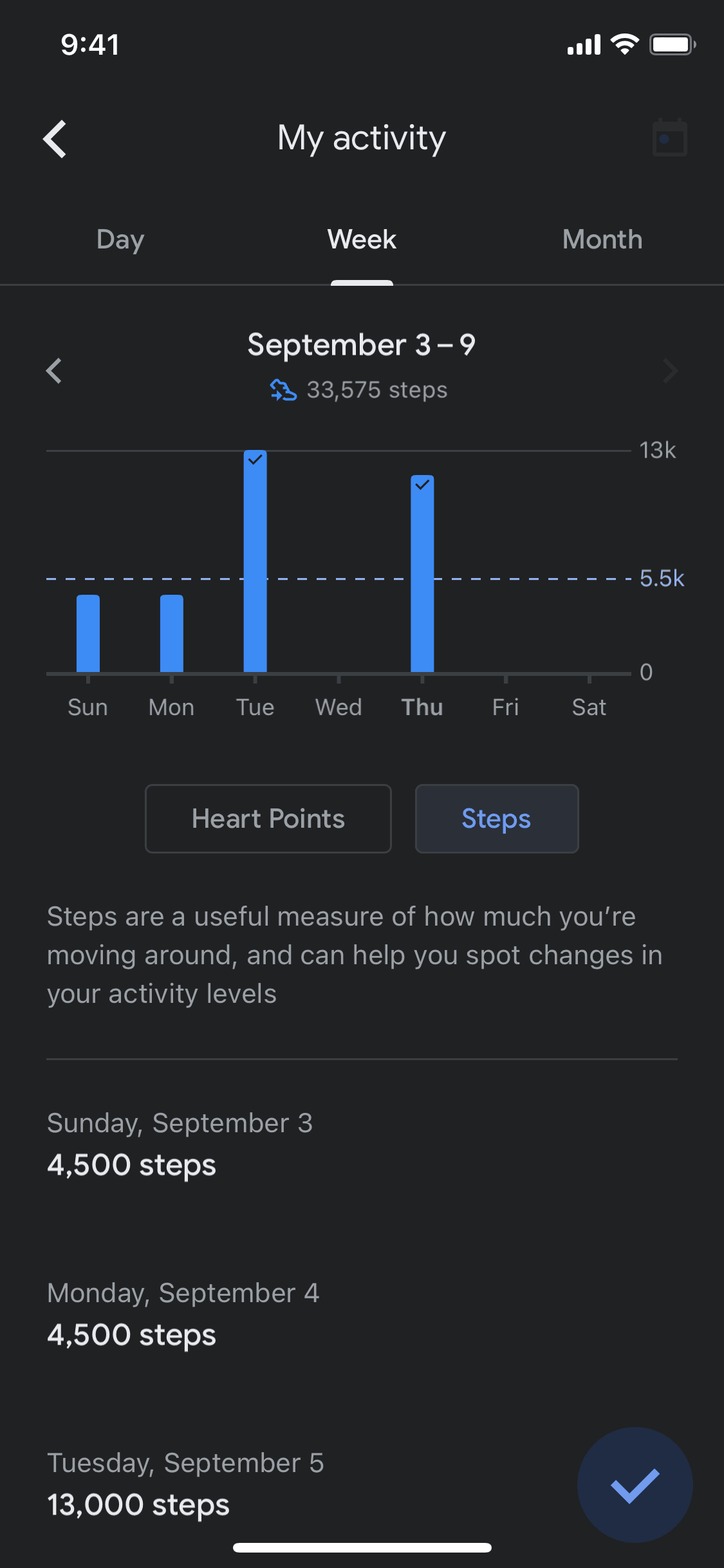
  2. Google Fit Switching to dark mode screen 2 of 16 (iOS)
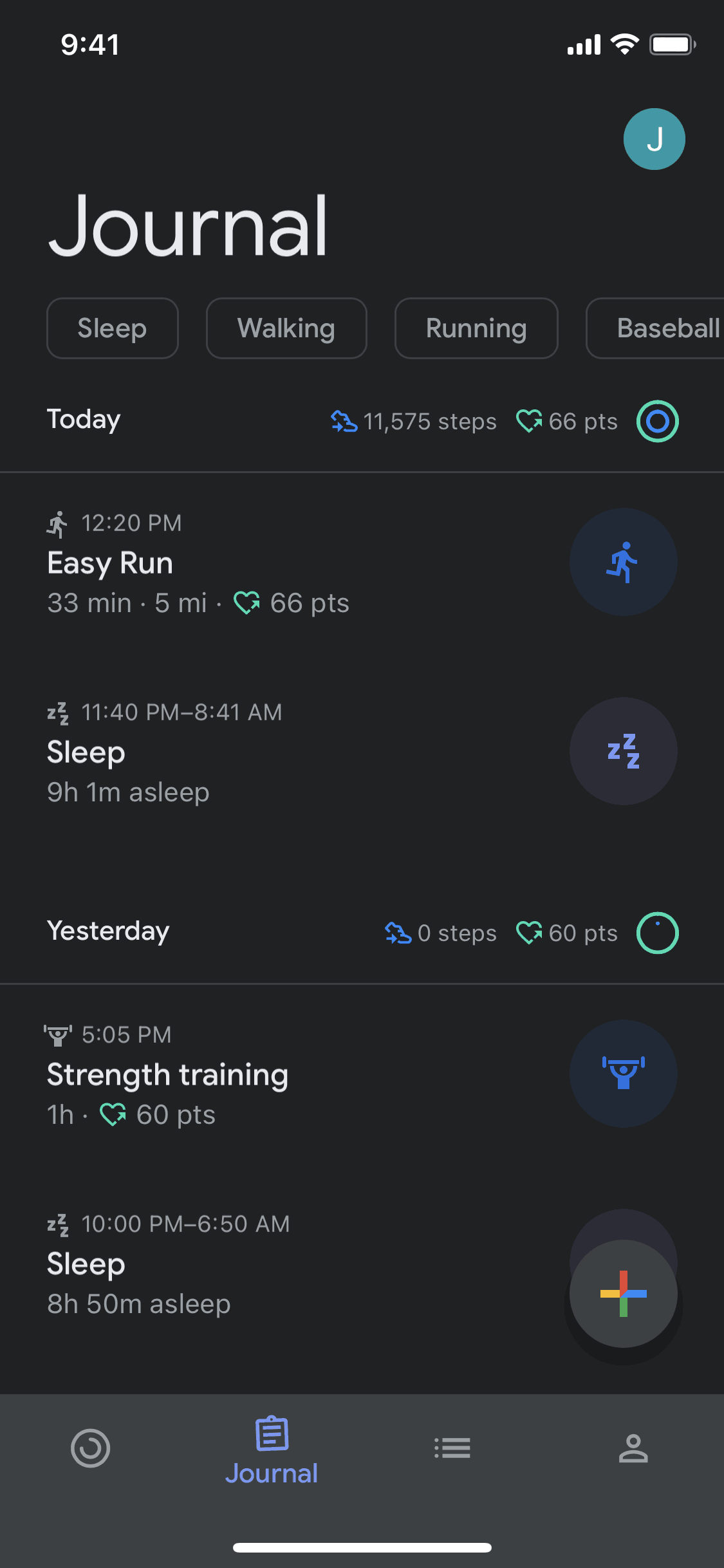
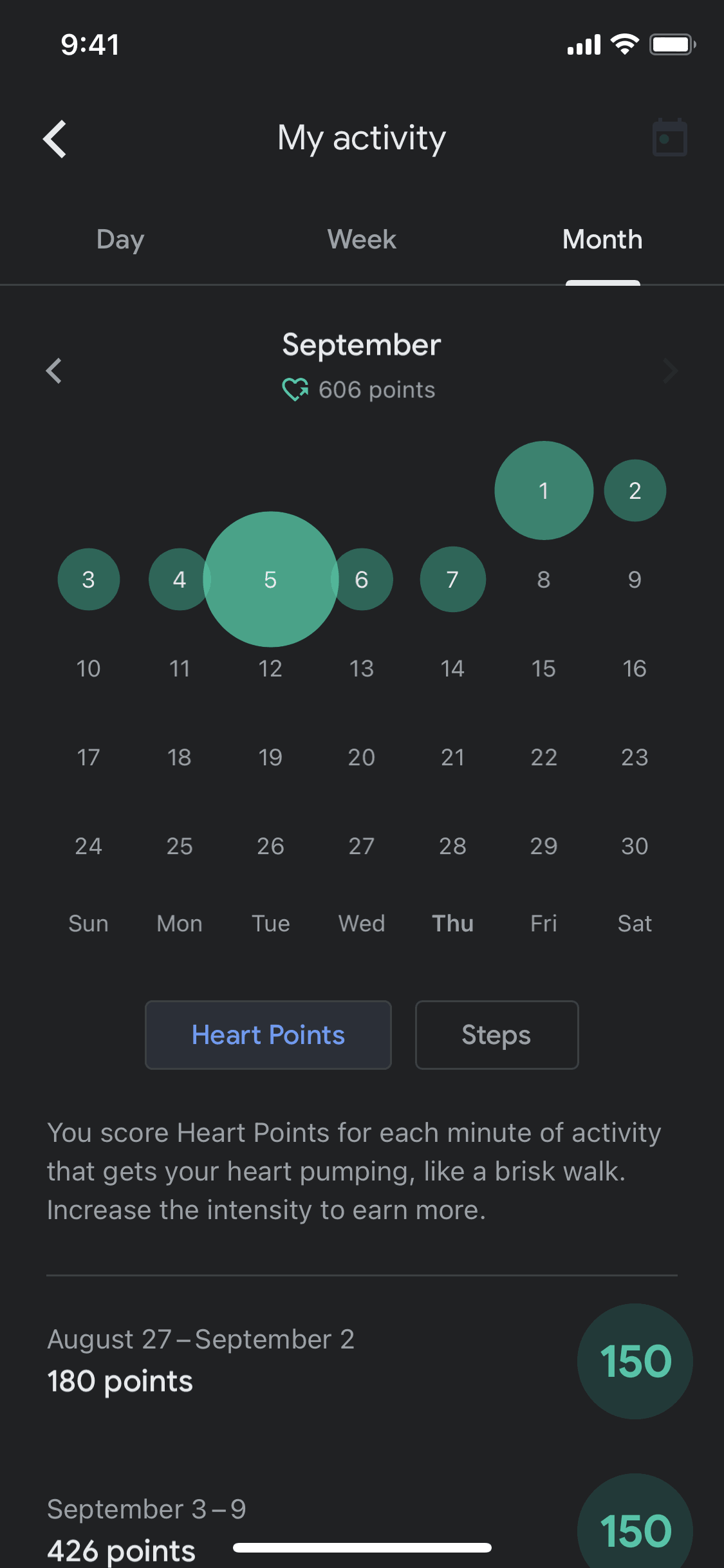
  3. Google Fit Switching to dark mode screen 3 of 16 (iOS)
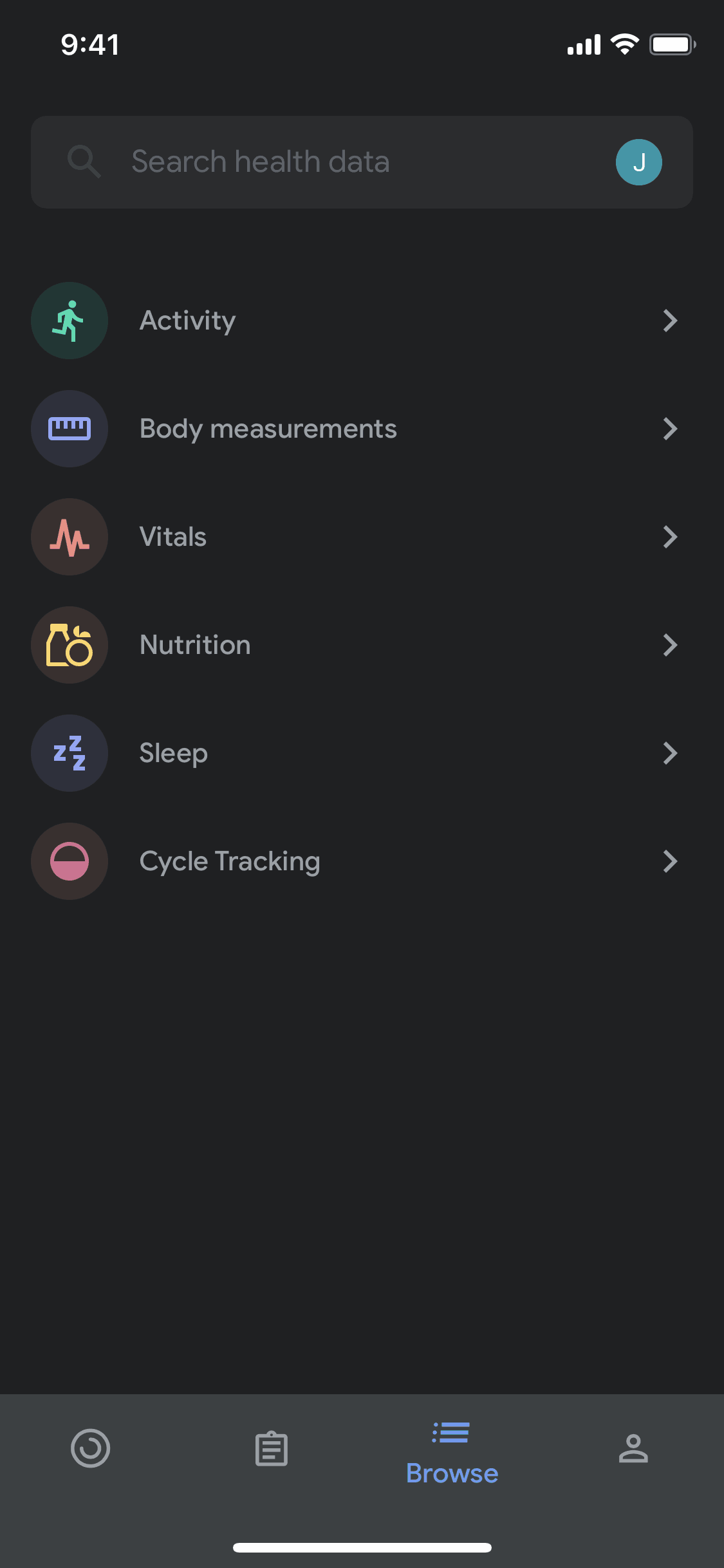
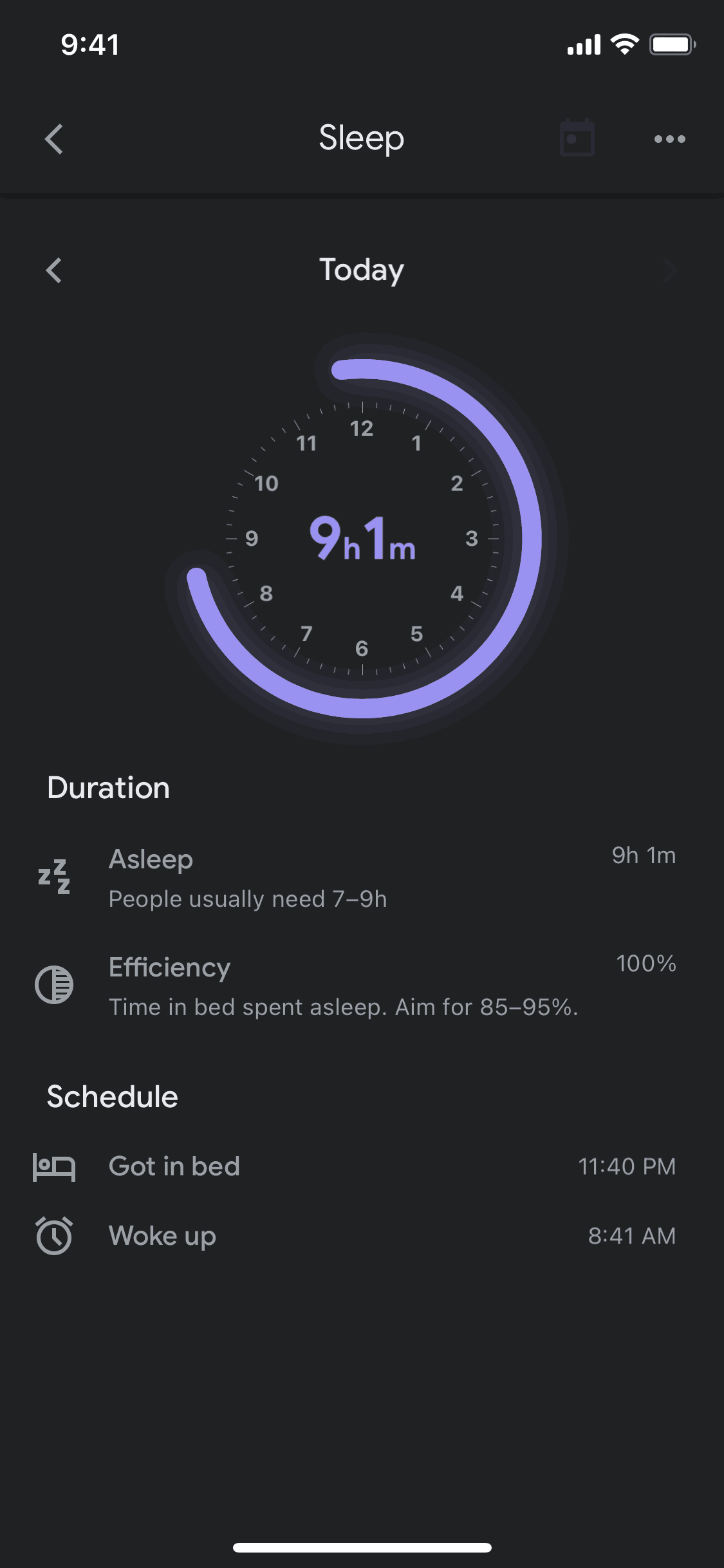
  4. Google Fit Switching to dark mode screen 4 of 16 (iOS)
  5. Google Fit Switching to dark mode screen 5 of 16 (iOS)
  6. Google Fit Switching to dark mode screen 6 of 16 (iOS)
  7. Google Fit Switching to dark mode screen 7 of 16 (iOS)
  8. Google Fit Switching to dark mode screen 8 of 16 (iOS)
  9. Google Fit Switching to dark mode screen 9 of 16 (iOS)
  10. Google Fit Switching to dark mode screen 10 of 16 (iOS)
  11. Google Fit Switching to dark mode screen 11 of 16 (iOS)
  12. Google Fit Switching to dark mode screen 12 of 16 (iOS)
  13. Google Fit Switching to dark mode screen 13 of 16 (iOS)
  14. Google Fit Switching to dark mode screen 14 of 16 (iOS)
  15. Google Fit Switching to dark mode screen 15 of 16 (iOS)
  16. Google Fit Switching to dark mode screen 16 of 16 (iOS)

Patterns

Settings & PreferencesDark ModeDashboardHomeChartsTimeline & HistoryBrowse & DiscoverSearchCalendarAdd & CreateMy Account & Profile

Components

buttontoastprogress indicatorsearch barlist
Explore real product flows

More UI examples

Explore the full catalog