Refcat
UI reference · iOS

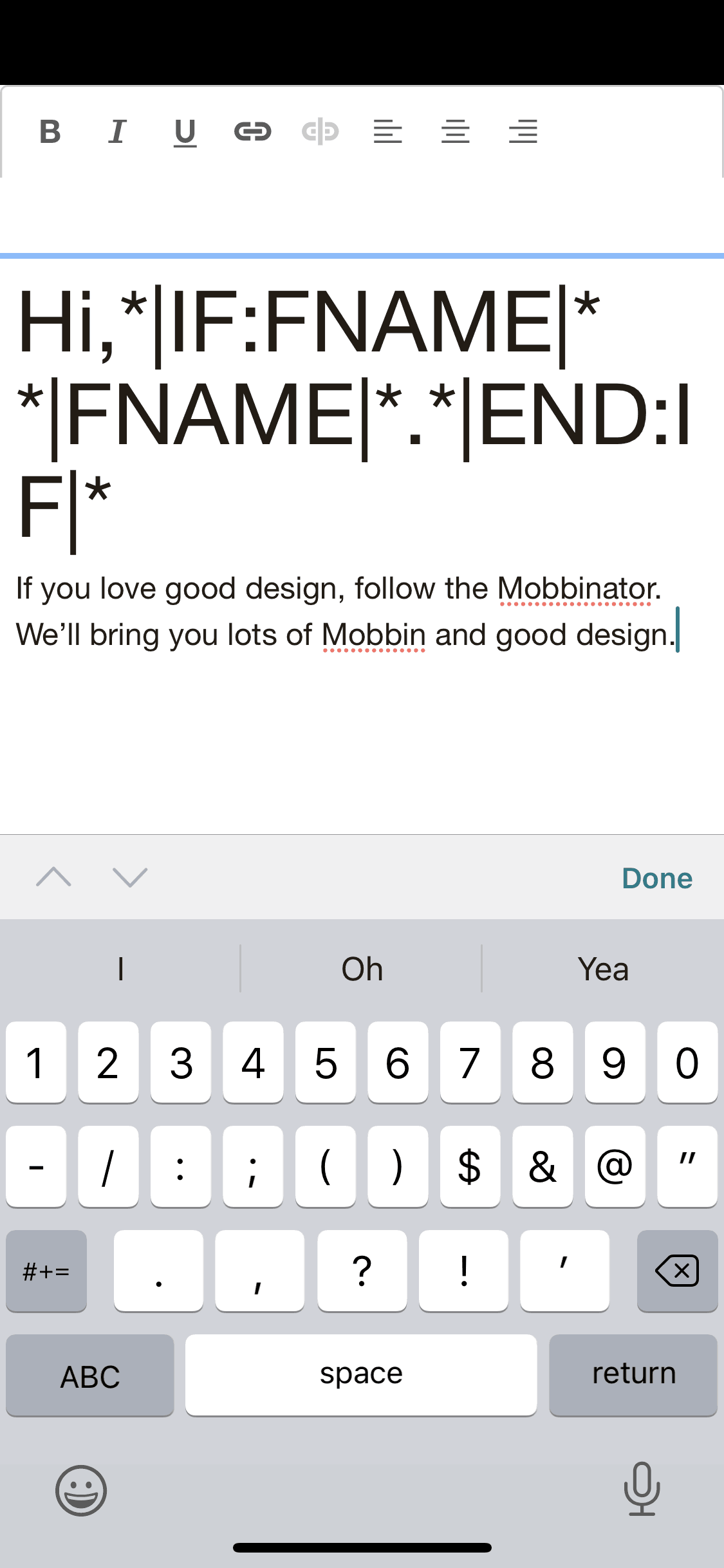
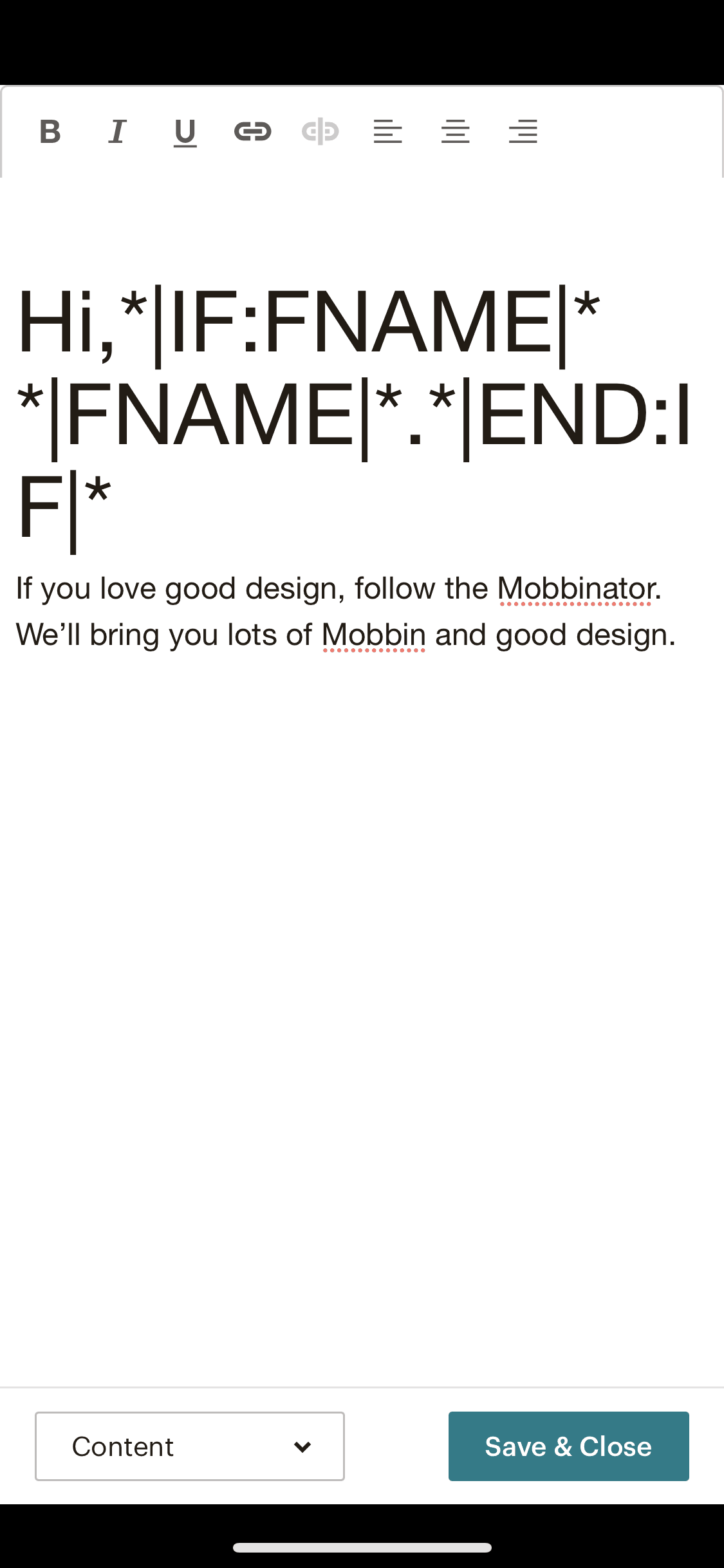
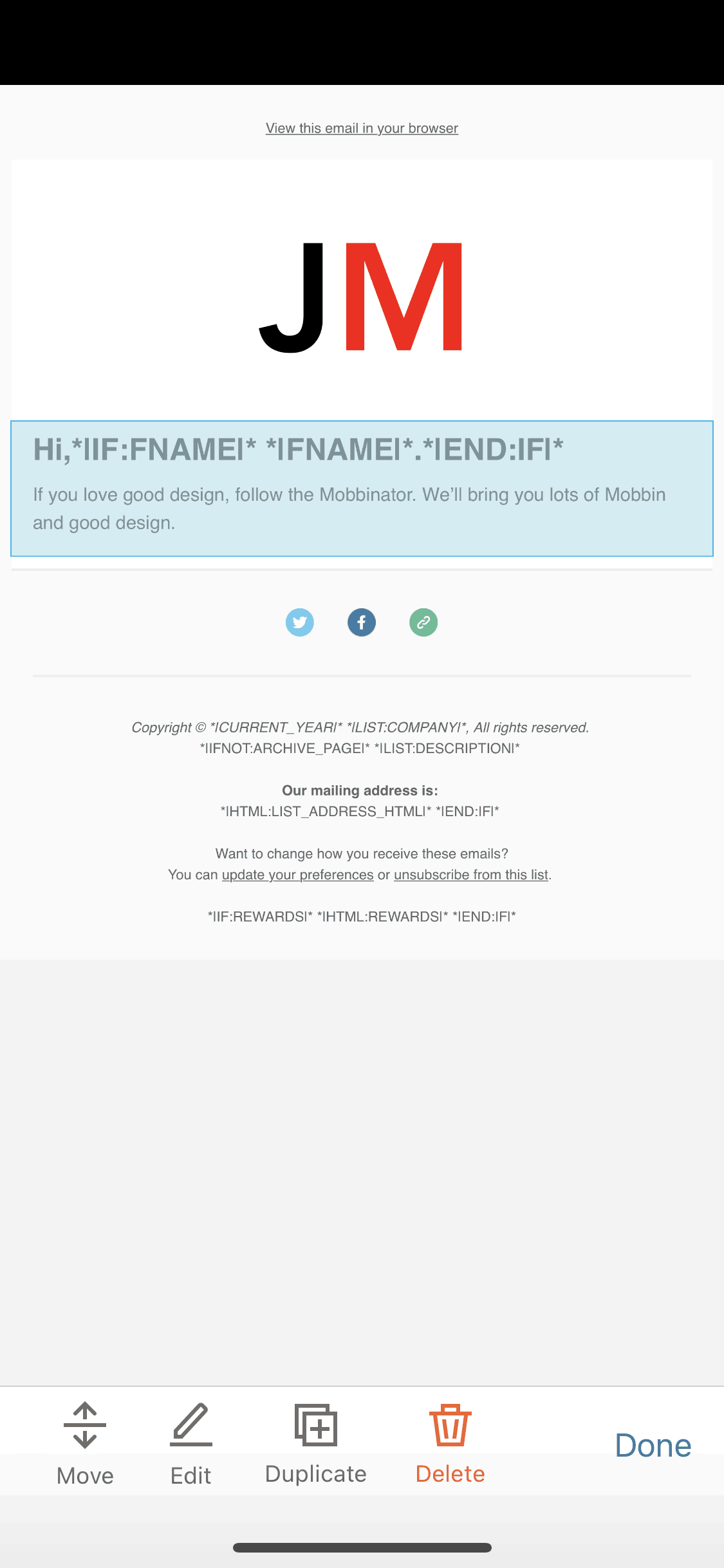
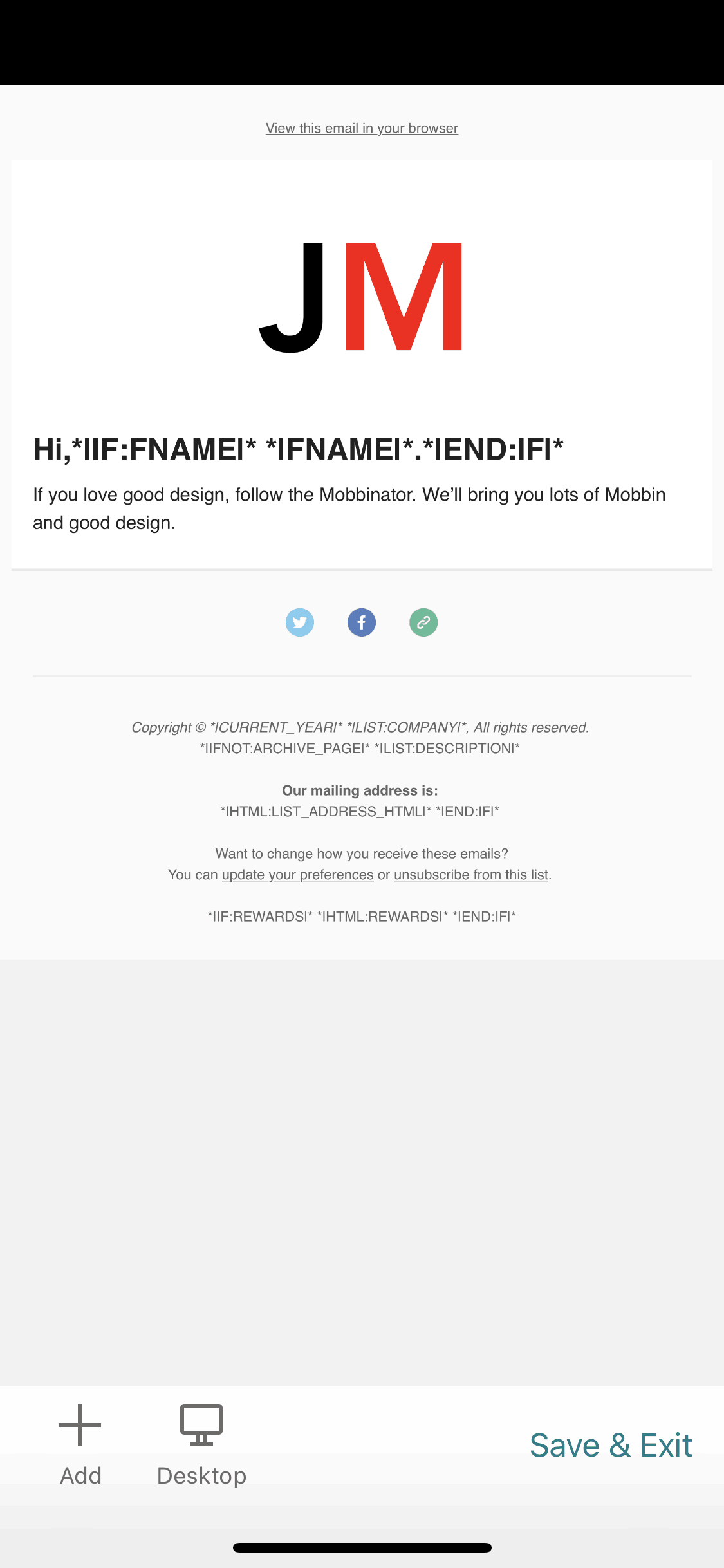
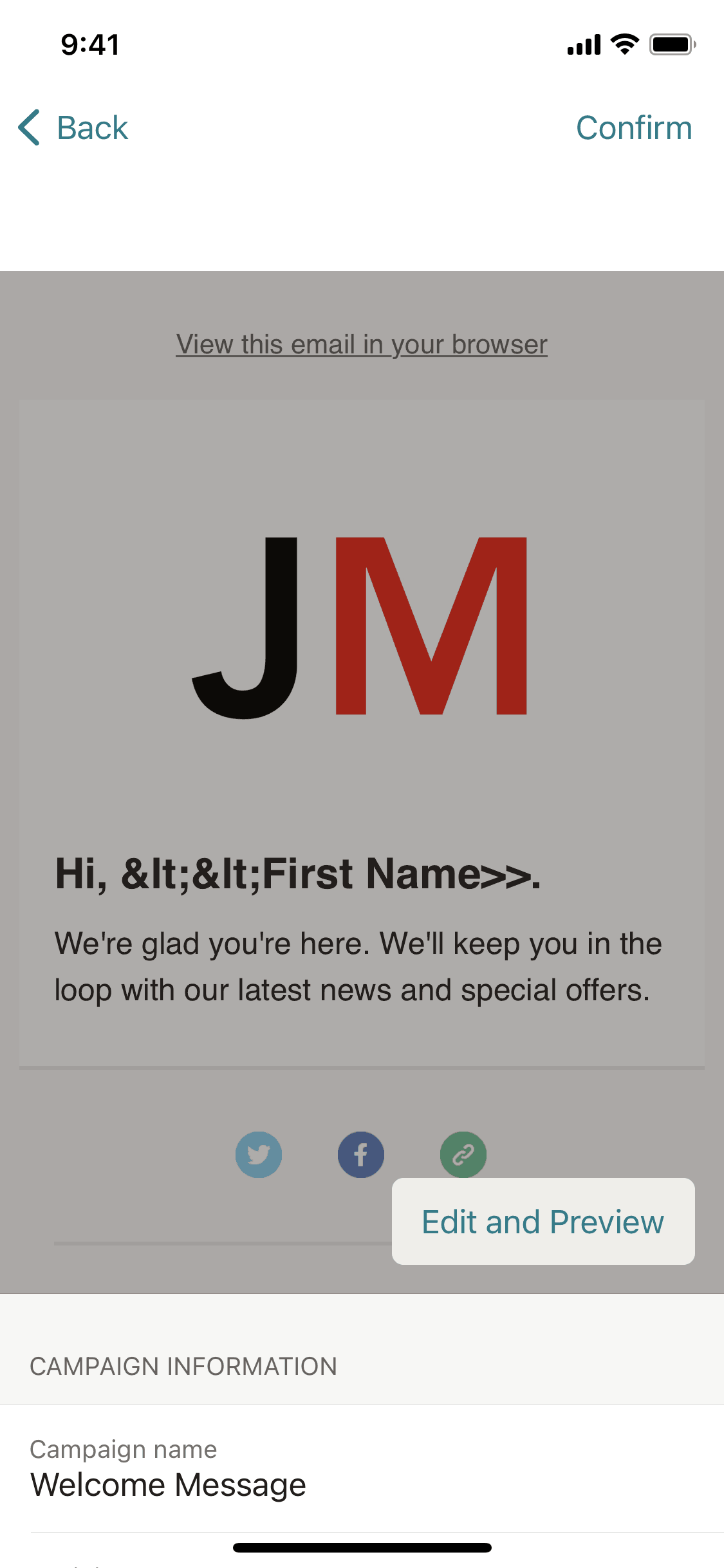
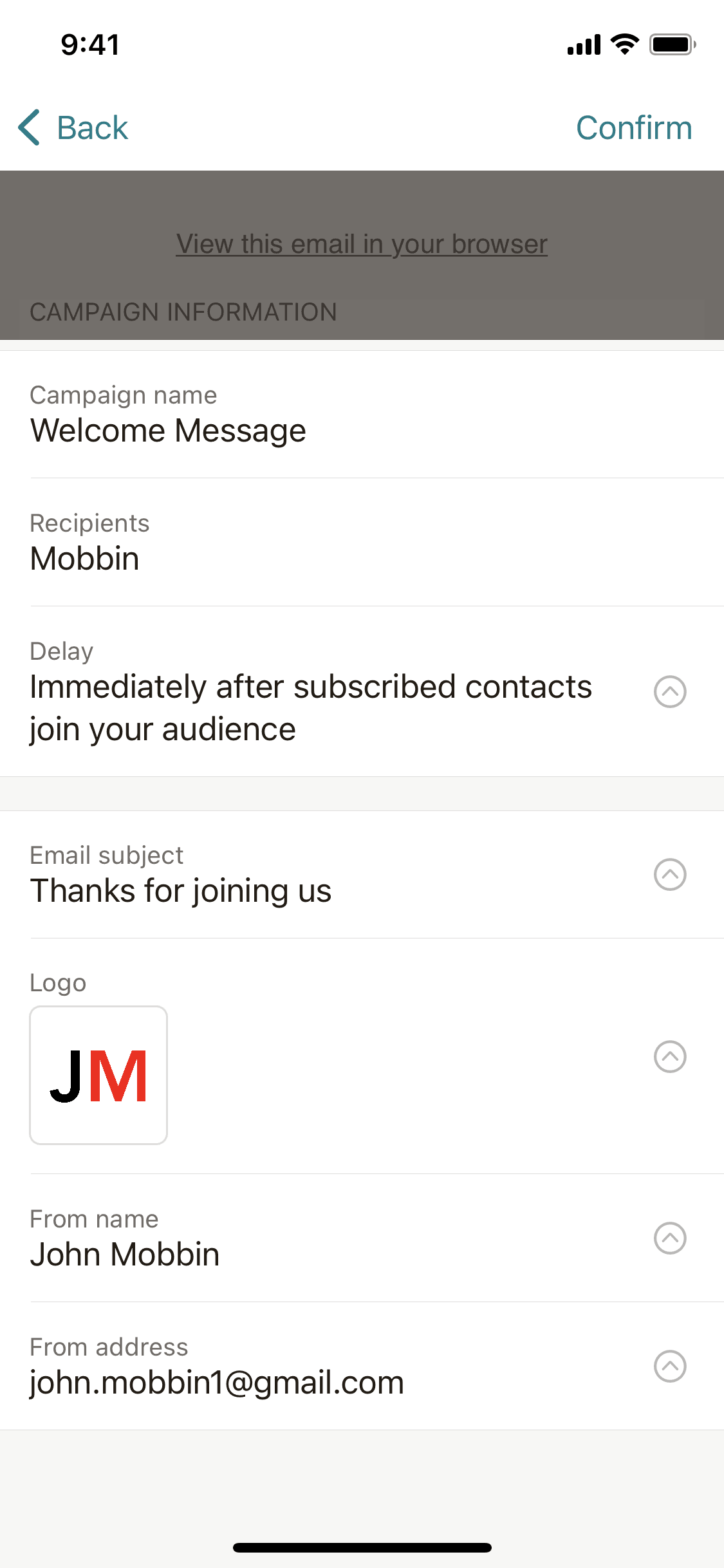
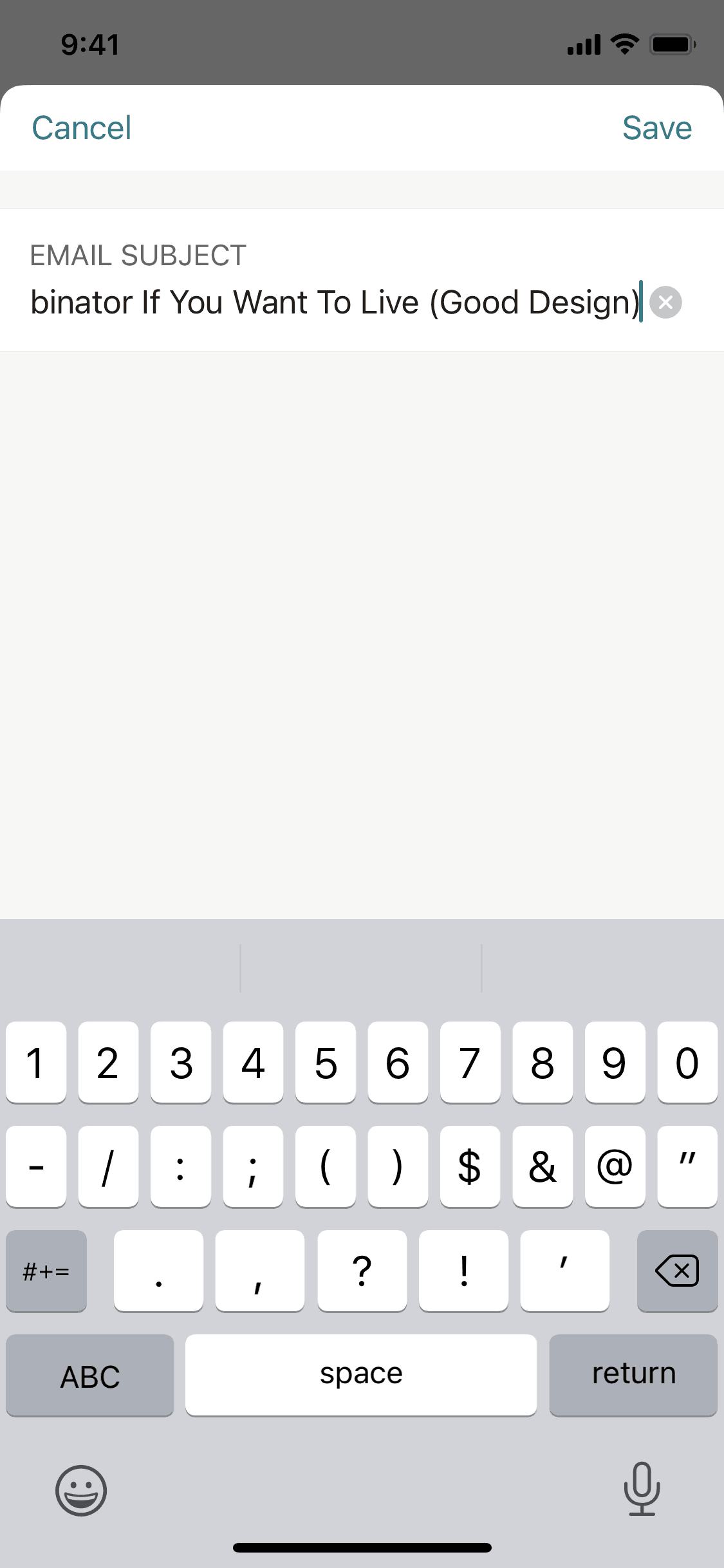
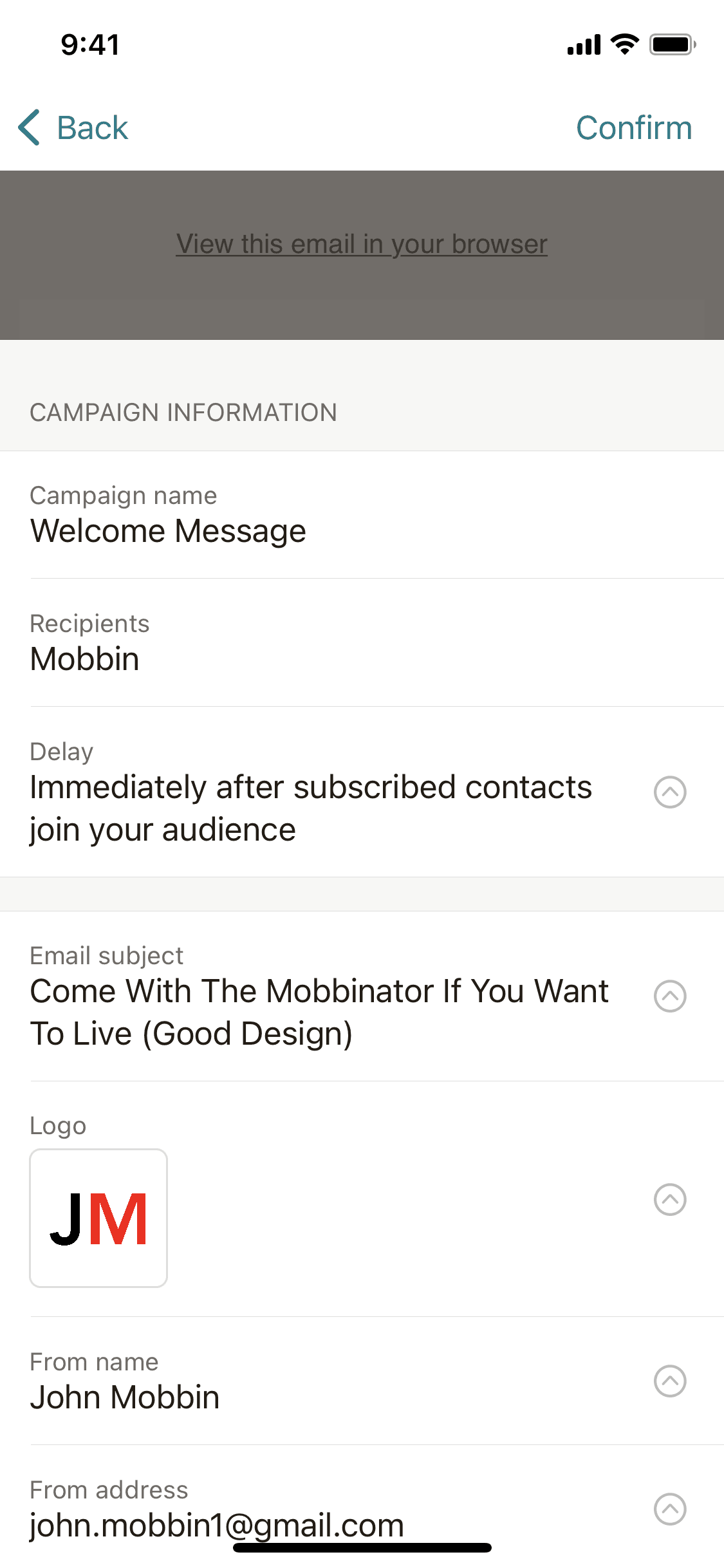
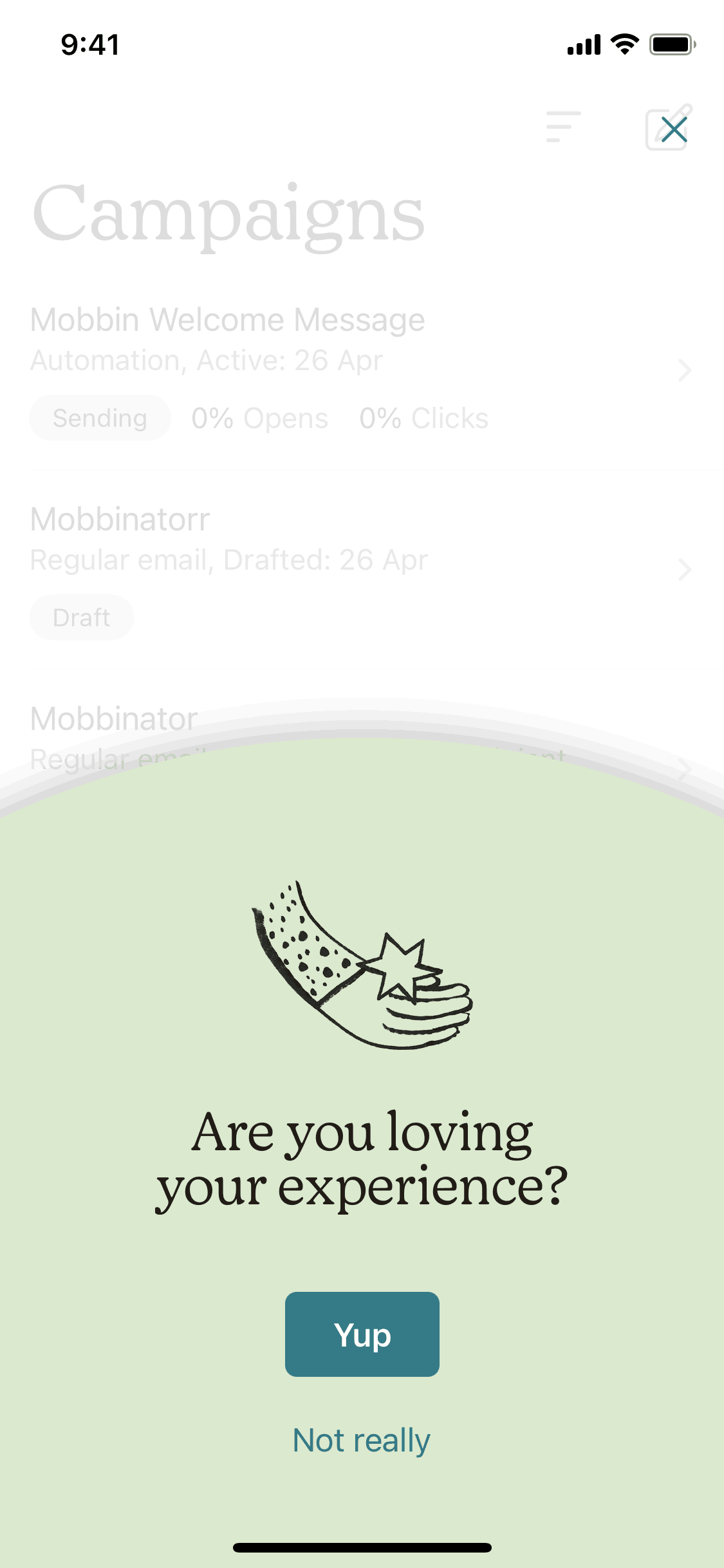
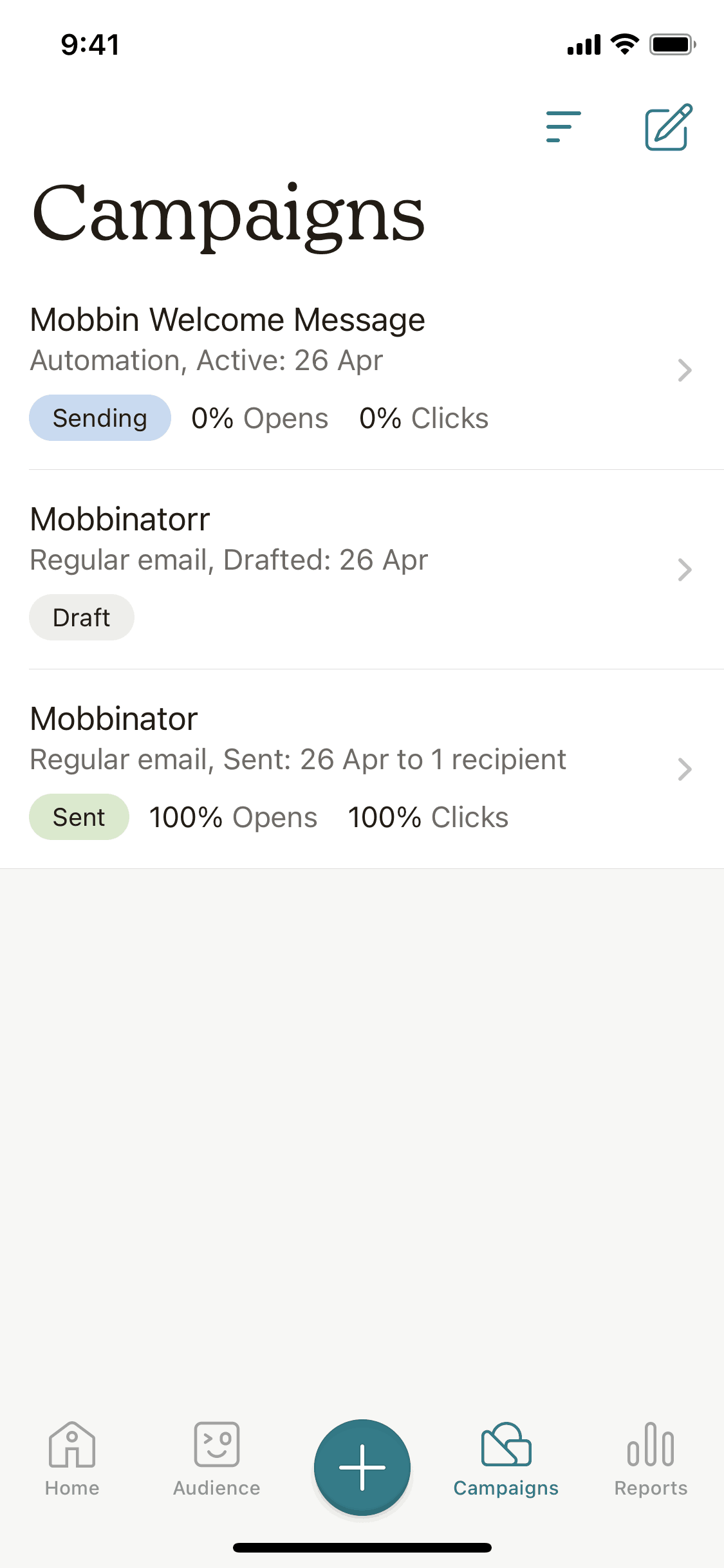
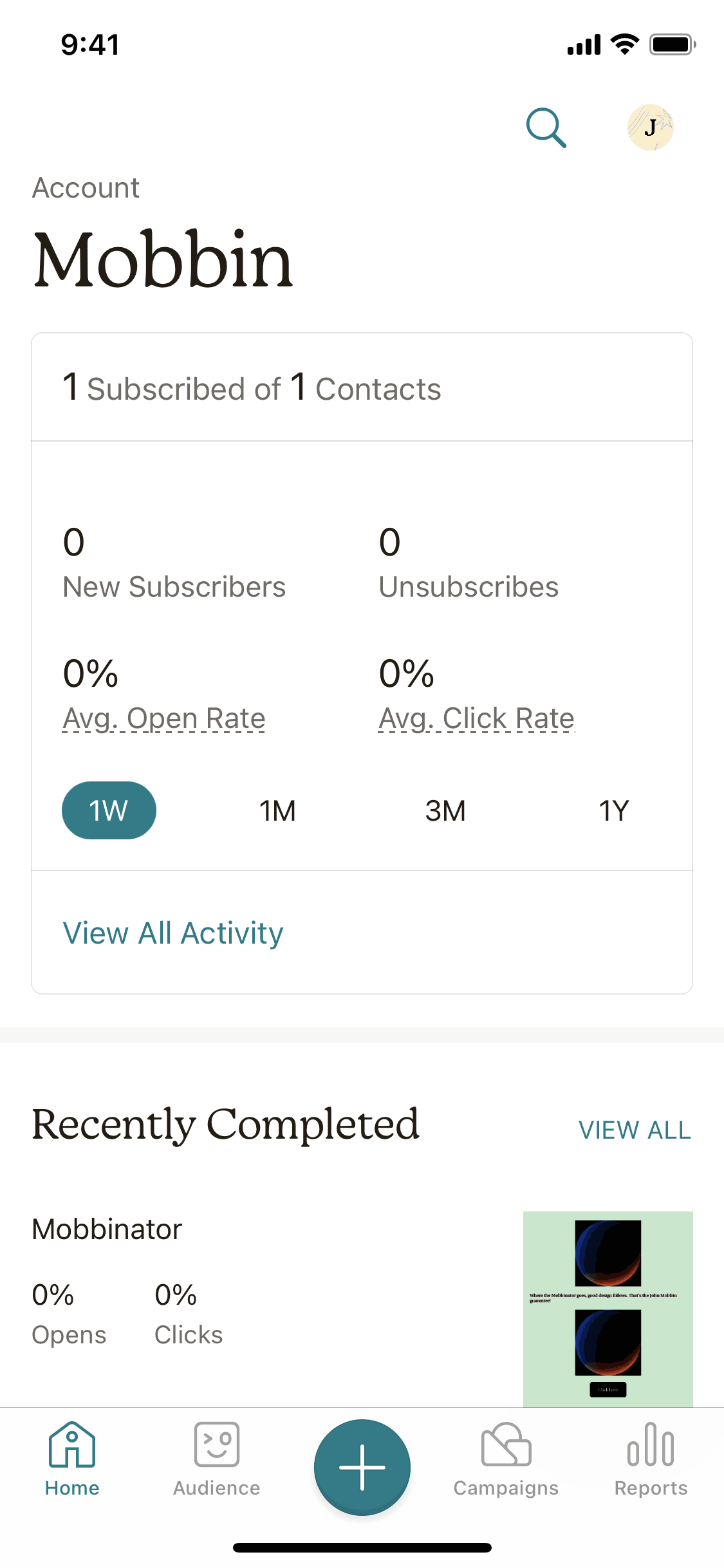
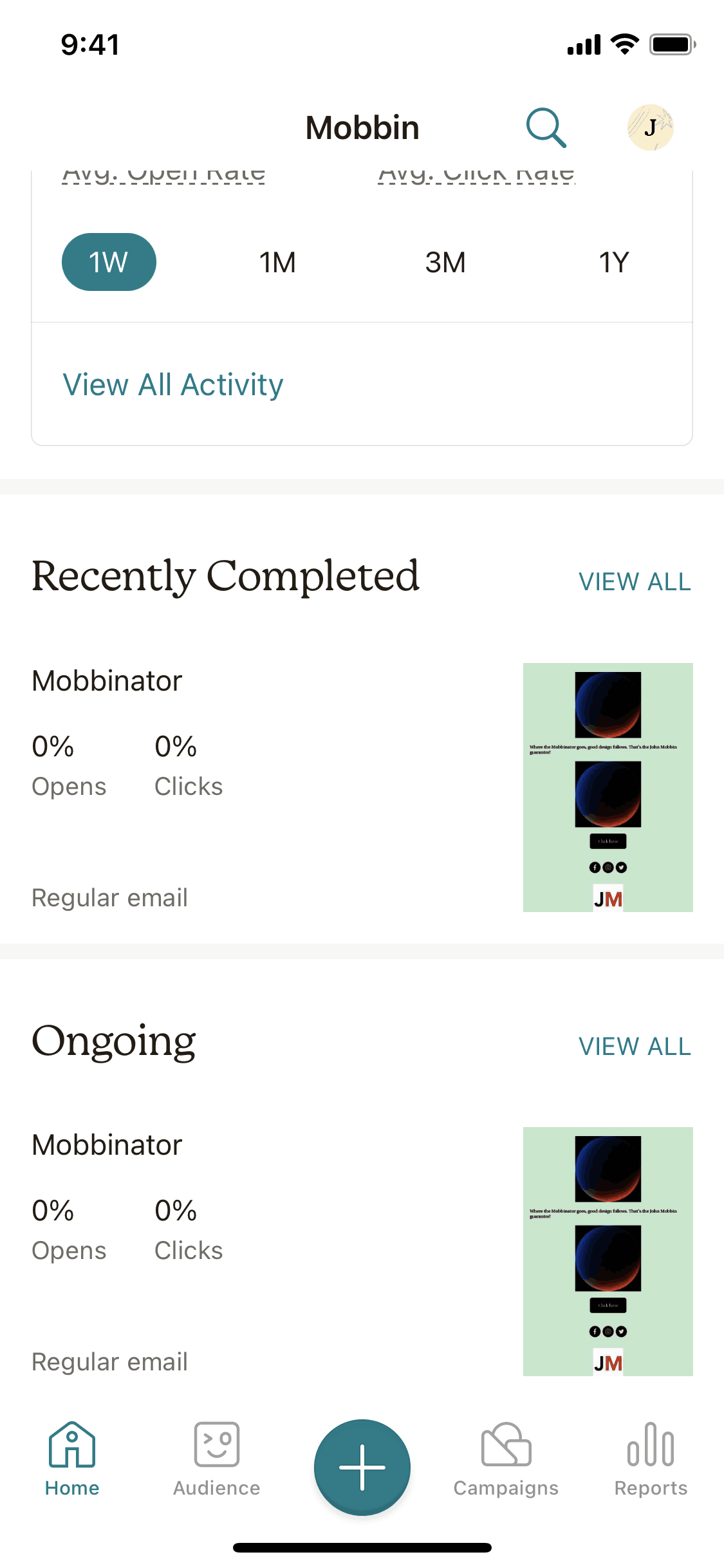
Creating an automated welcome email in Mailchimp

22 screens · Mailchimp

Added to Refcat

Every screen in order
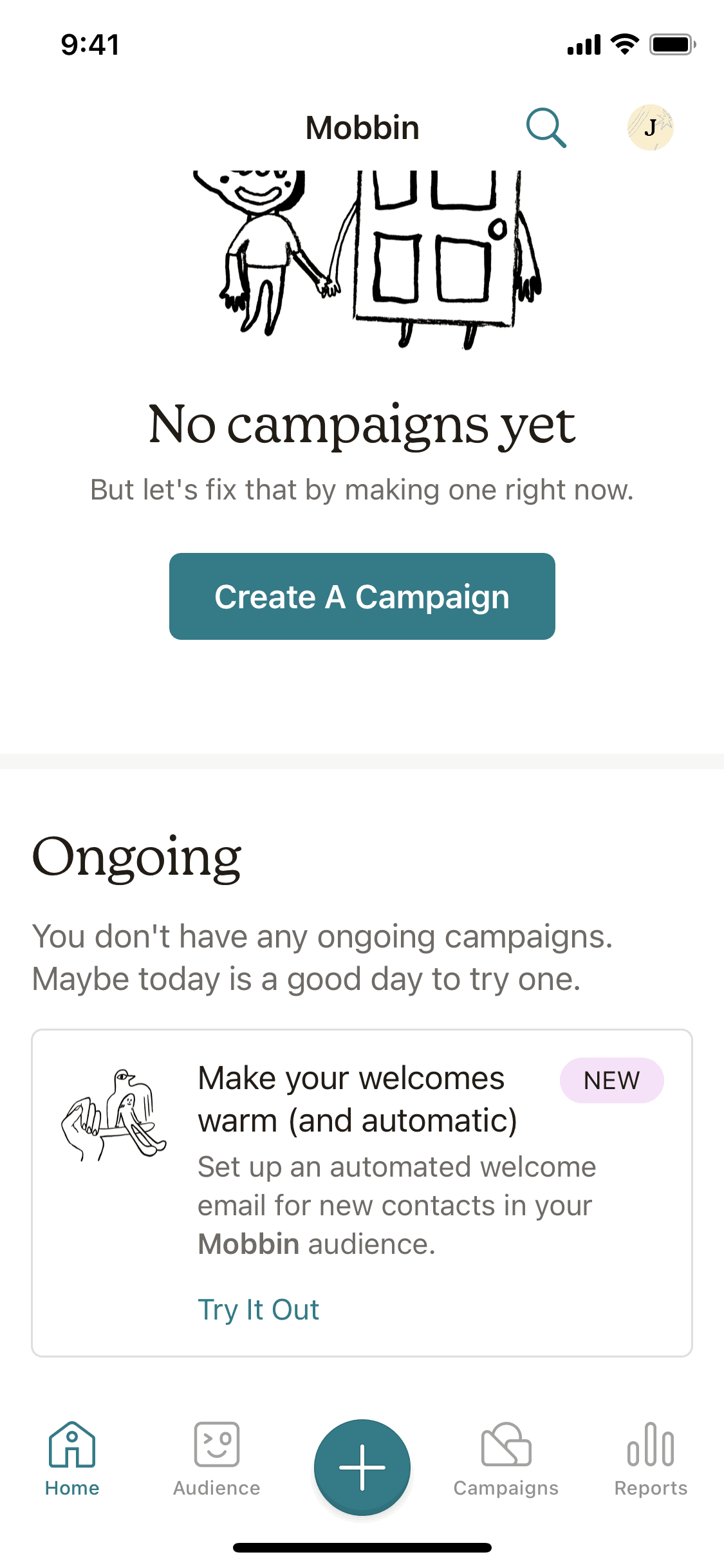
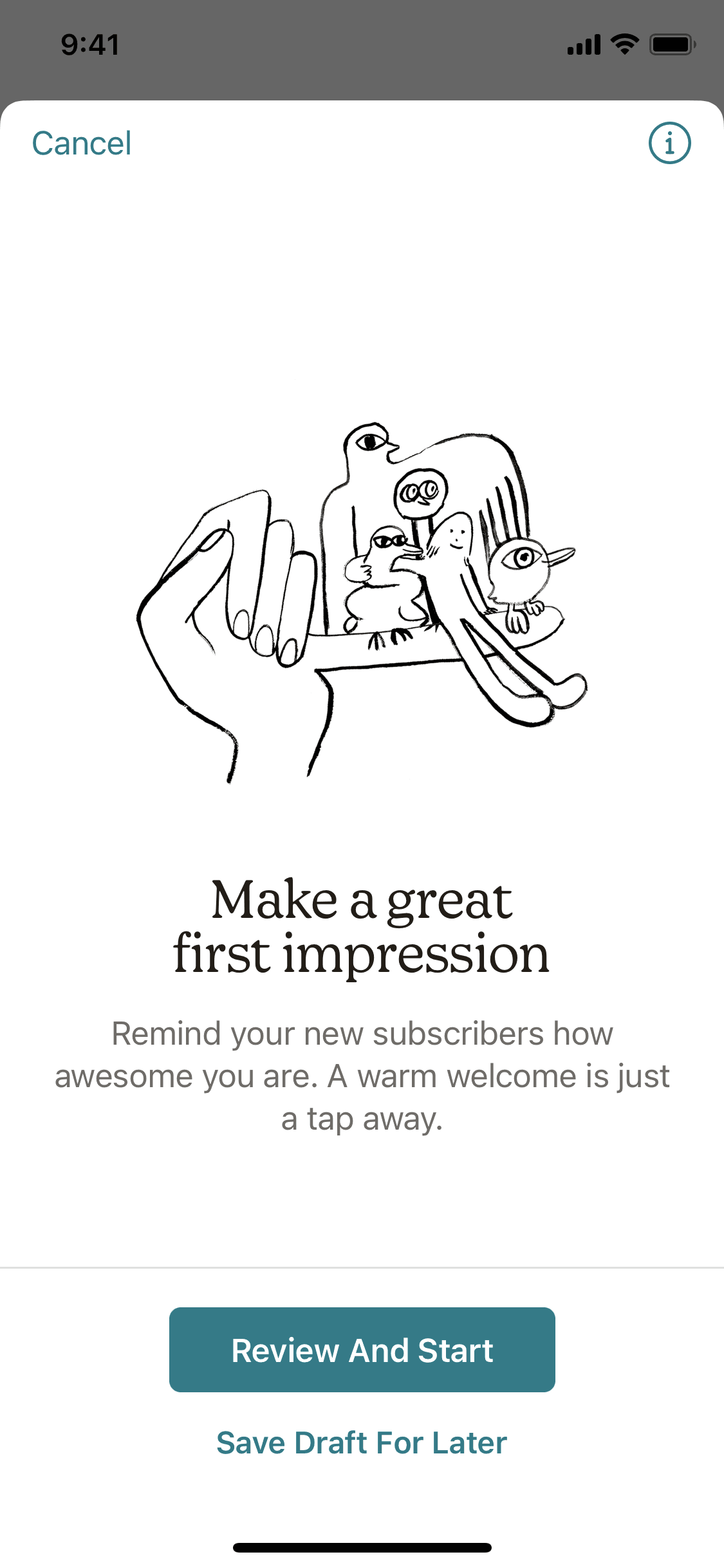
  1. Mailchimp Creating an automated welcome email screen 1 of 22 (iOS)
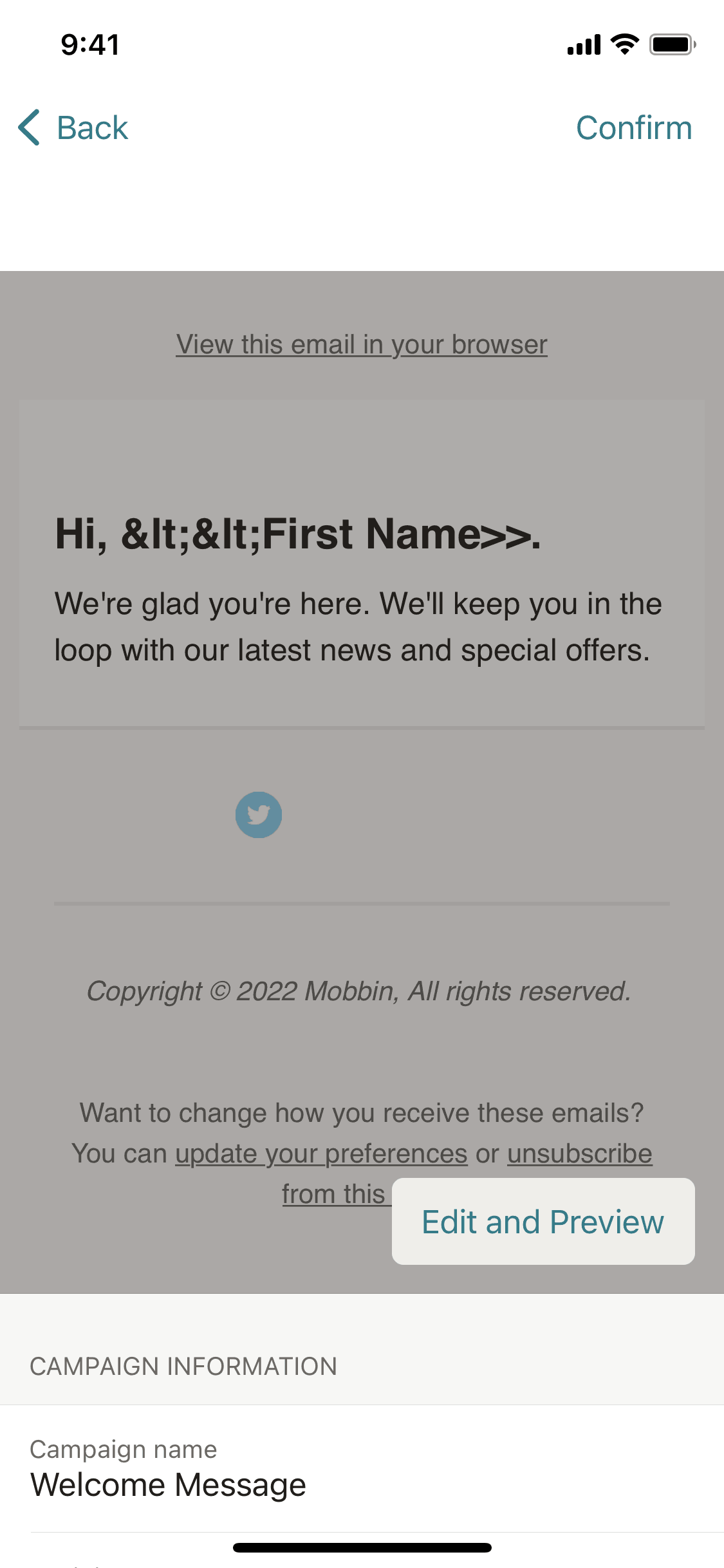
  2. Mailchimp Creating an automated welcome email screen 2 of 22 (iOS)
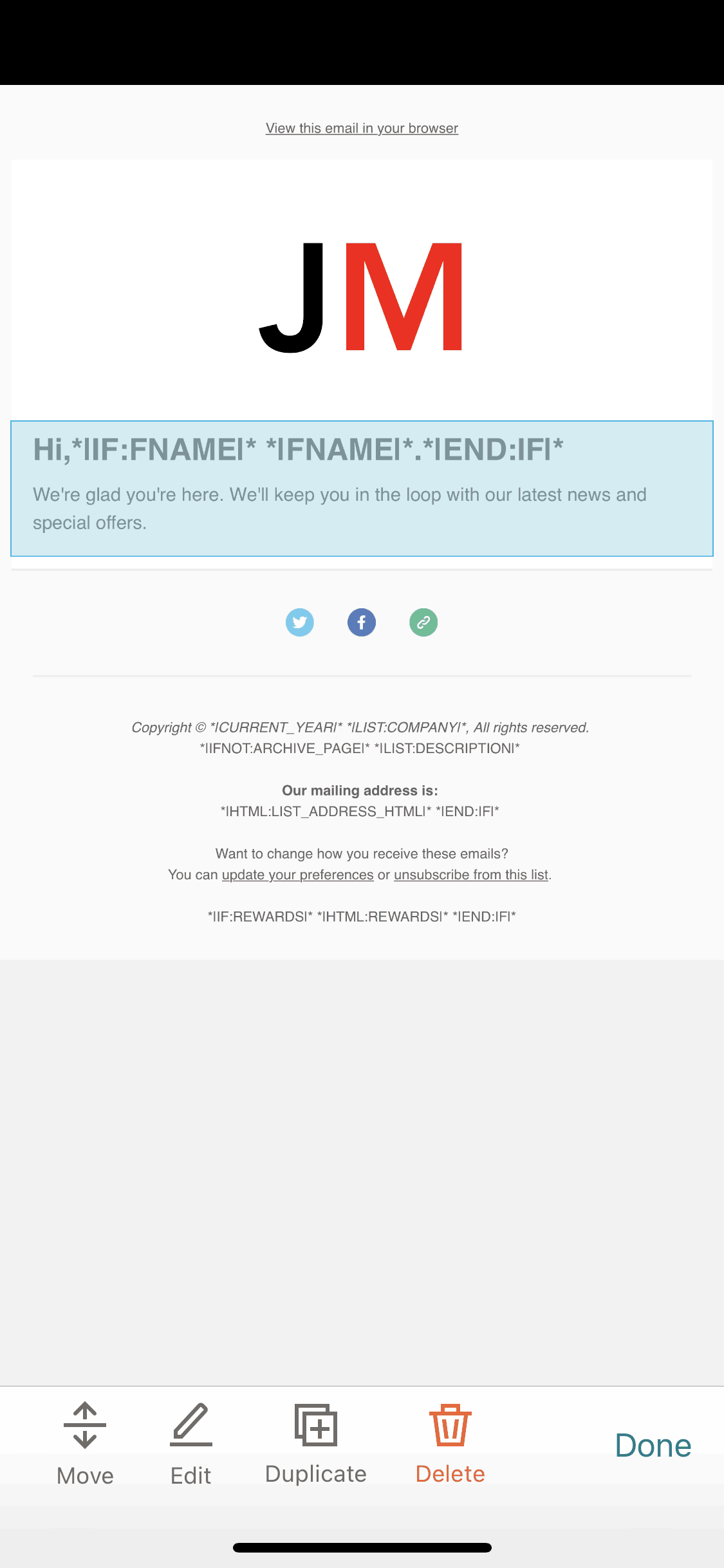
  3. Mailchimp Creating an automated welcome email screen 3 of 22 (iOS)
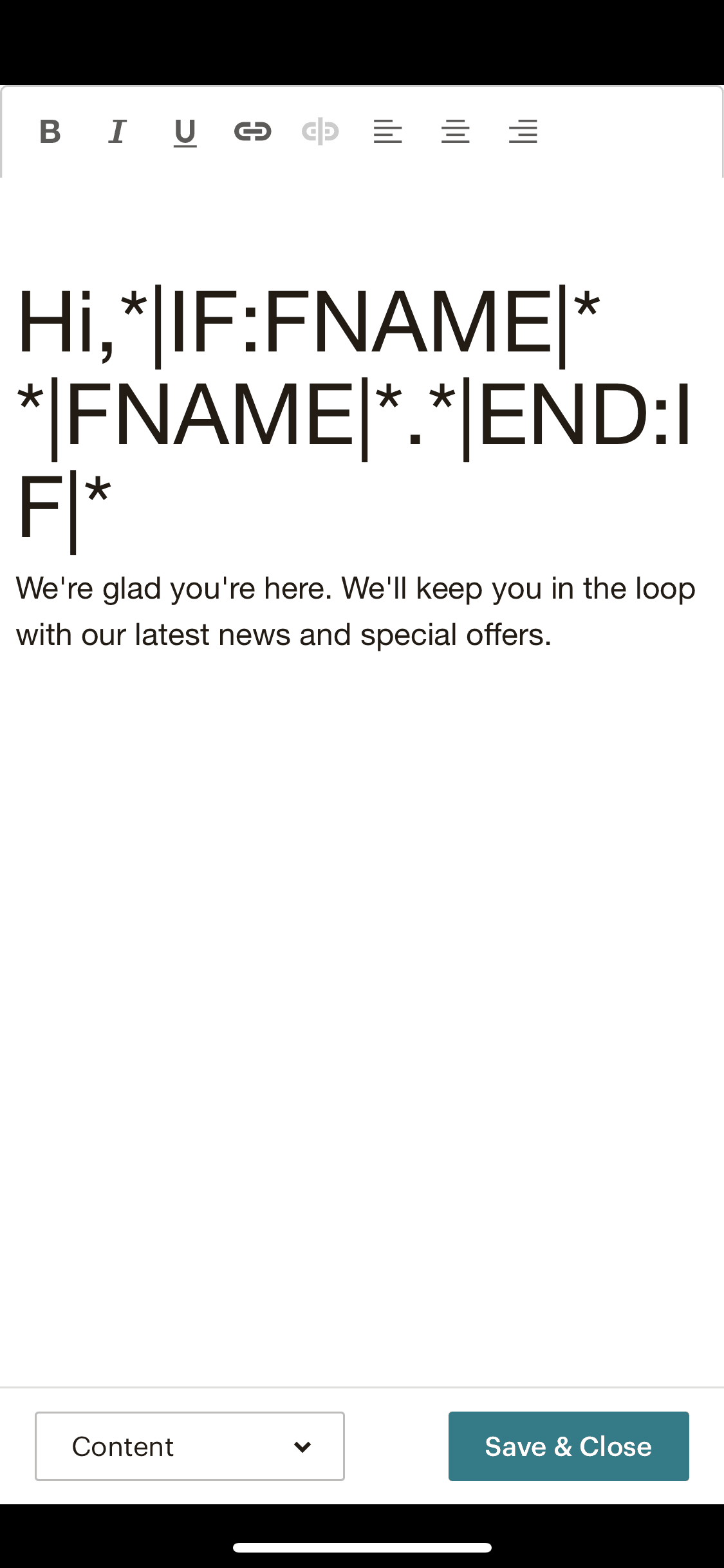
  4. Mailchimp Creating an automated welcome email screen 4 of 22 (iOS)
  5. Mailchimp Creating an automated welcome email screen 5 of 22 (iOS)
  6. Mailchimp Creating an automated welcome email screen 6 of 22 (iOS)
  7. Mailchimp Creating an automated welcome email screen 7 of 22 (iOS)
  8. Mailchimp Creating an automated welcome email screen 8 of 22 (iOS)
  9. Mailchimp Creating an automated welcome email screen 9 of 22 (iOS)
  10. Mailchimp Creating an automated welcome email screen 10 of 22 (iOS)
  11. Mailchimp Creating an automated welcome email screen 11 of 22 (iOS)
  12. Mailchimp Creating an automated welcome email screen 12 of 22 (iOS)
  13. Mailchimp Creating an automated welcome email screen 13 of 22 (iOS)
  14. Mailchimp Creating an automated welcome email screen 14 of 22 (iOS)
  15. Mailchimp Creating an automated welcome email screen 15 of 22 (iOS)
  16. Mailchimp Creating an automated welcome email screen 16 of 22 (iOS)
  17. Mailchimp Creating an automated welcome email screen 17 of 22 (iOS)
  18. Mailchimp Creating an automated welcome email screen 18 of 22 (iOS)
  19. Mailchimp Creating an automated welcome email screen 19 of 22 (iOS)
  20. Mailchimp Creating an automated welcome email screen 20 of 22 (iOS)
  21. Mailchimp Creating an automated welcome email screen 21 of 22 (iOS)
  22. Mailchimp Creating an automated welcome email screen 22 of 22 (iOS)

Patterns

Feature InfoHomeAdd & CreateMedia EditorEditLoadingConfirmationAcknowledgement & SuccessFeedbackNotificationsDashboard

Components

buttoncardmodalemail inputlistinputprogress indicatortoast

Explore real product flows

More UI examples

Explore the full catalog