Refcat
UI reference · iOS

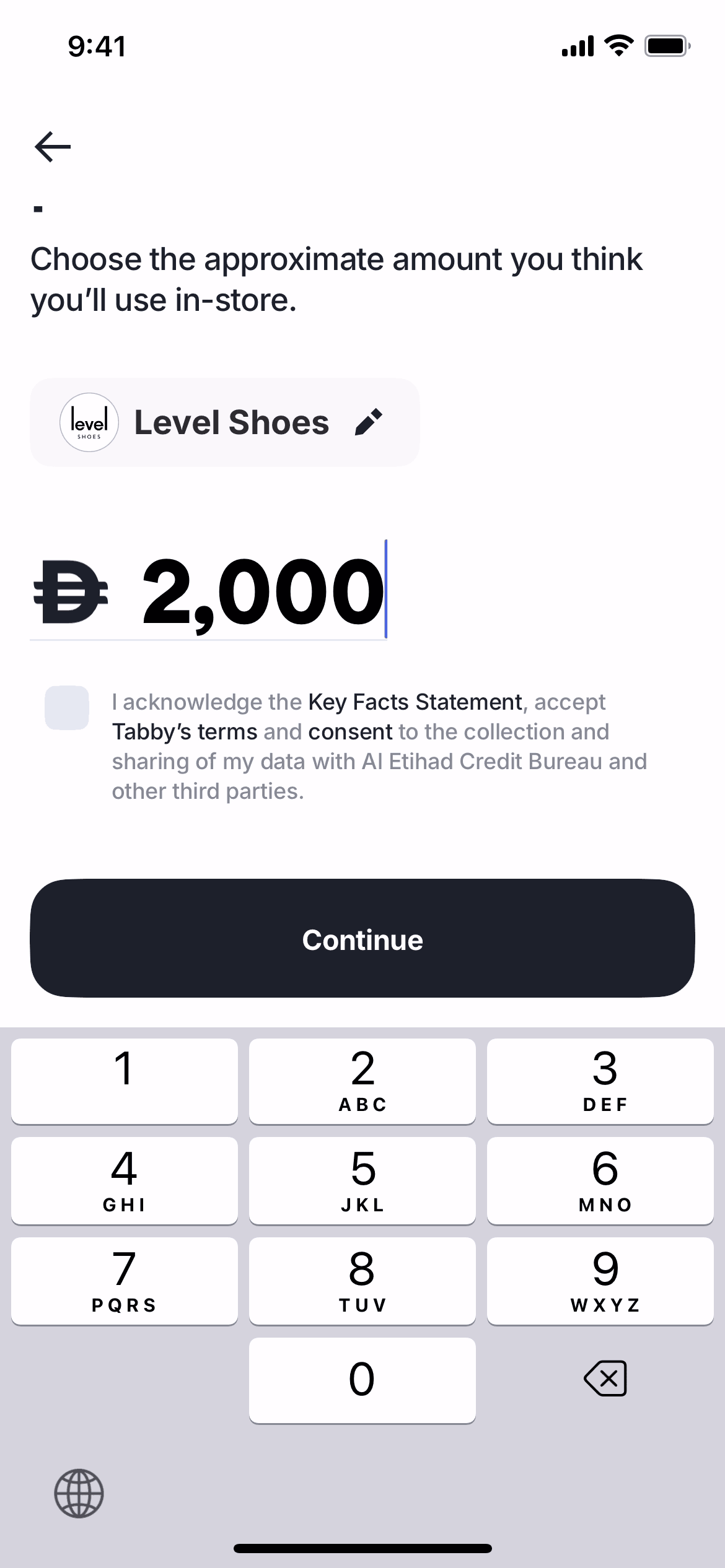
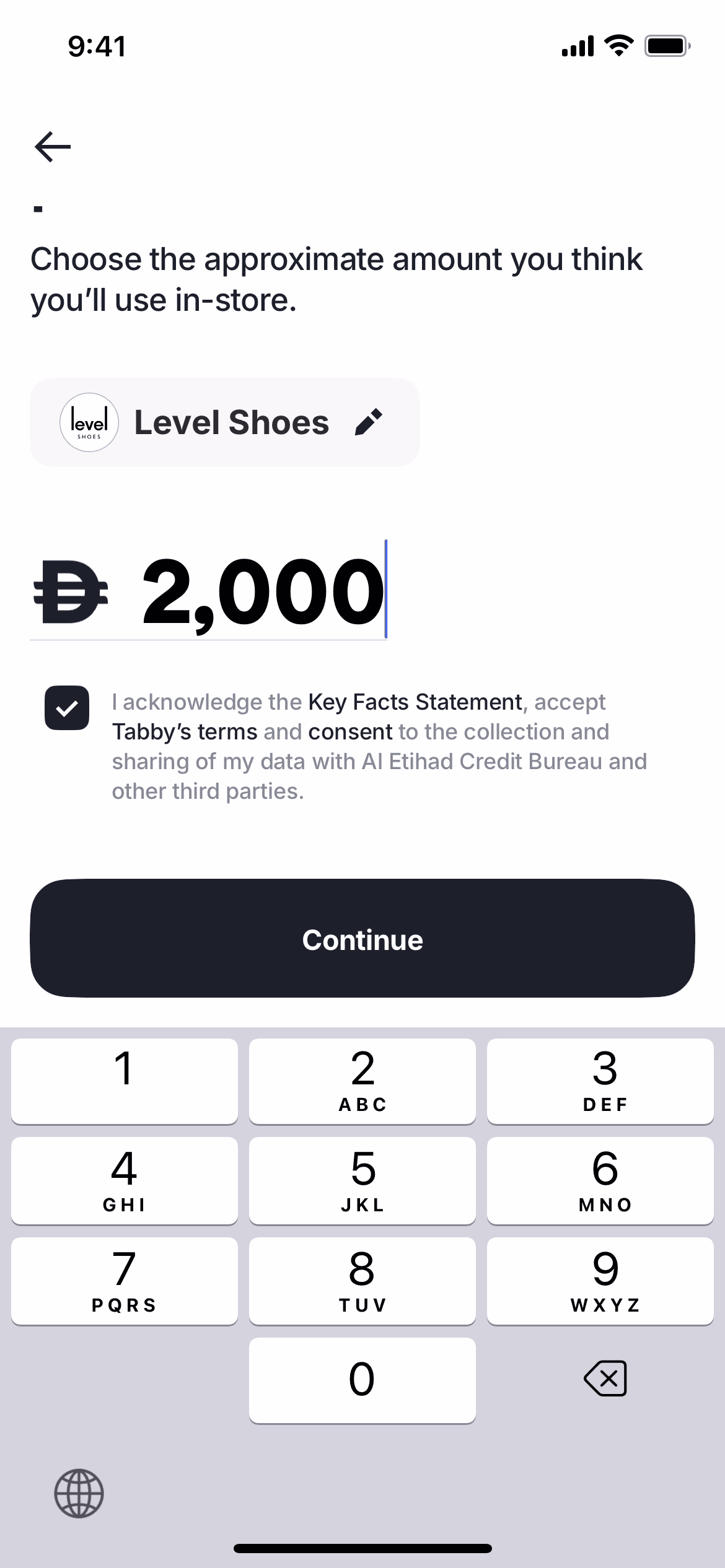
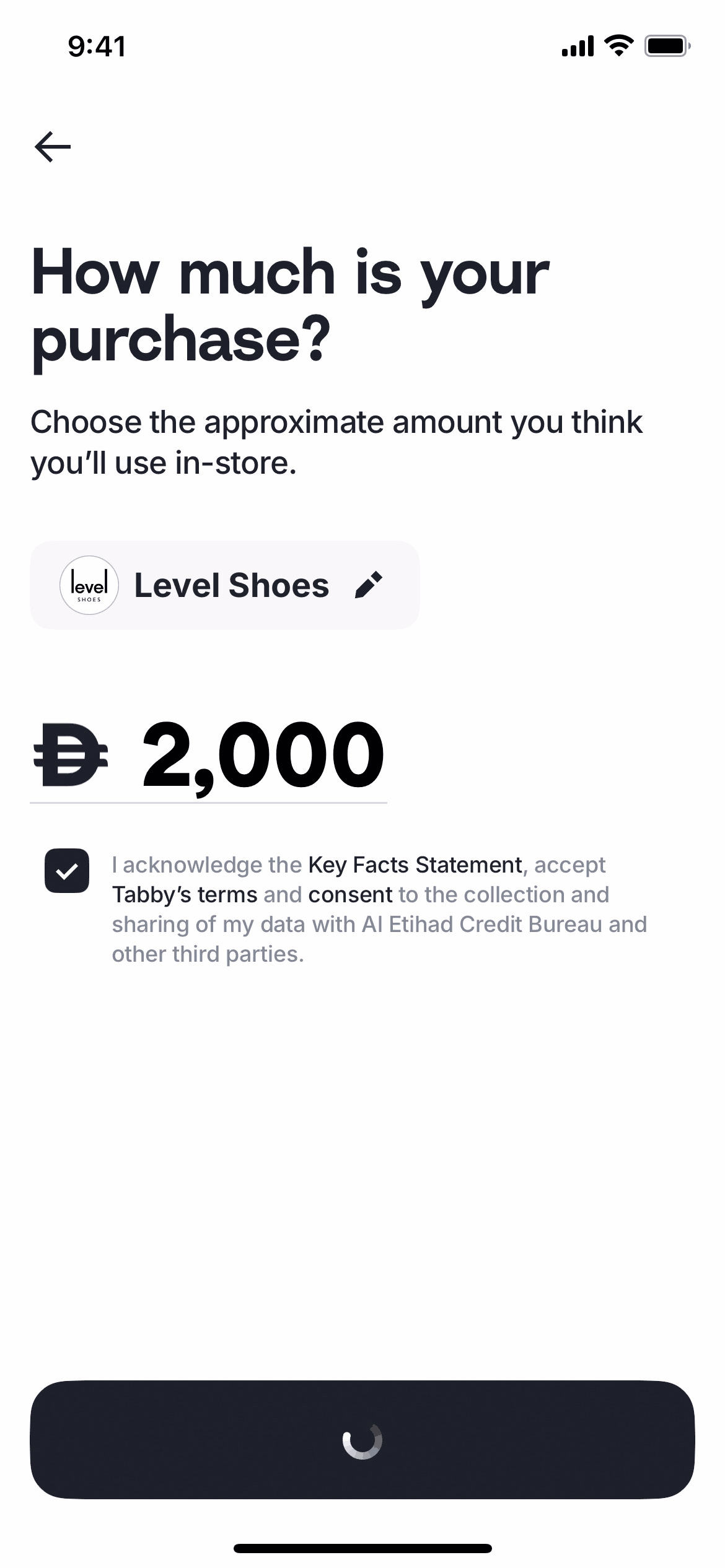
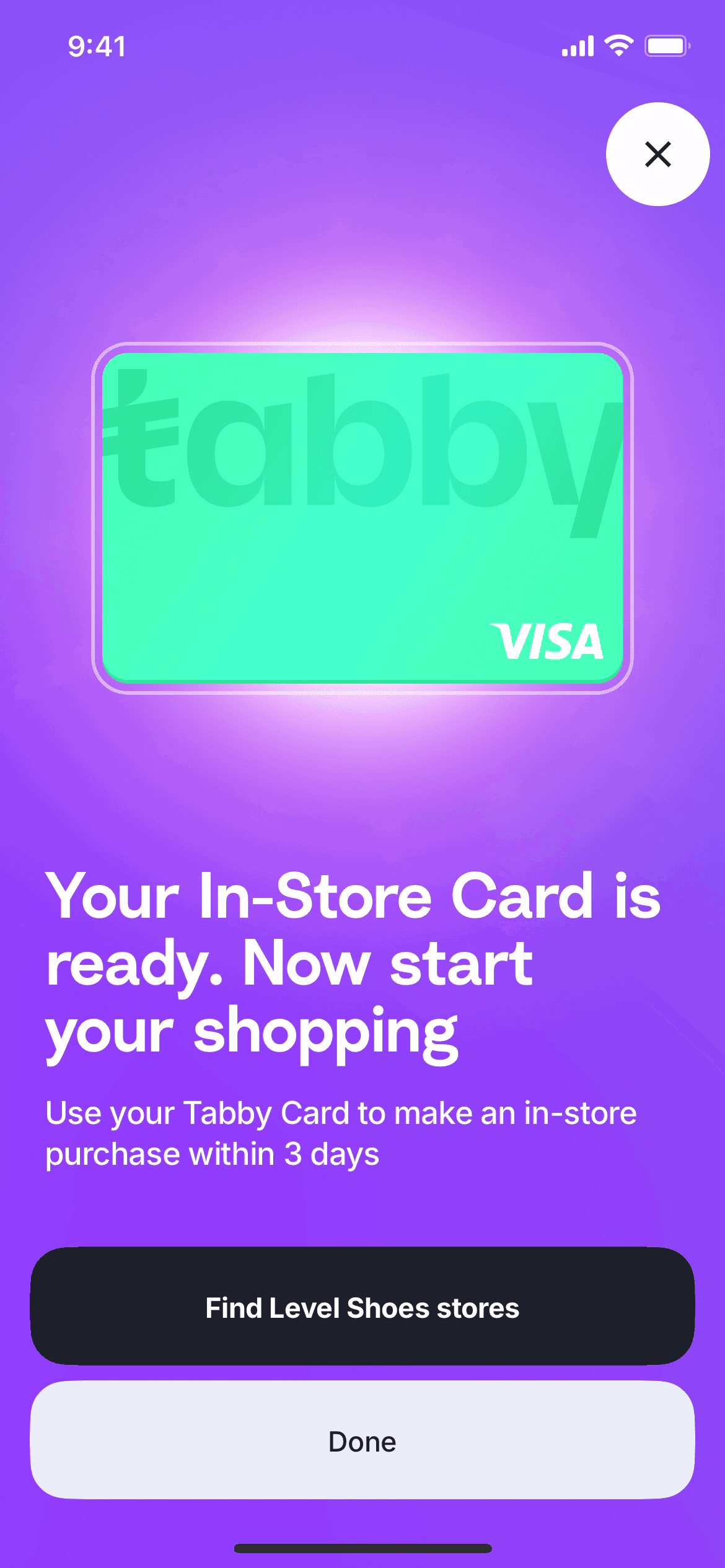
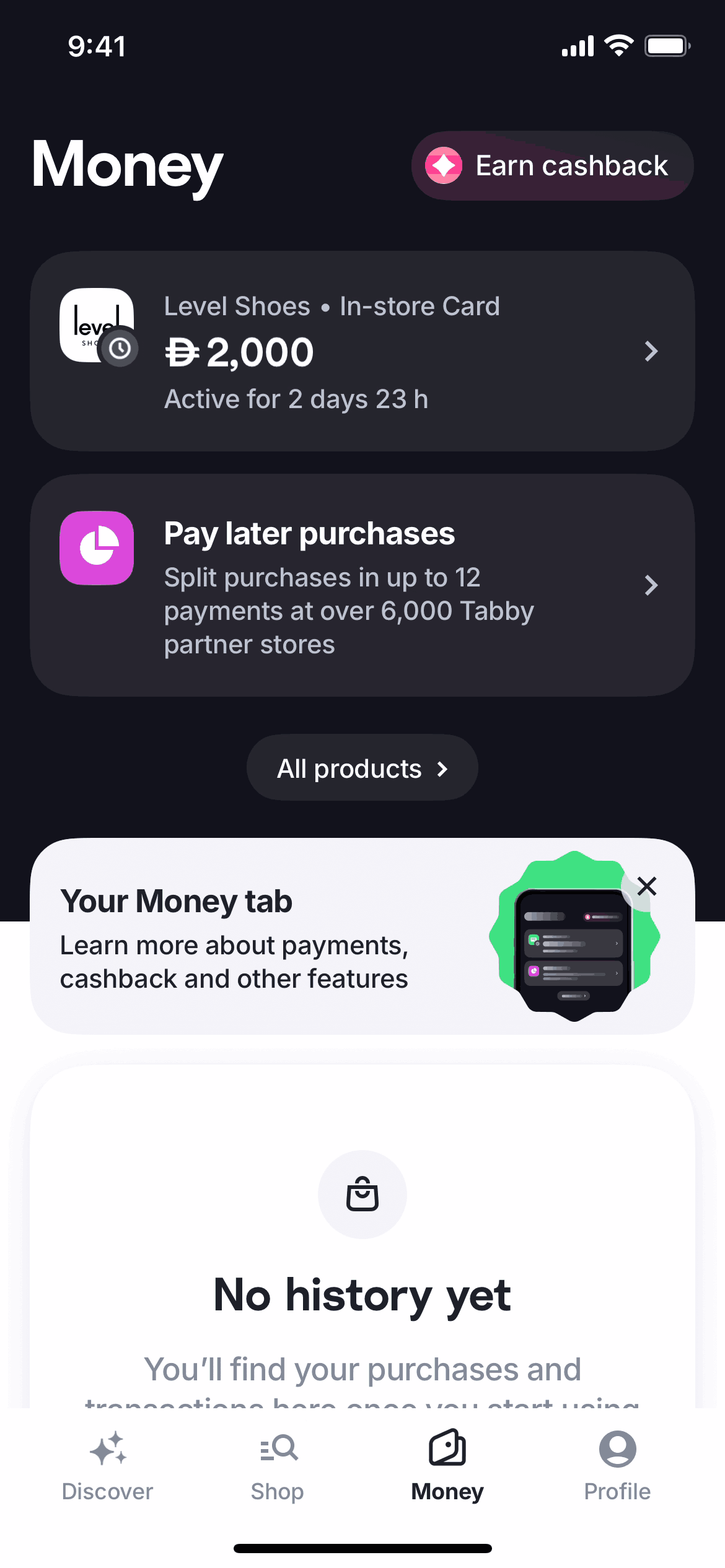
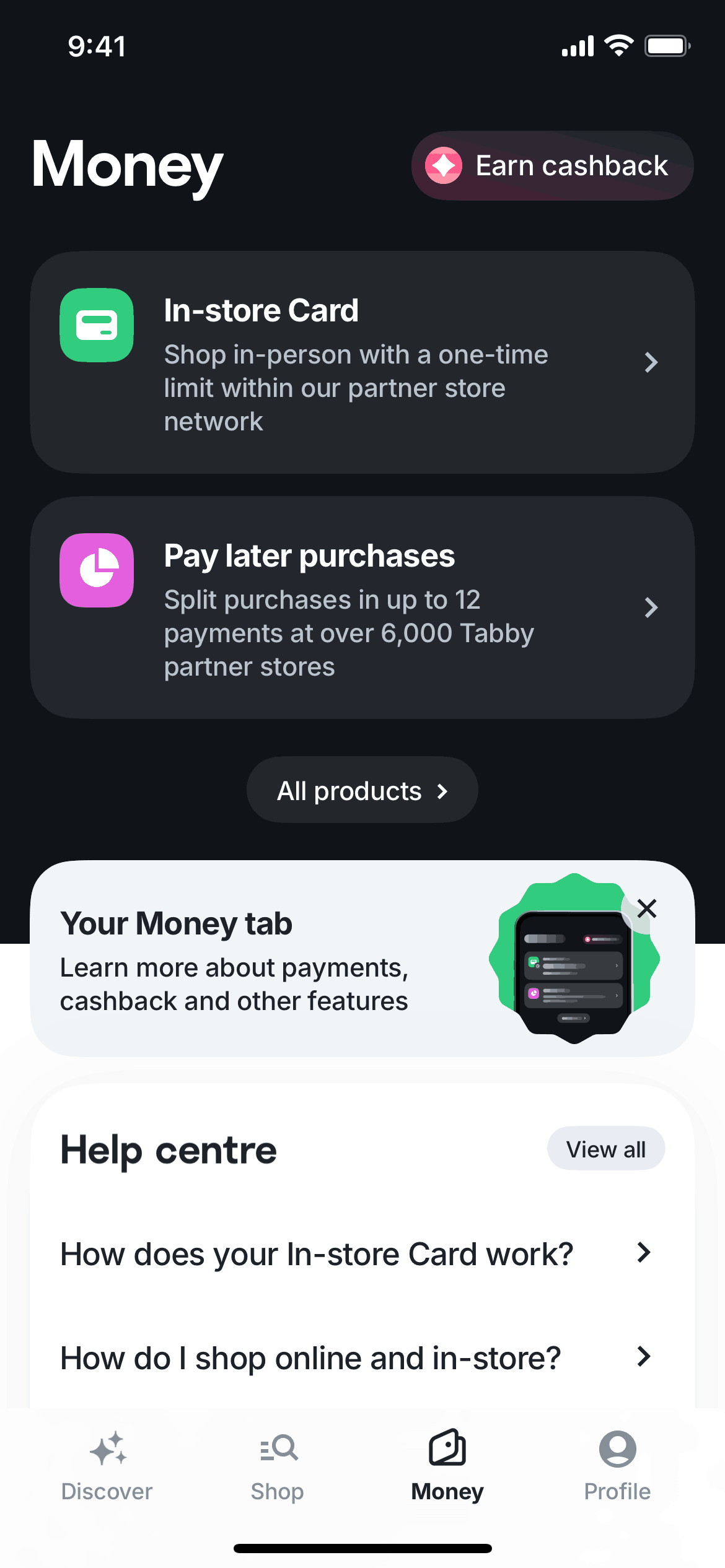
Setting up an in-store card in Tabby

18 screens · Tabby

Added to Refcat

Every screen in order
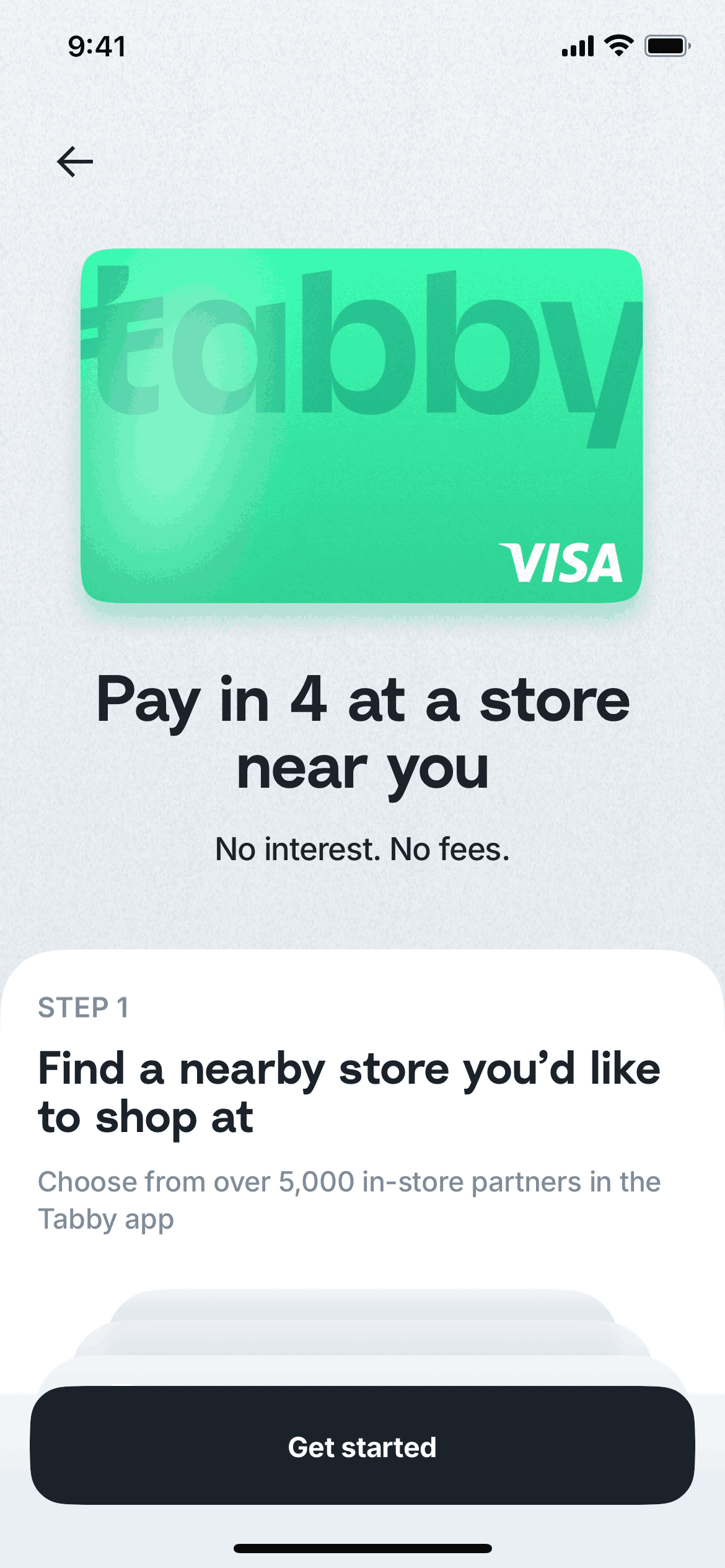
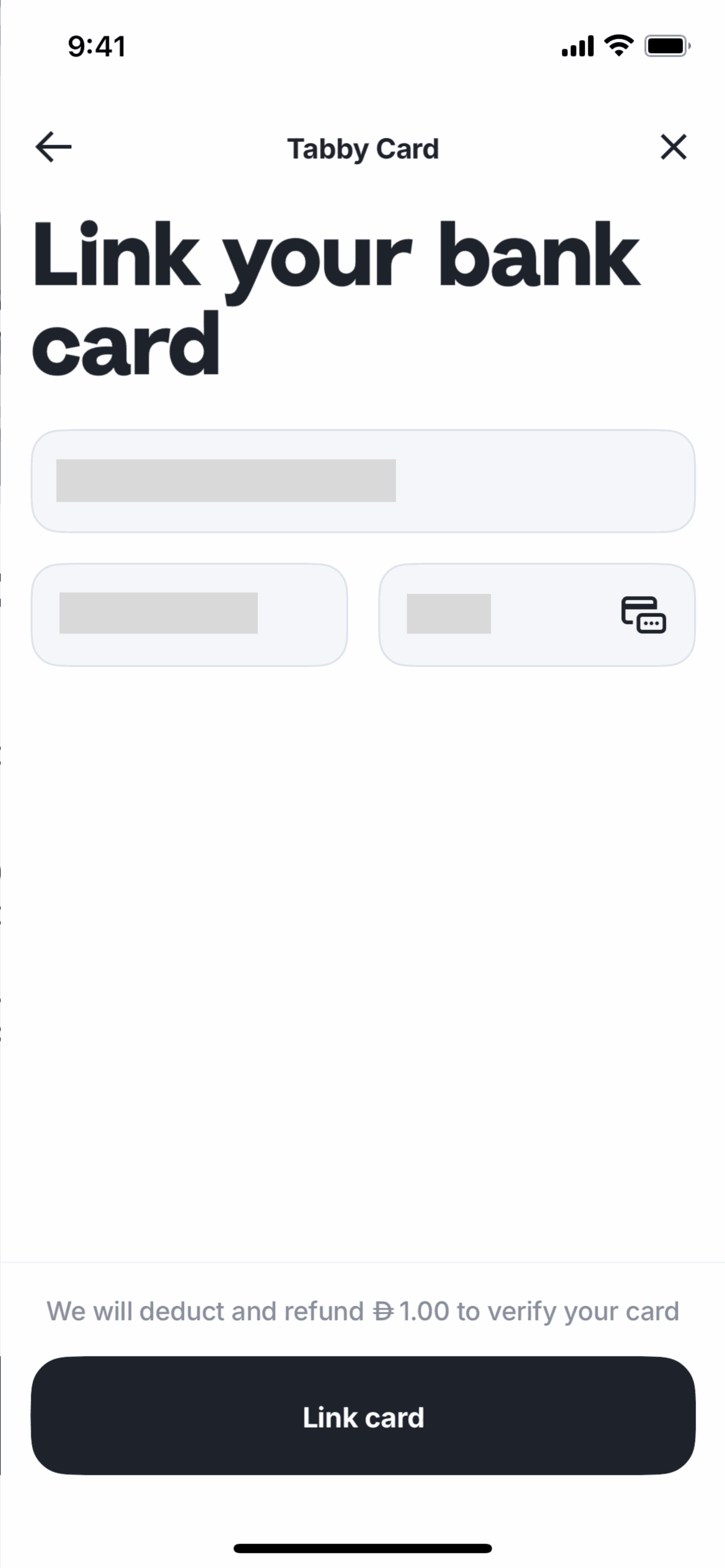
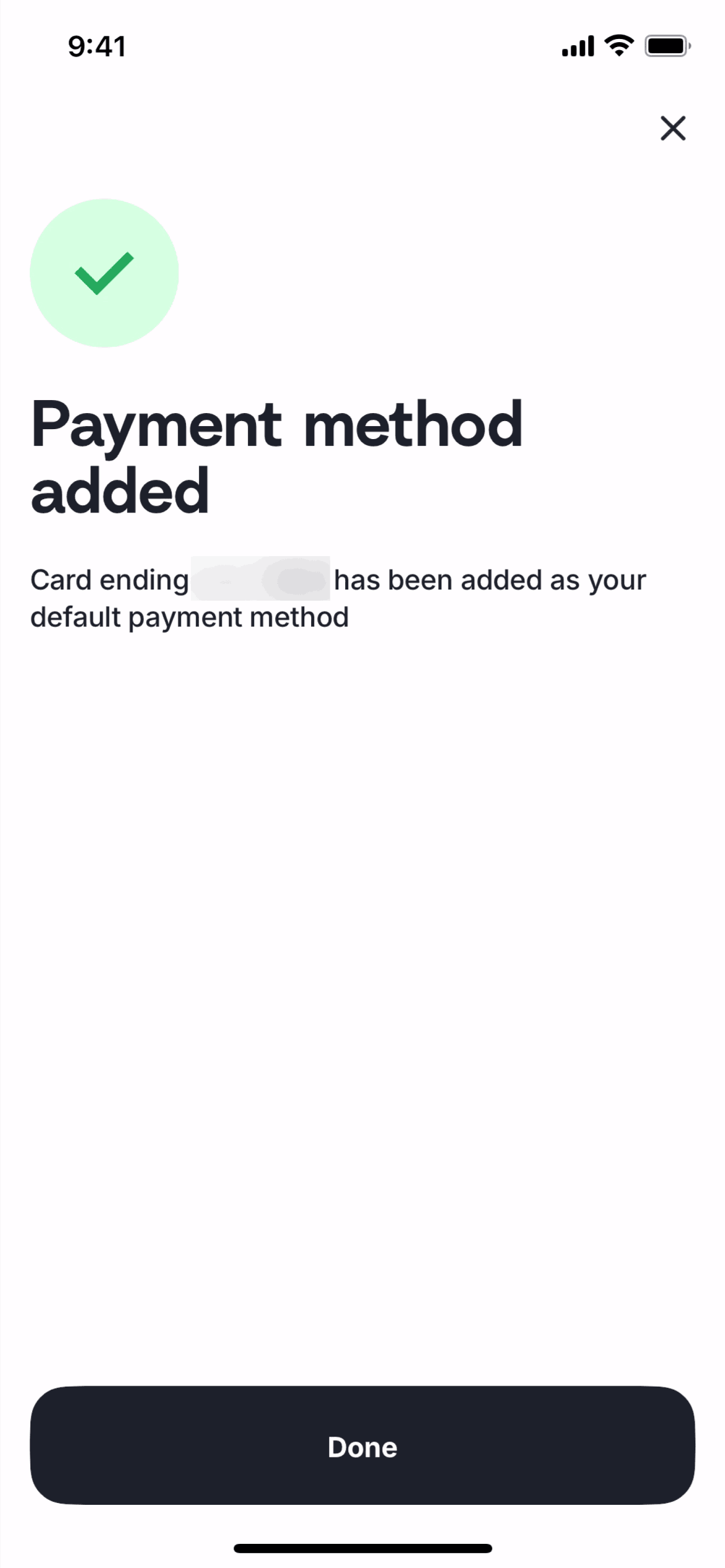
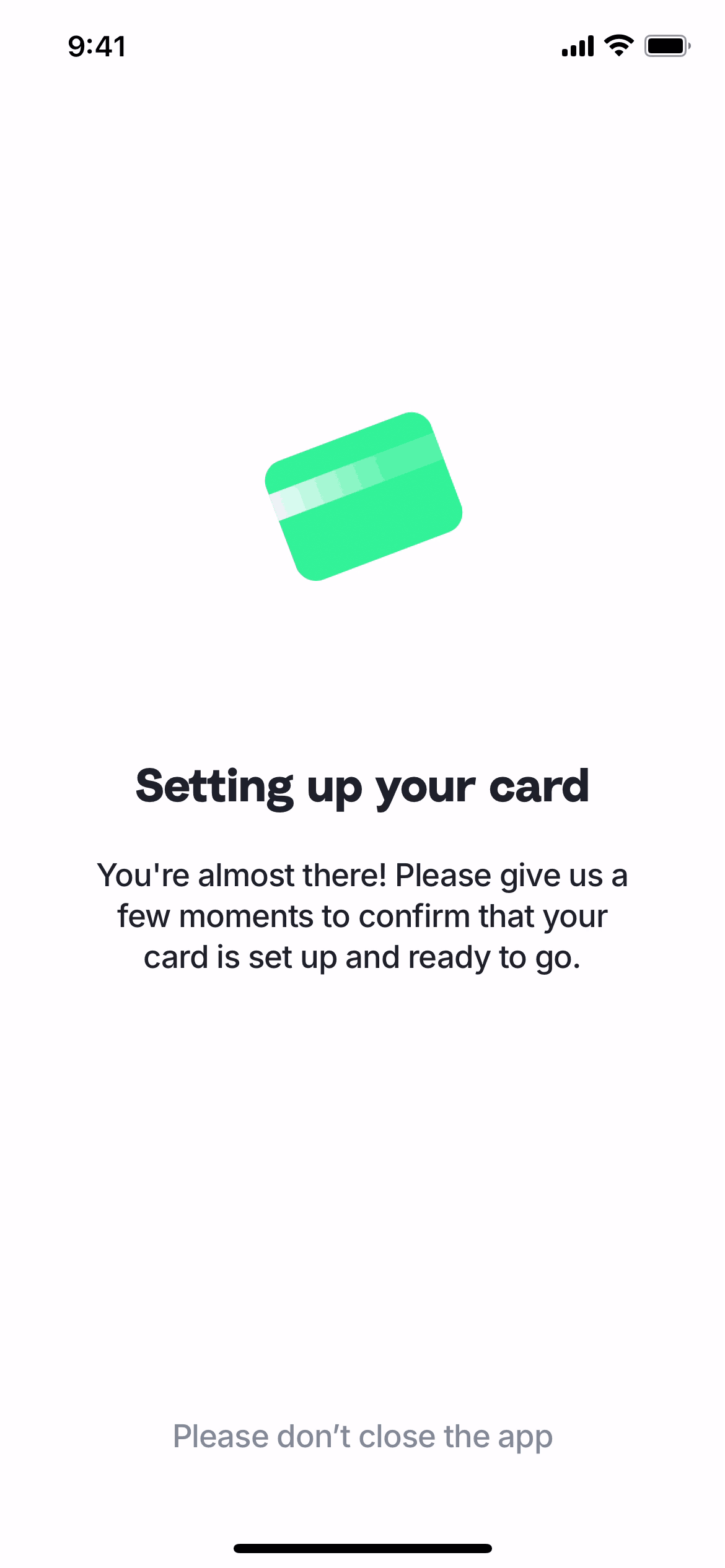
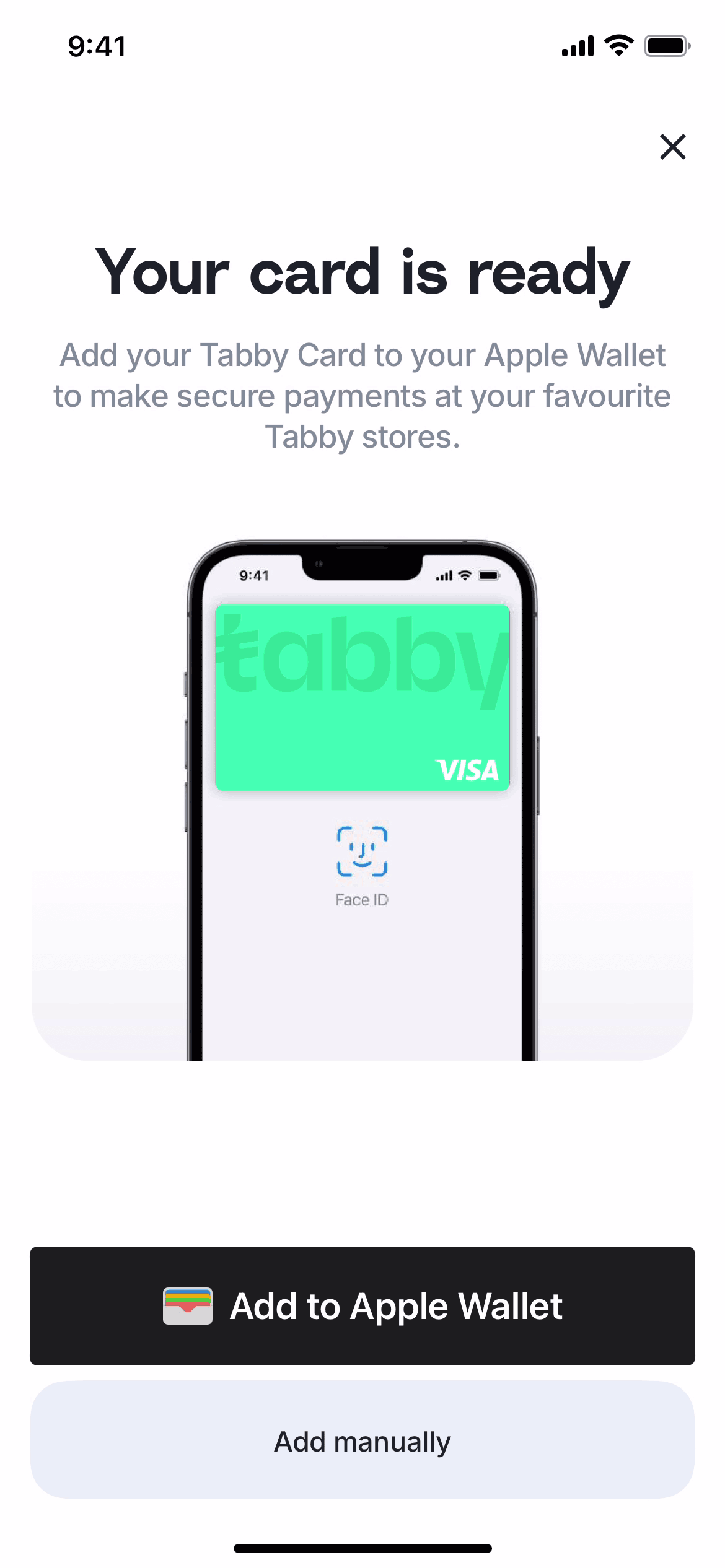
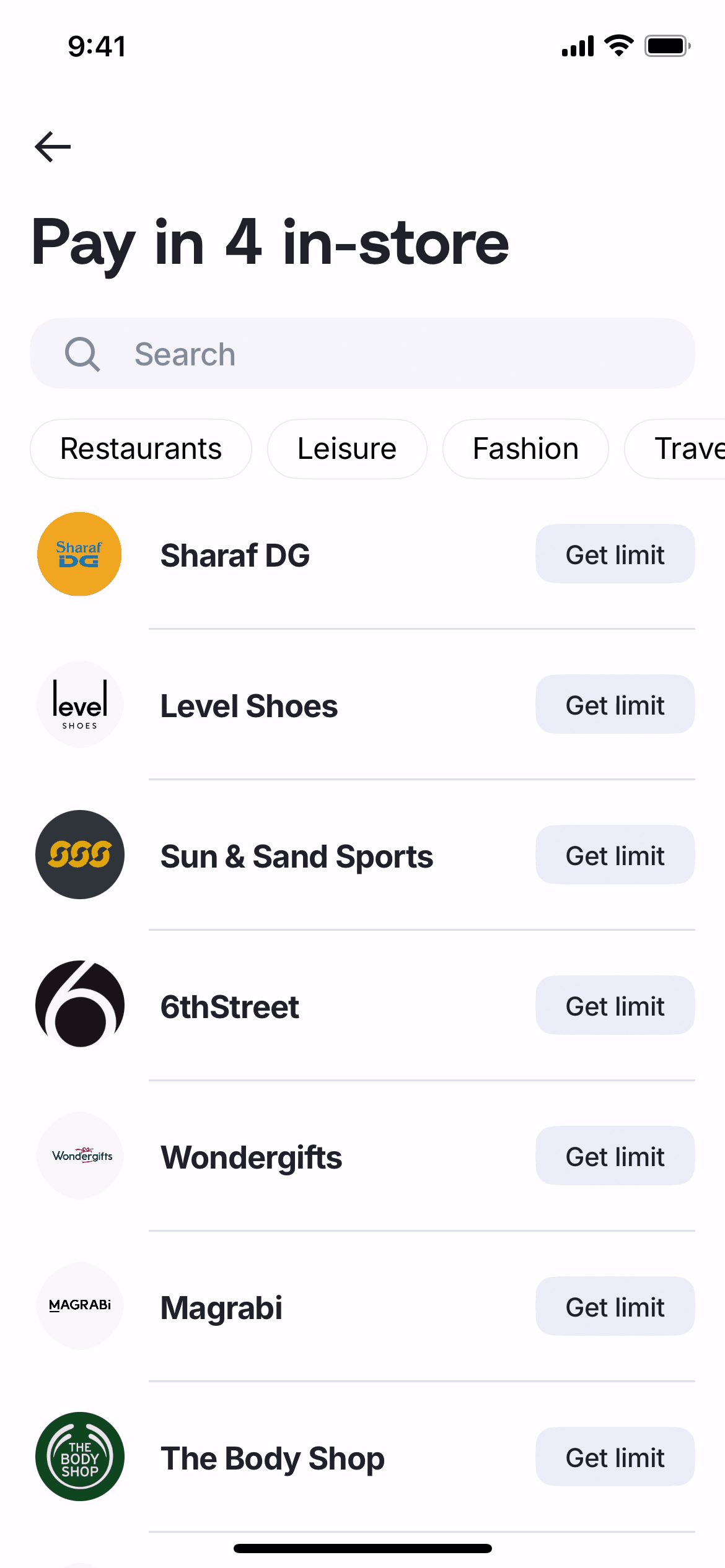
  1. Tabby Setting up an in-store card screen 1 of 18 (iOS)
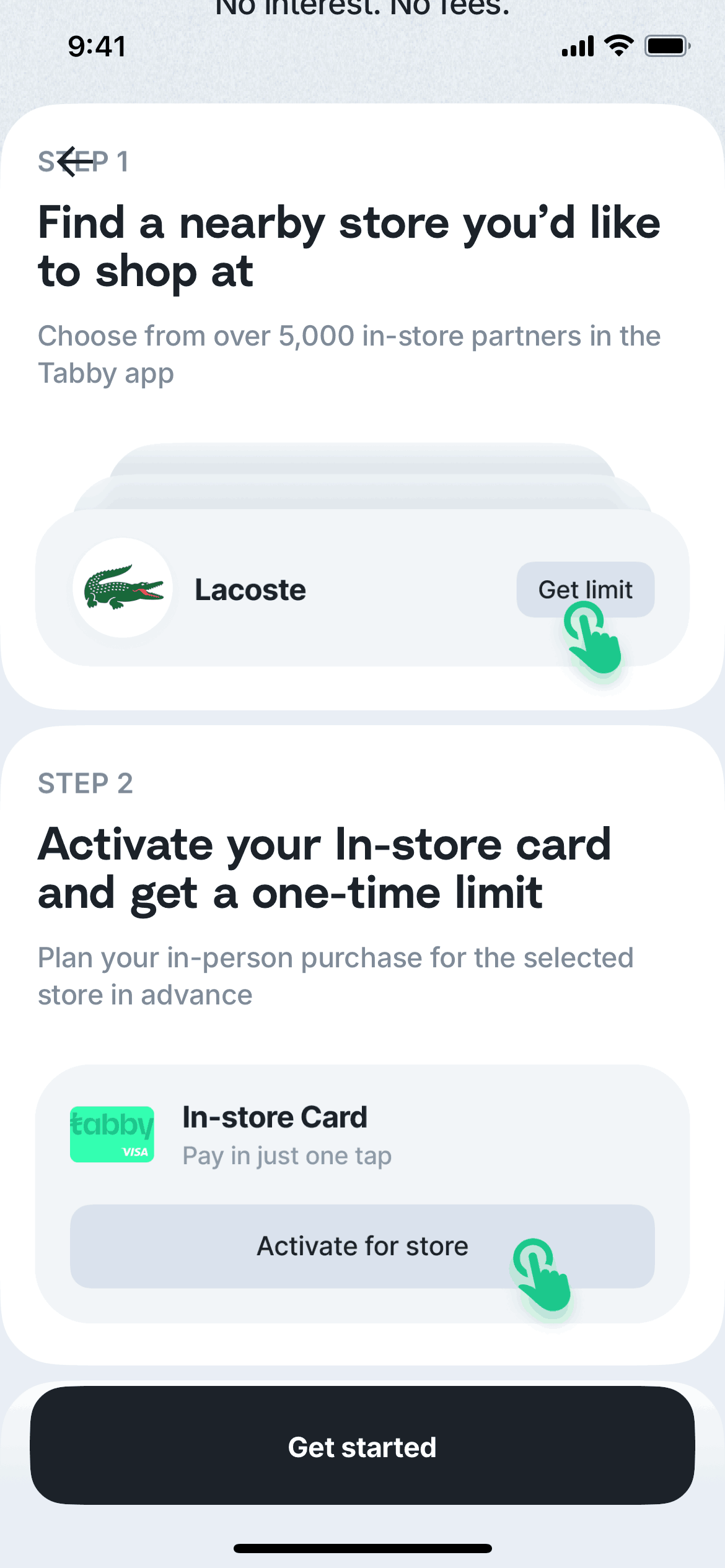
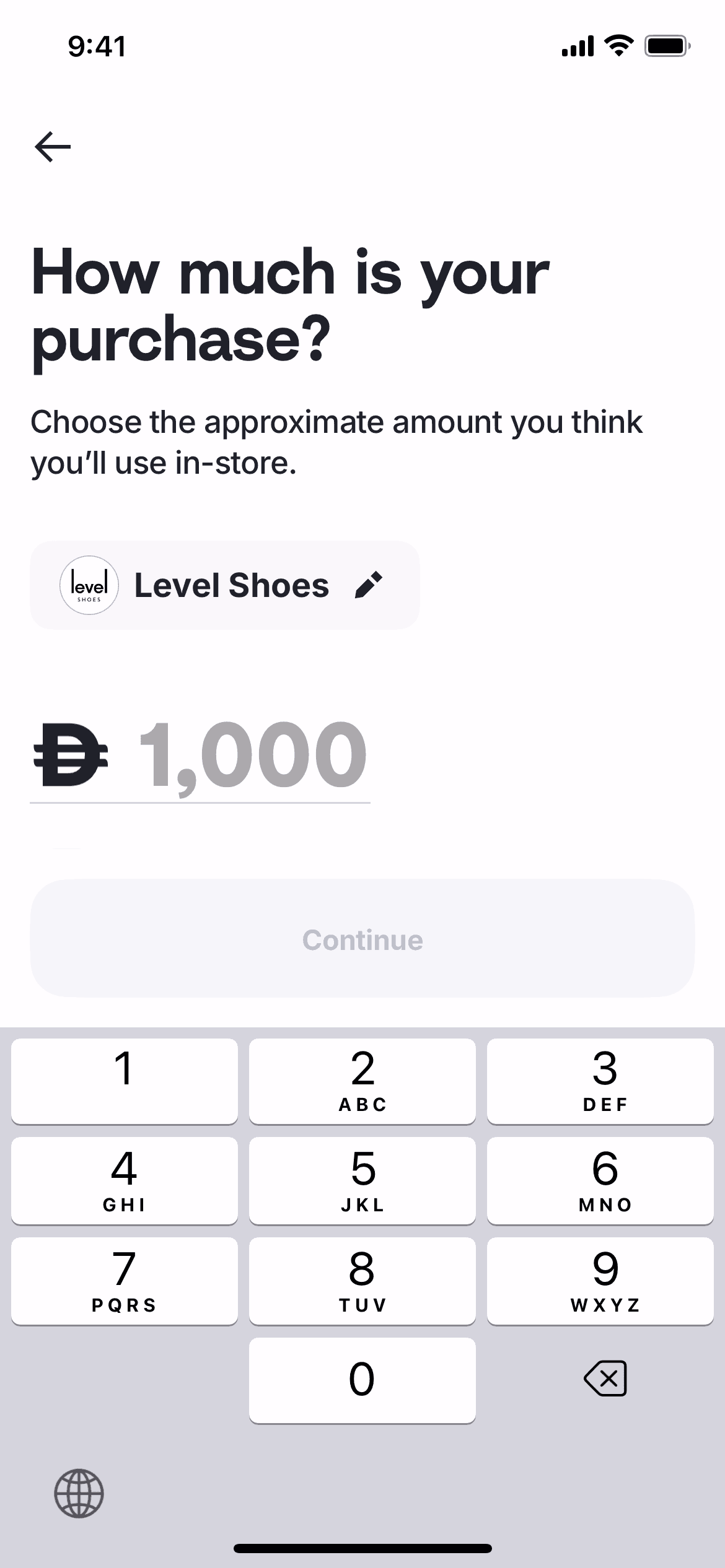
  2. Tabby Setting up an in-store card screen 2 of 18 (iOS)
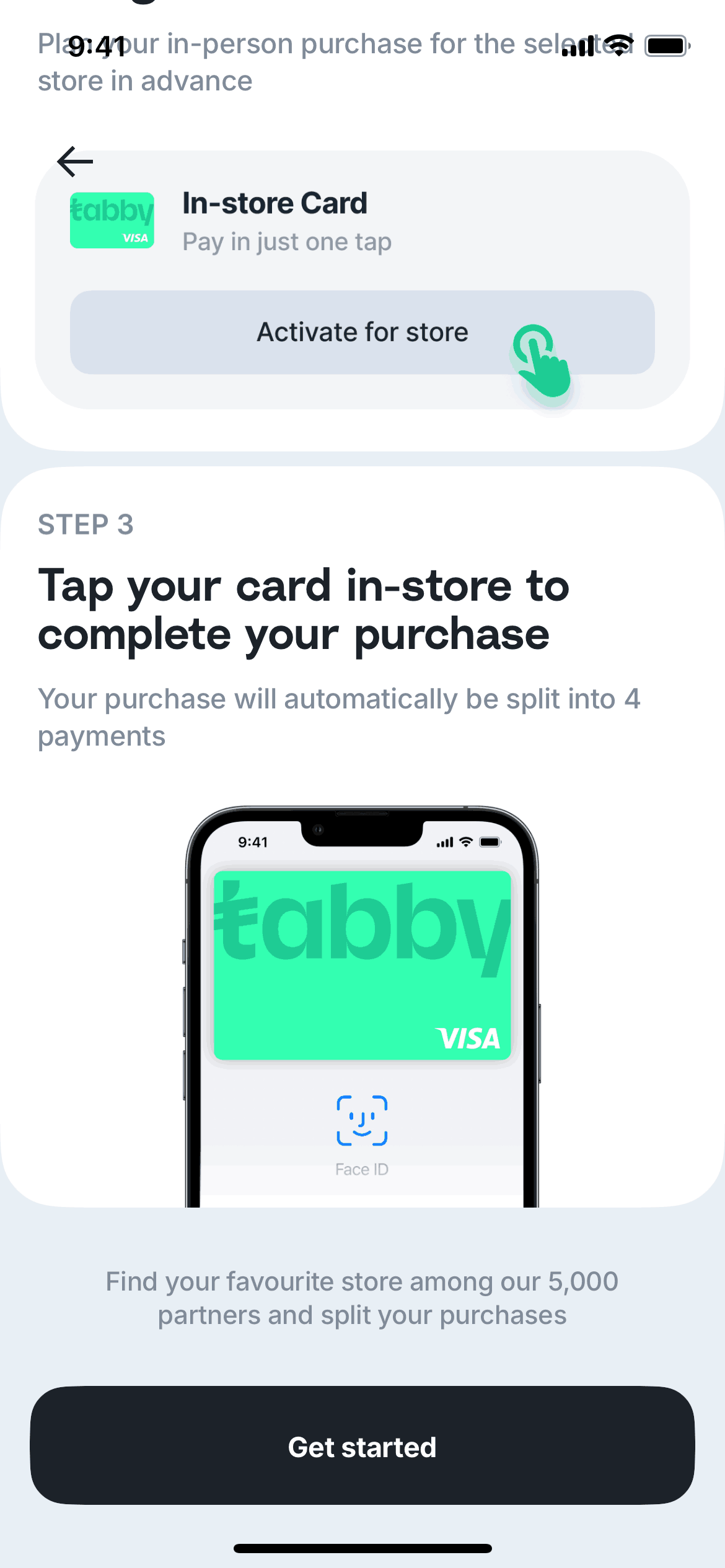
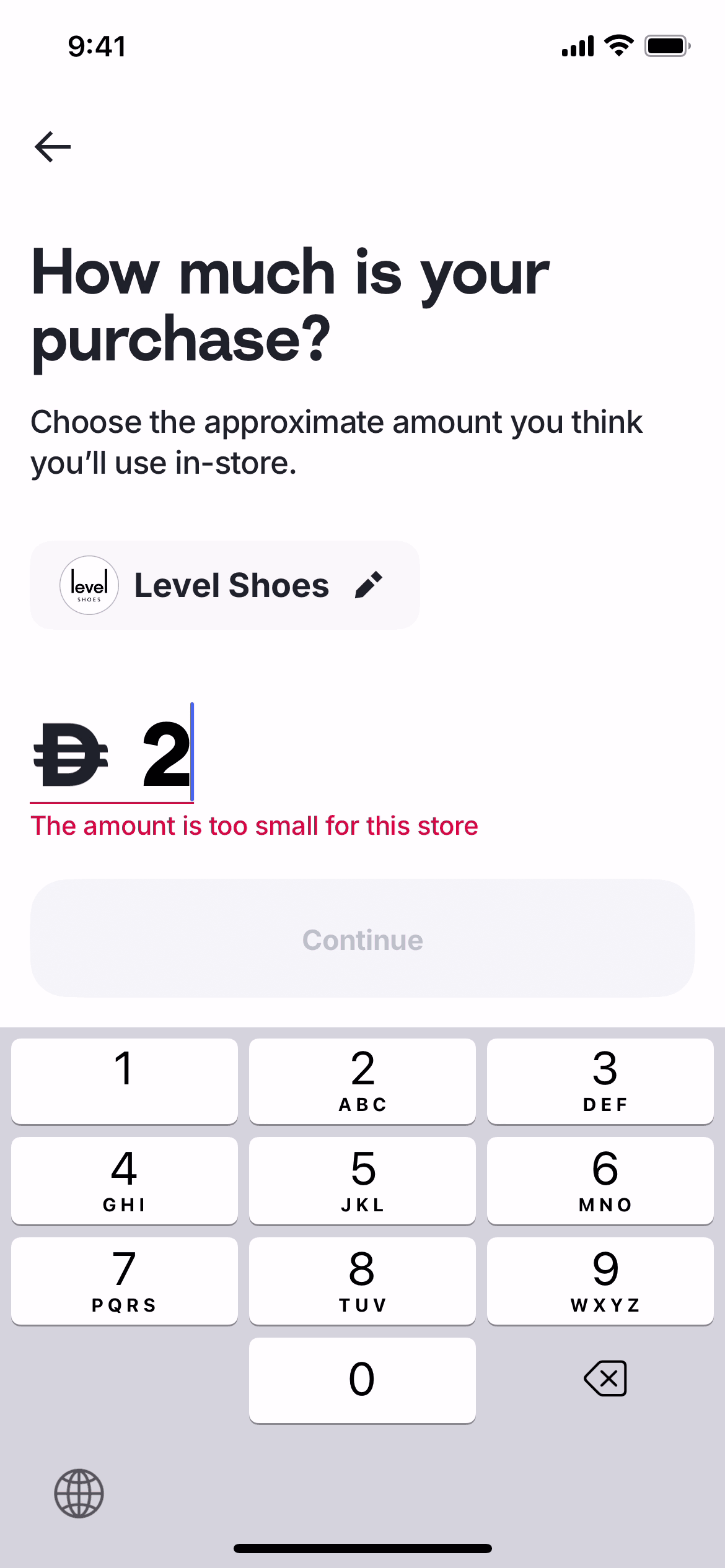
  3. Tabby Setting up an in-store card screen 3 of 18 (iOS)
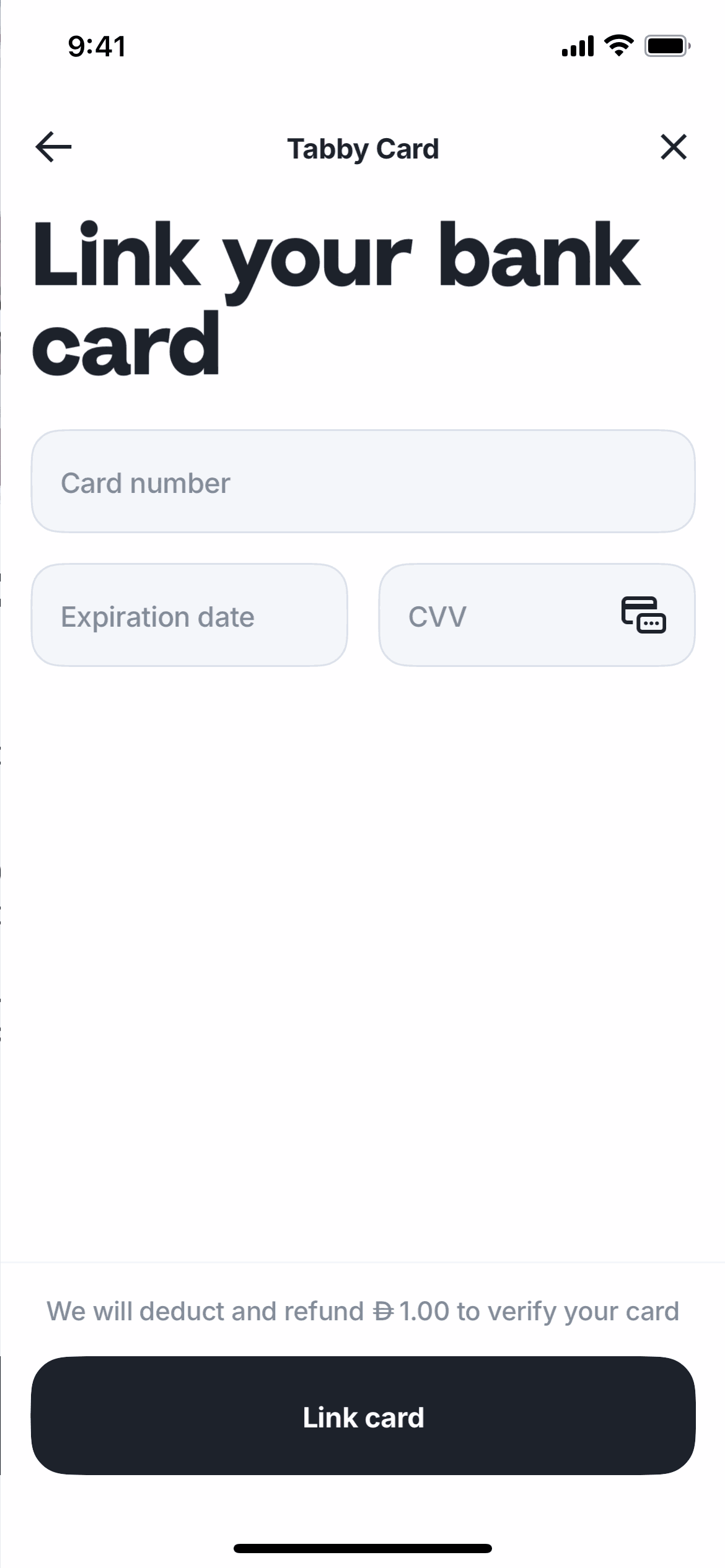
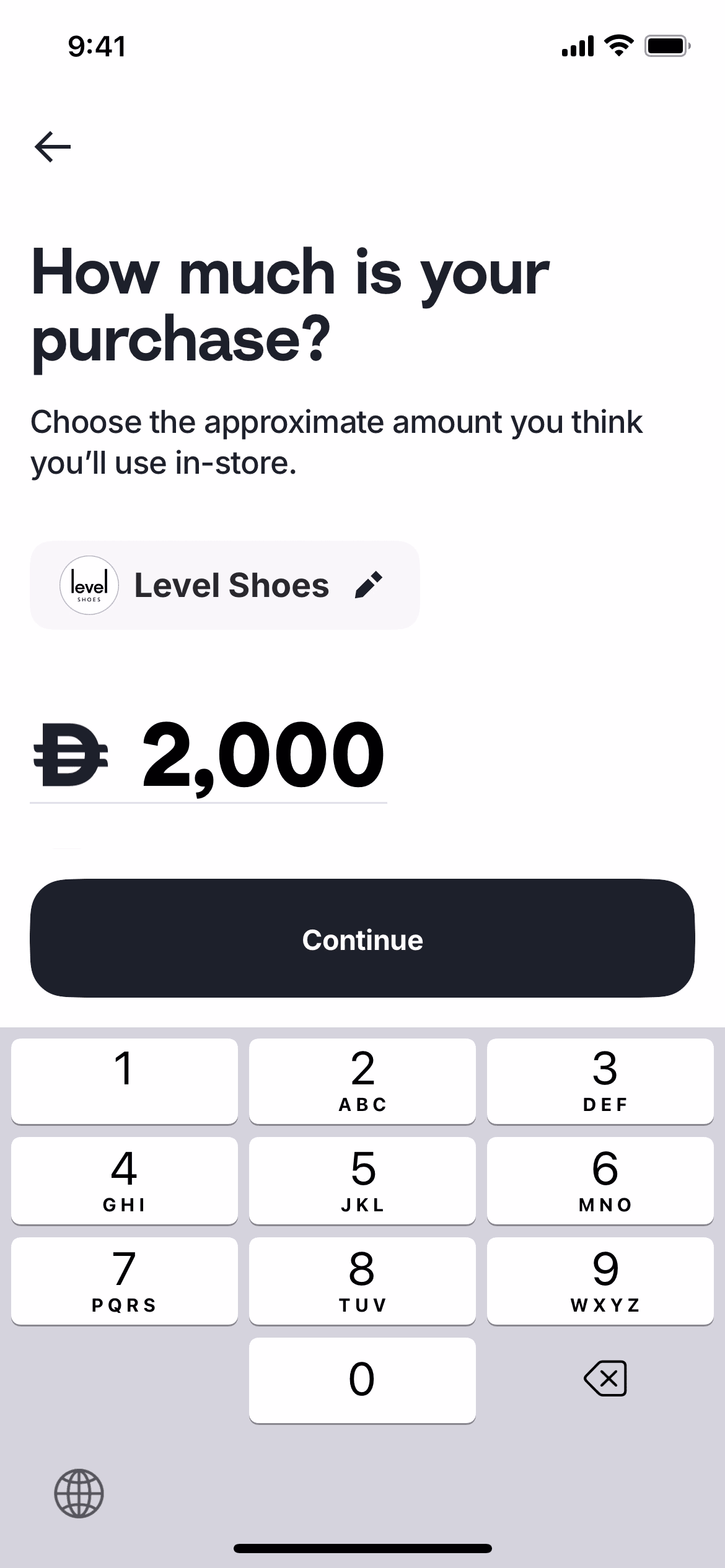
  4. Tabby Setting up an in-store card screen 4 of 18 (iOS)
  5. Tabby Setting up an in-store card screen 5 of 18 (iOS)
  6. Tabby Setting up an in-store card screen 6 of 18 (iOS)
  7. Tabby Setting up an in-store card screen 7 of 18 (iOS)
  8. Tabby Setting up an in-store card screen 8 of 18 (iOS)
  9. Tabby Setting up an in-store card screen 9 of 18 (iOS)
  10. Tabby Setting up an in-store card screen 10 of 18 (iOS)
  11. Tabby Setting up an in-store card screen 11 of 18 (iOS)
  12. Tabby Setting up an in-store card screen 12 of 18 (iOS)
  13. Tabby Setting up an in-store card screen 13 of 18 (iOS)
  14. Tabby Setting up an in-store card screen 14 of 18 (iOS)
  15. Tabby Setting up an in-store card screen 15 of 18 (iOS)
  16. Tabby Setting up an in-store card screen 16 of 18 (iOS)
  17. Tabby Setting up an in-store card screen 17 of 18 (iOS)
  18. Tabby Setting up an in-store card screen 18 of 18 (iOS)

Patterns

Guided Tour & TutorialAcknowledgement & SuccessErrorSetLoadingWallet & Balance

Components

tabcardprogress indicatordropdownbuttonsocial loginsearch bar

Explore real product flows

More UI examples

Explore the full catalog